Automatic rewind
When you fall, JumpMap takes you back to a recent safe position. You can repeat the jump while the route is still clear in your mind.
 JumpMap
macOS
JumpMap
macOS
First-person platform game for Mac
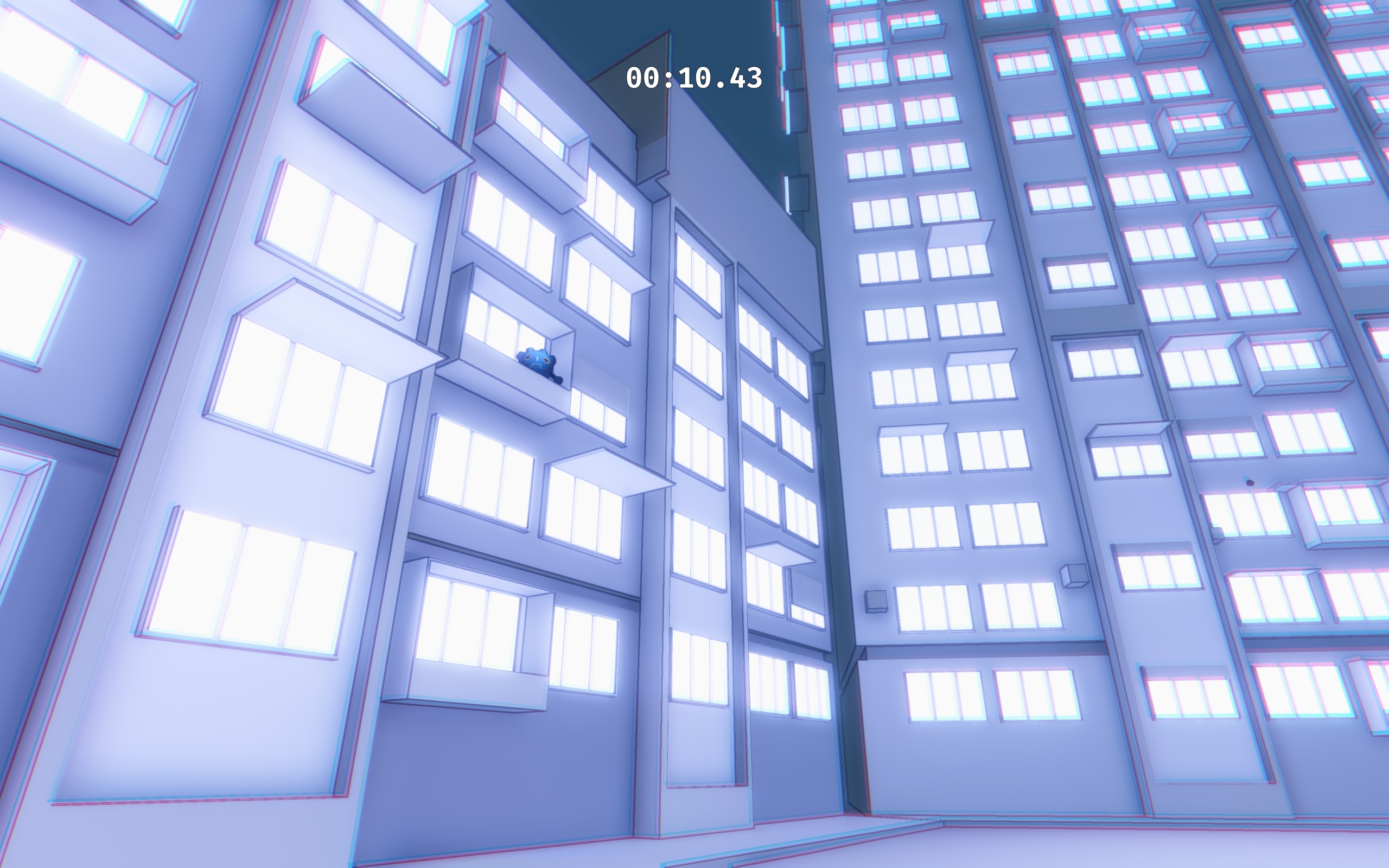
Climb 21 handmade 3D levels. A missed jump rewinds you to a recent safe position, so you can try again without restarting the level.
21Handmade levels
3Difficulty settings
0Accounts or online services
Simple goal, focused movement
Move through each level in first person, use a double jump to adjust your route, and learn the timing of each platform. There are no enemies, weapons, health pickups, or story interruptions.
When you fall, JumpMap takes you back to a recent safe position. You can repeat the jump while the route is still clear in your mind.
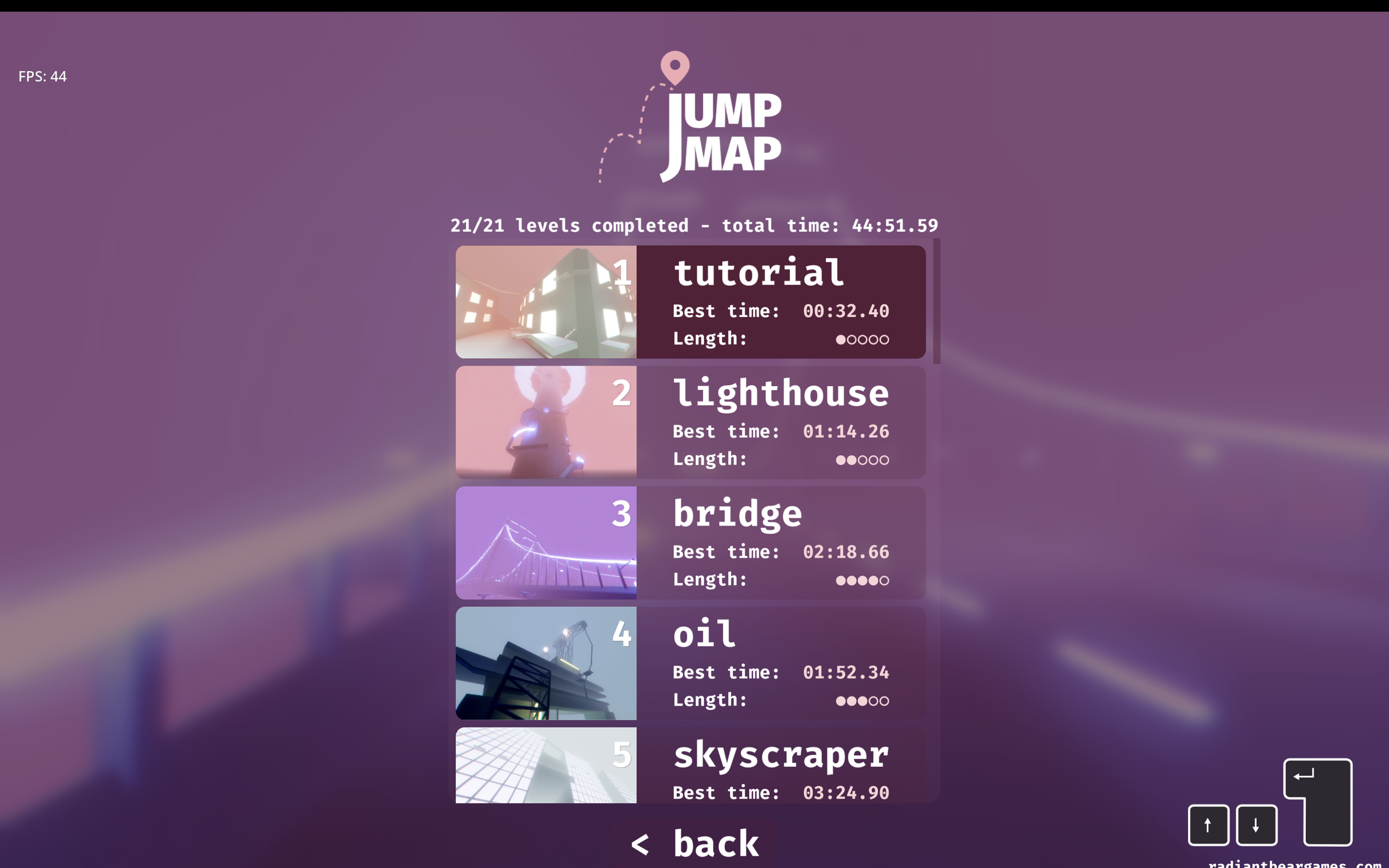
Each level keeps its best completion time on your Mac. The level list shows progress, route length, and records in one place.
Play all 21 levels in order with a running total time. Normal play remains available when you want to practice one level.
Level selection
Choose a level, check its length, and compare your latest run with your personal best. The route list includes bridges, towers, cranes, factories, castles, ships, windmills, and a space station.
Timed climbs
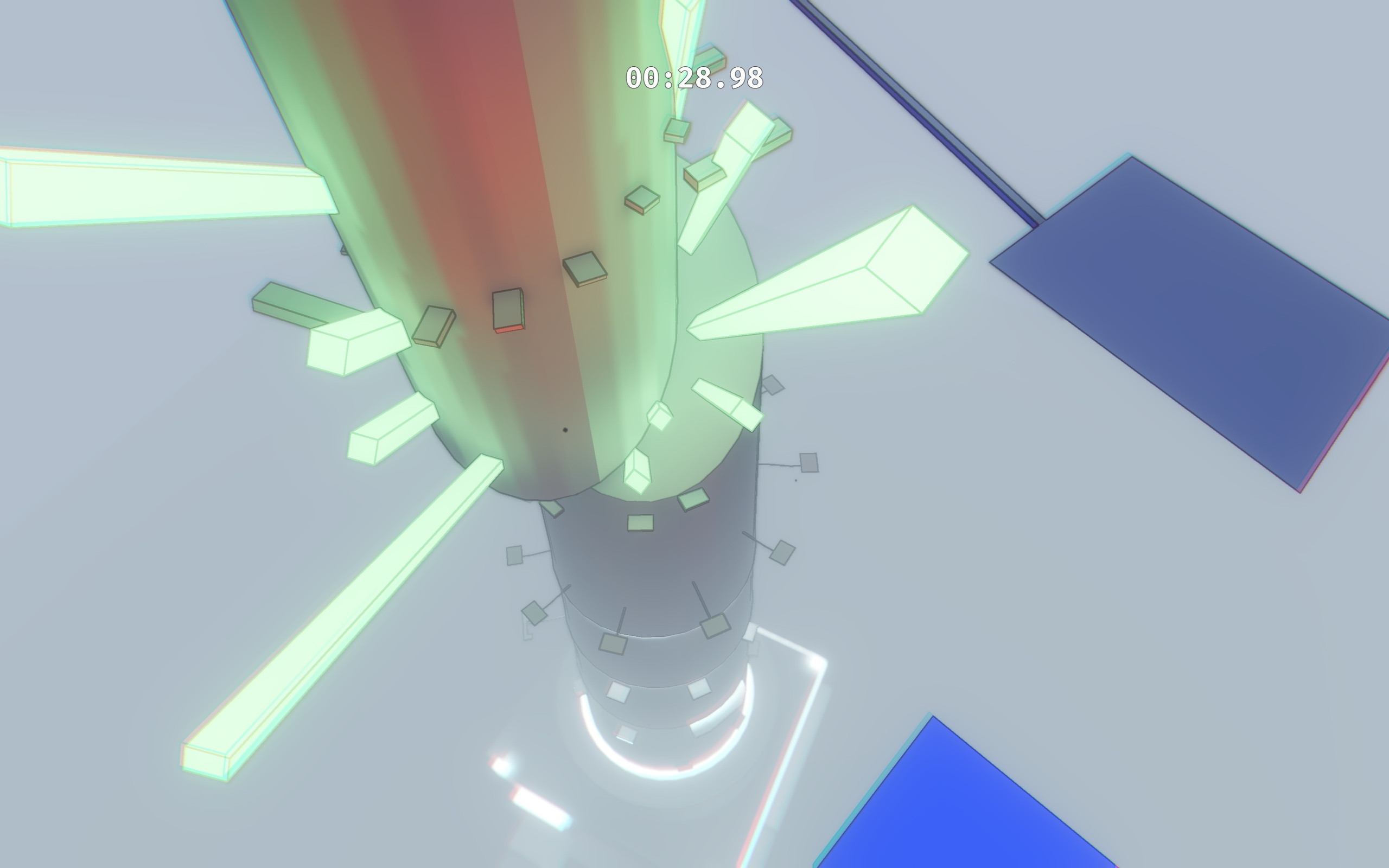
The timer and height display stay out of the way while you move. Each level uses a distinct shape, color, and route, from city roofs to cranes and towers.

Built for repeat runs
Normal, hard, and extreme difficulty settings change the cost of mistakes. Automatic rewind keeps the focus on movement and route learning.
Gameplay screenshots
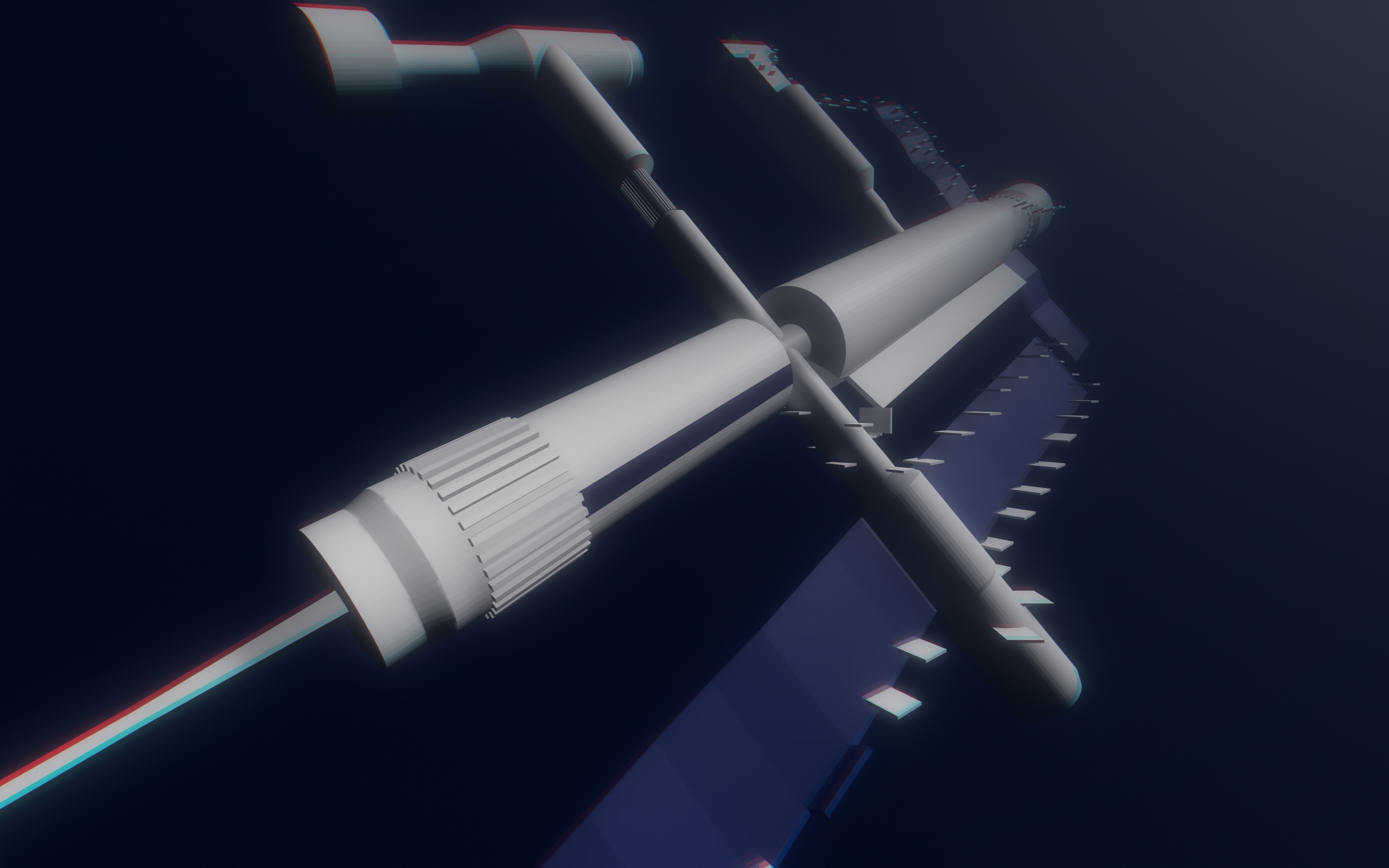
JumpMap has industrial structures, city streets, ships, cranes, towers, and large indoor routes.








JumpMap for Mac FAQ
JumpMap is an offline first-person 3D platform game for Mac. The goal is to reach the top of each handmade level by moving, jumping, and double-jumping between platforms.
The game automatically rewinds you to a recent safe position. You do not need to restart the full level after every missed jump.
No. The Mac App Store edition works offline and has no account system. Progress, settings, and best times are saved locally on the Mac.
Yes. You can play with keyboard and mouse or a compatible game controller. A controller is optional.
The universal build supports Intel Macs with macOS 10.15 or later and Apple silicon Macs with macOS 11 or later.
Mac App Store
The App Store page is not available yet.