Radiant Canvas is an AI image generator and editor for Apple silicon Macs, with local models, reference image editing, and a node-based Studio.
Press kit
Radiant Canvas
Facts, text, screenshots, icons, and sample generations for articles, reviews, videos, and app listings.

At a glance
Facts
- Developer
- Arnold Sallay
Radiant Bear Games - Platform
- Apple silicon Mac
- Requires
- macOS 26.2 or later
- Current version
- 1.22
- Categories
- Graphics & Design
Photo & Video - Price
- Free core
Optional PRO - Account
- Not required
- Generation and editing
- Run on the Mac
Ready to use
Press text
You may copy, shorten, or edit this text. A plain text version is included in the download.
Radiant Canvas generates and edits images on Apple silicon Macs without cloud processing. It offers eleven model downloads across six families, including Qwen Image Edit 2511 and FLUX.2 Klein for reference image editing. Simple editing, model comparison, basic Studio workflows, and a local Gallery are included free. PRO adds advanced Studio nodes, more image formats, and custom adapters.
Generate images from a prompt, edit an image with Qwen or FLUX.2 Klein, or connect steps in Studio. Model files download separately. Once installed, generation and editing work offline on the Mac.
Radiant Canvas is an AI image generator and editor for Apple silicon Macs. Generation, reference image editing, and Studio workflows run on the Mac. Prompts and images are not sent to a cloud generation service. The app has no account, generation credits, ads, analytics, tracking, or developer telemetry.
The app offers eleven downloads across six model families: Krea 2 Turbo, Z-Image Turbo, FLUX.2 Klein 4B, ERNIE-Image Turbo, Microsoft Lens Turbo, and Qwen Image Edit 2511. Several families have standard and higher-precision options. Higher precision needs more storage and memory and may be slower. Users can install more than one model and compare results from the same prompt.
In Simple, users can edit one reference image with FLUX.2 Klein or up to three with Qwen Image Edit. Studio lets users connect prompts, models, images, and tools in a reusable workflow. The free app includes all model downloads, square generation, Simple reference editing, model comparison, basic Studio text-to-image workflows, a generation queue, and a local Gallery. PRO adds more aspect ratios, manual controls, Fast mode, PNG export, up to ten custom LoRA or LoKr adapters, and advanced Studio nodes for editing, masks, batches, and export. Model files are downloaded separately; the app works offline after installation.
Original files
Screenshots
Seven transparent App Store screenshots at 2880 × 1800 pixels. Select an image to download the original PNG.


PNG files
App icons
The app icon in four sizes. Keep the icon square and do not add text over it.

Generated in the app
Sample generations
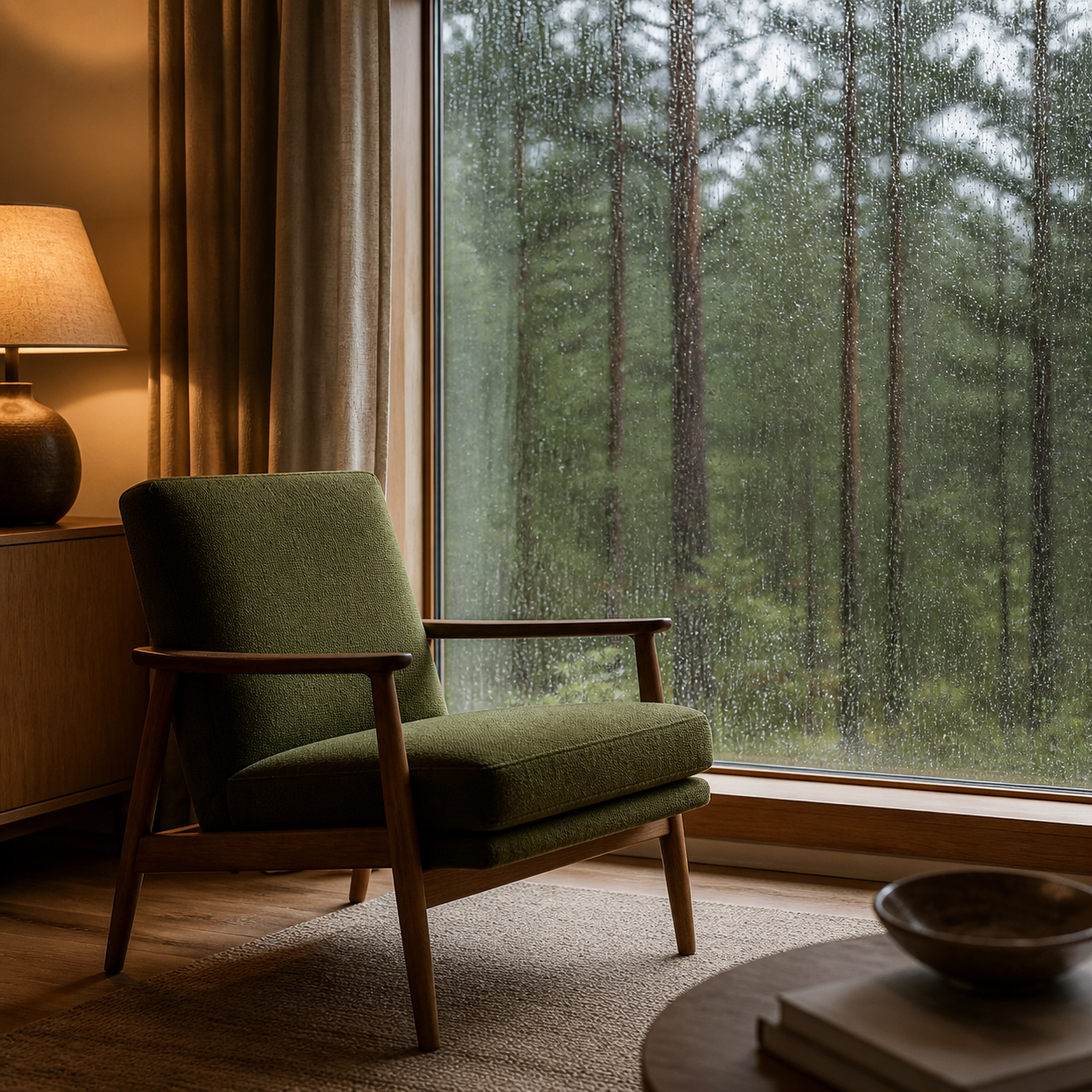
Five square PNG images at 1254 × 1254 pixels. These are sample outputs, not stock photos.






Contact and pages