Who is NovelStage for?
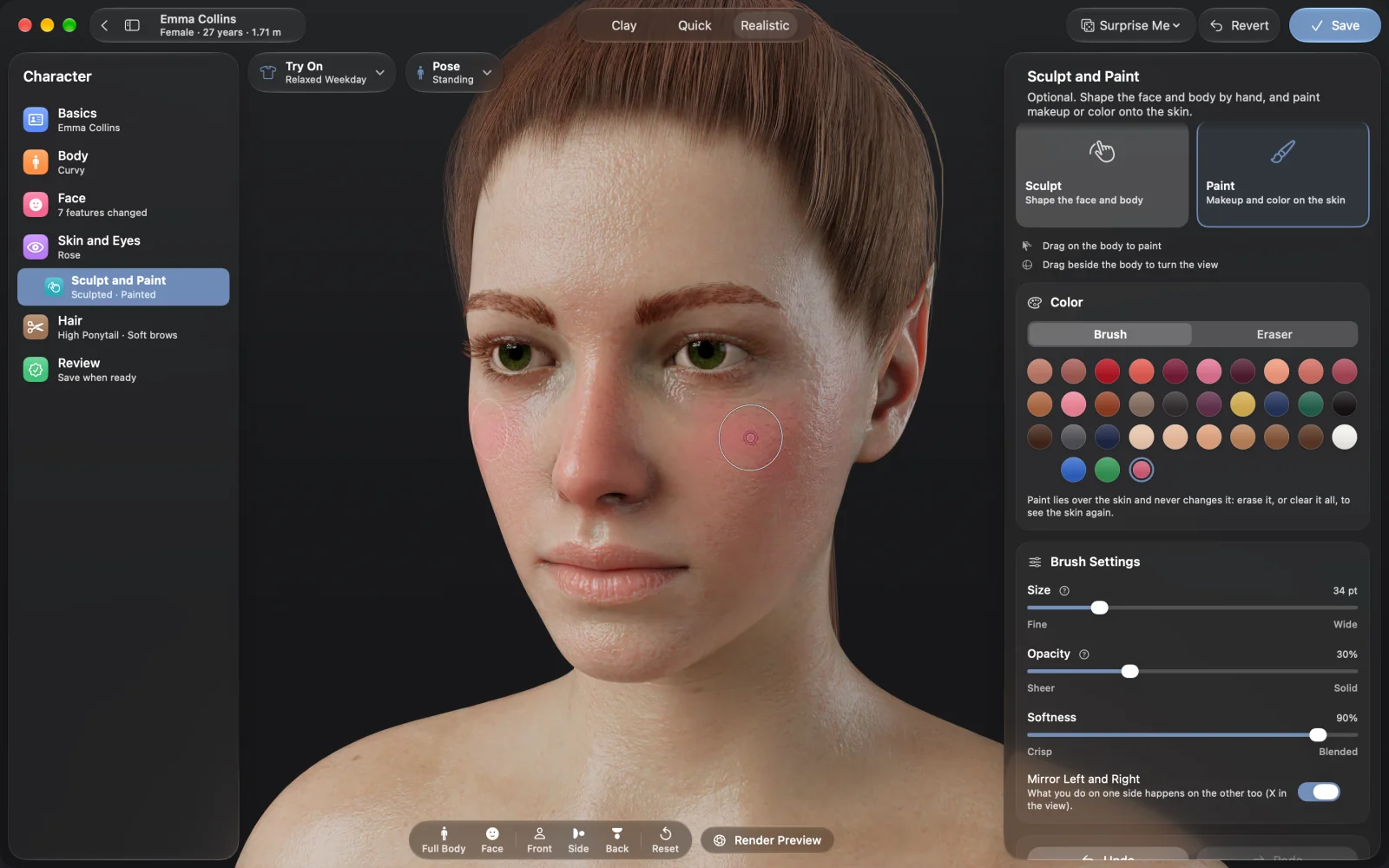
Anyone who needs many pictures of the same characters: visual novel creators, writers, comic makers and illustrators. You do not need to know 3D. Some artists also use it as a reference for poses and light.
Does it make anime or drawn characters?
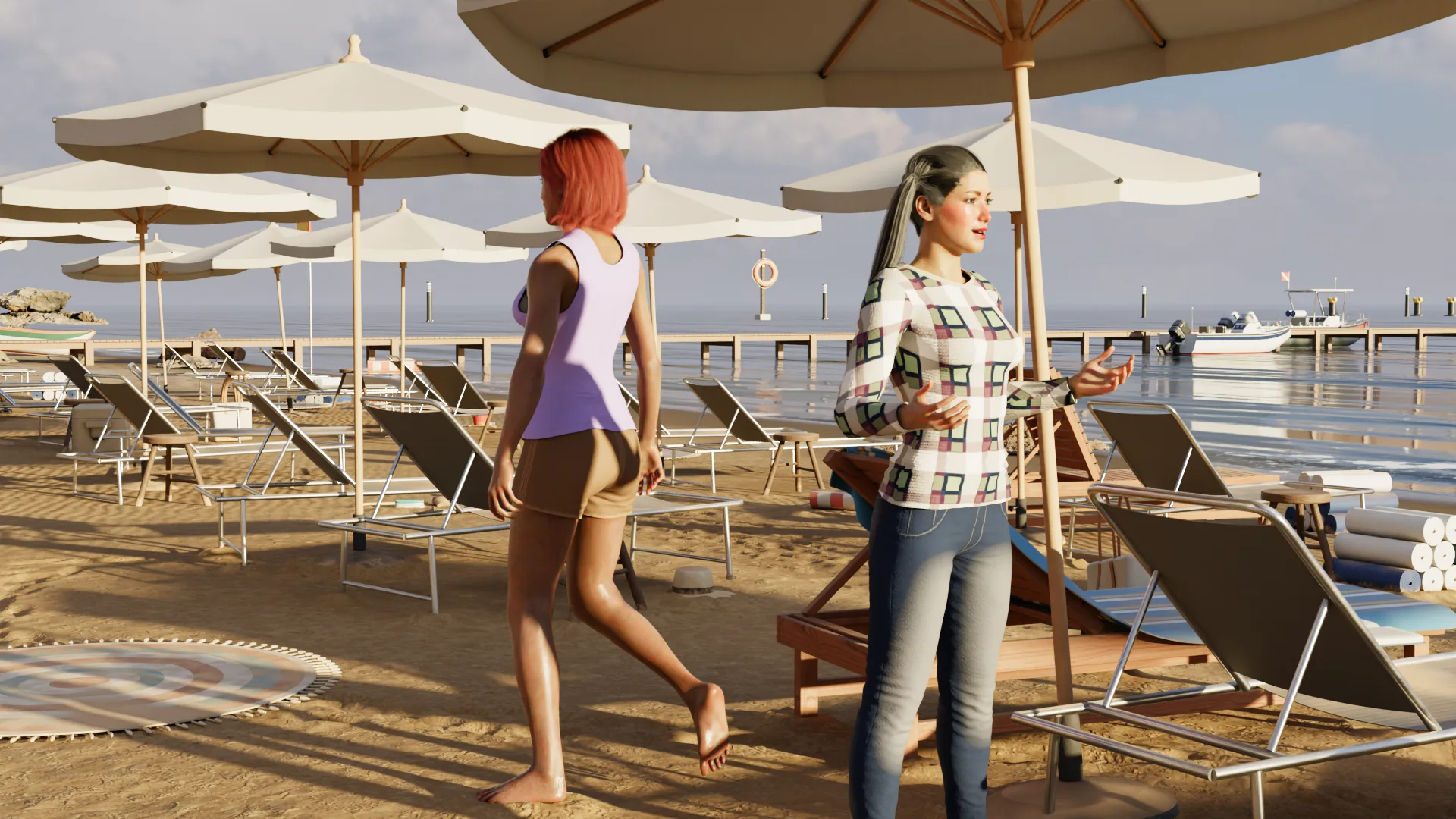
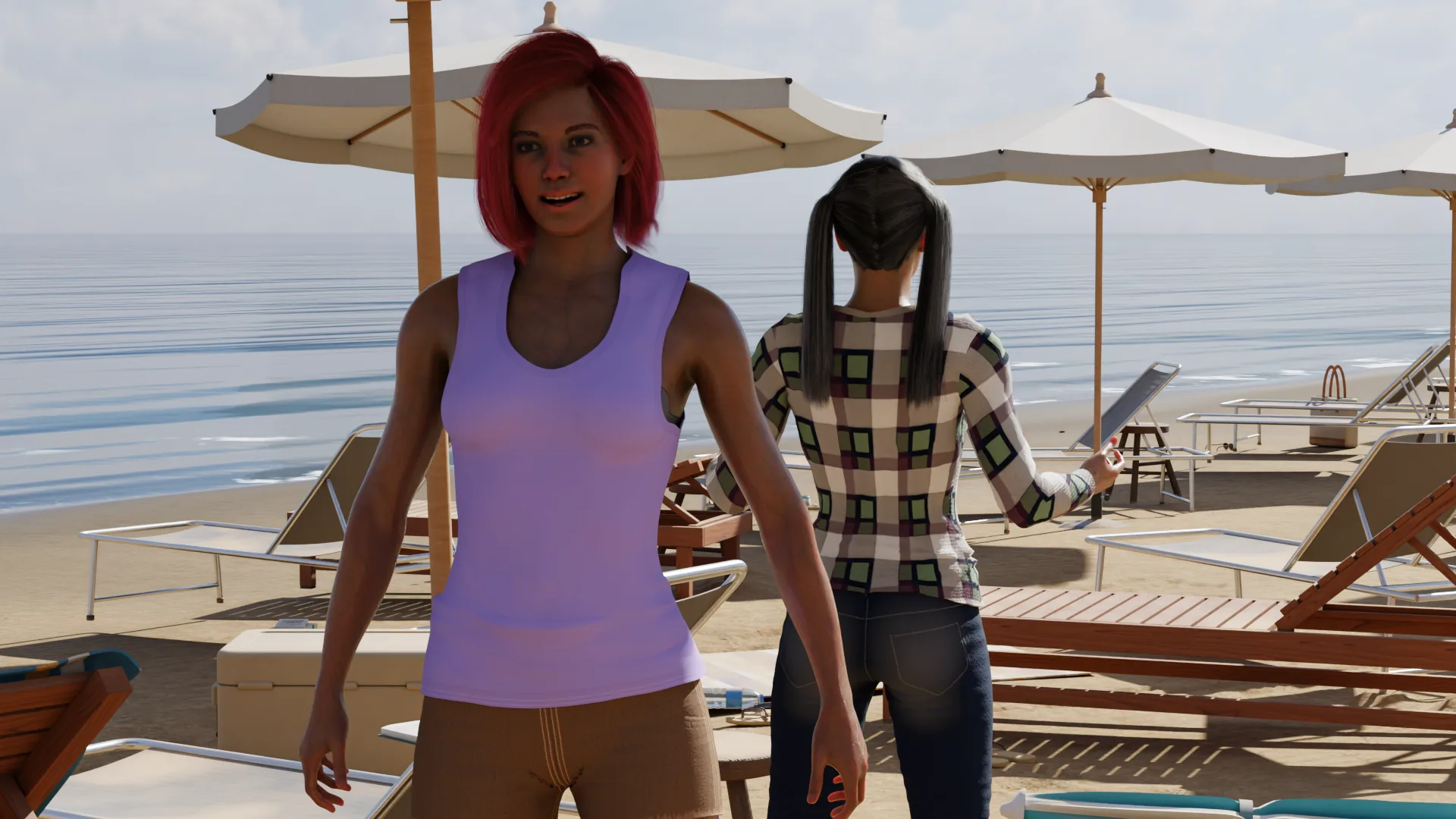
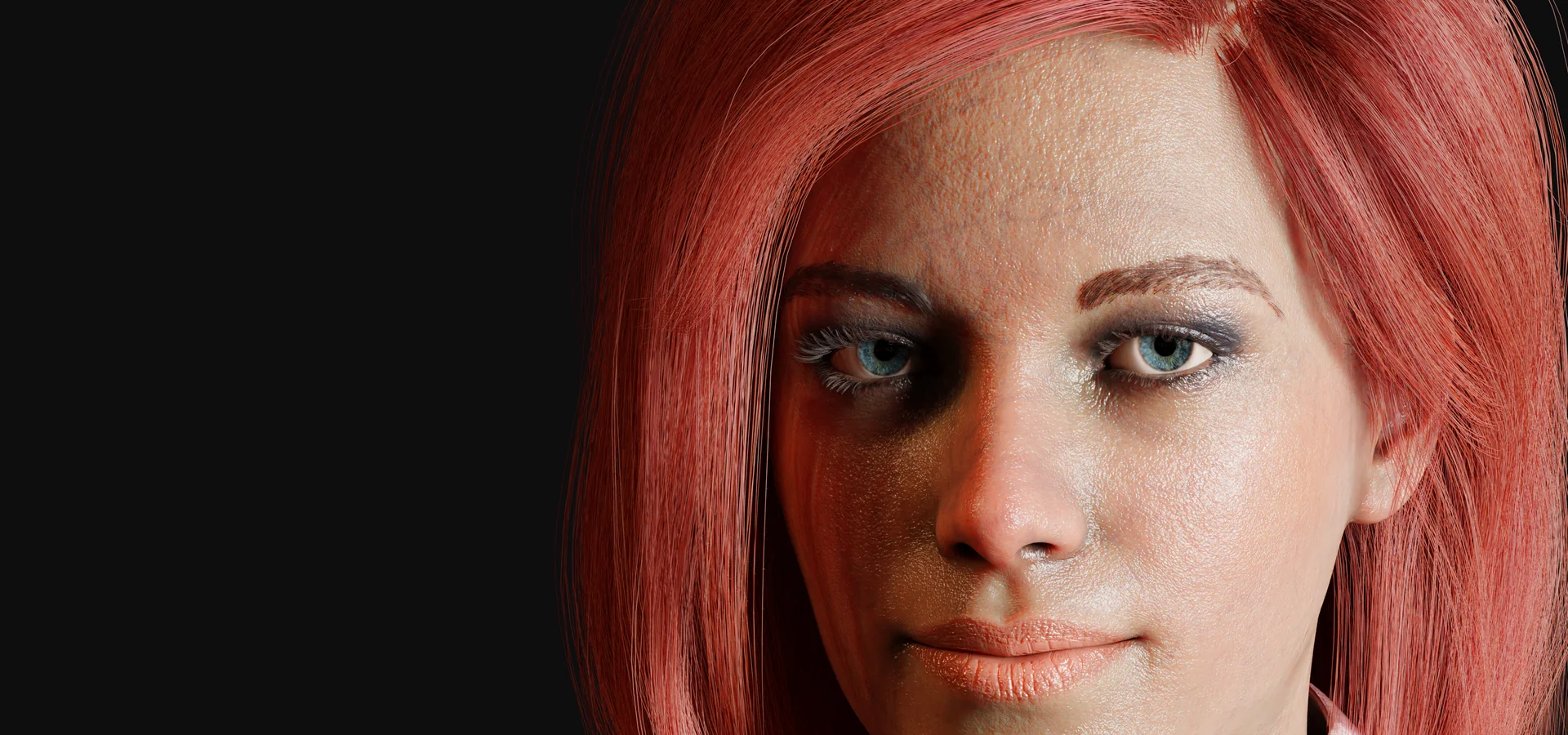
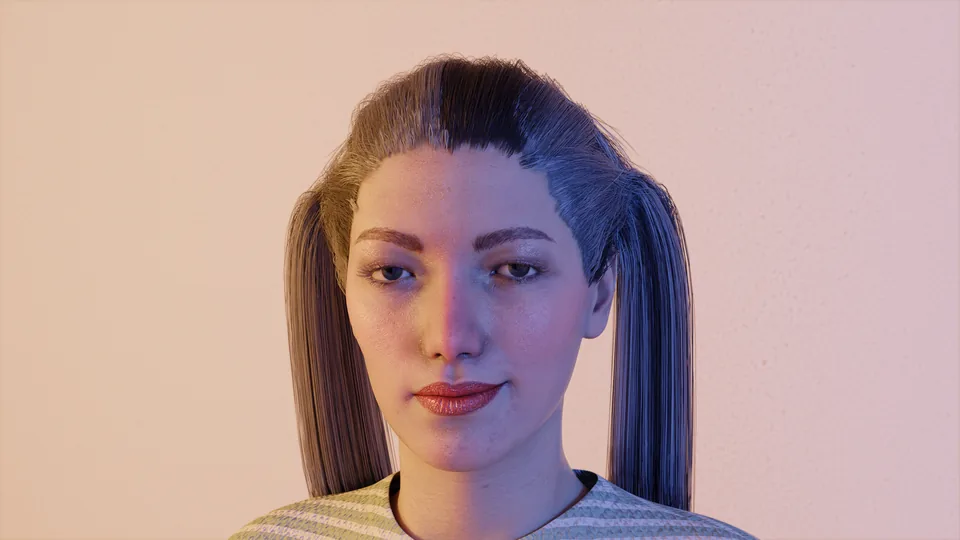
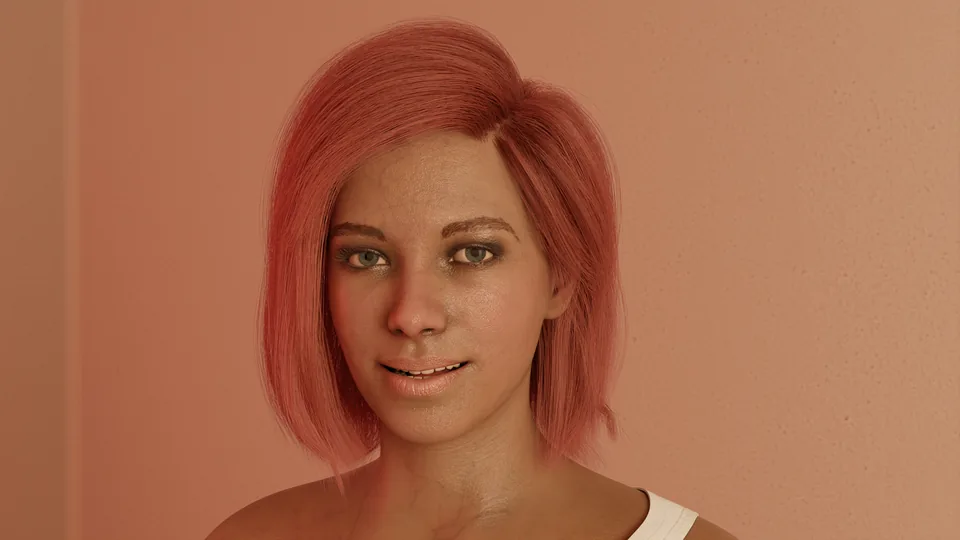
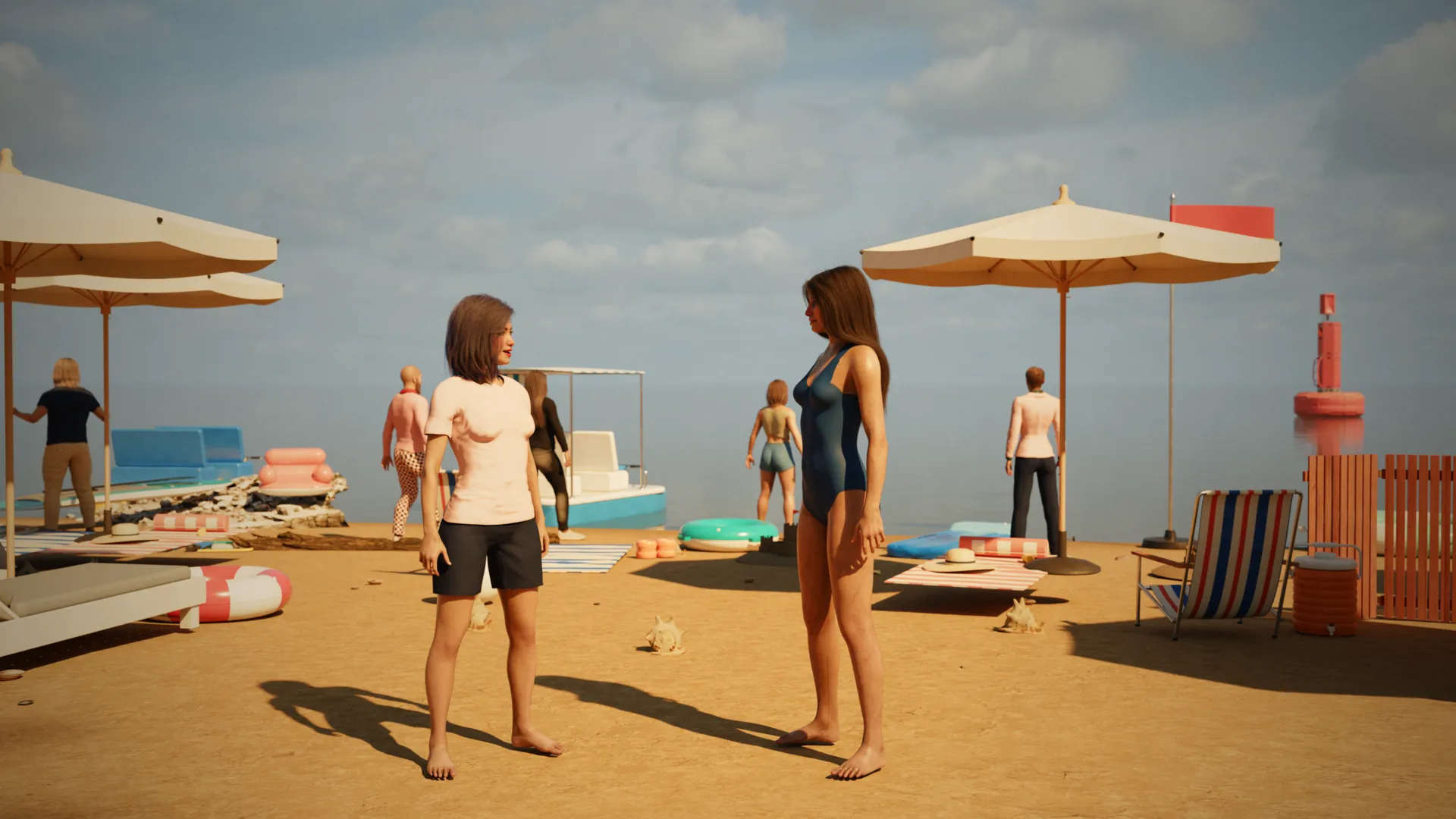
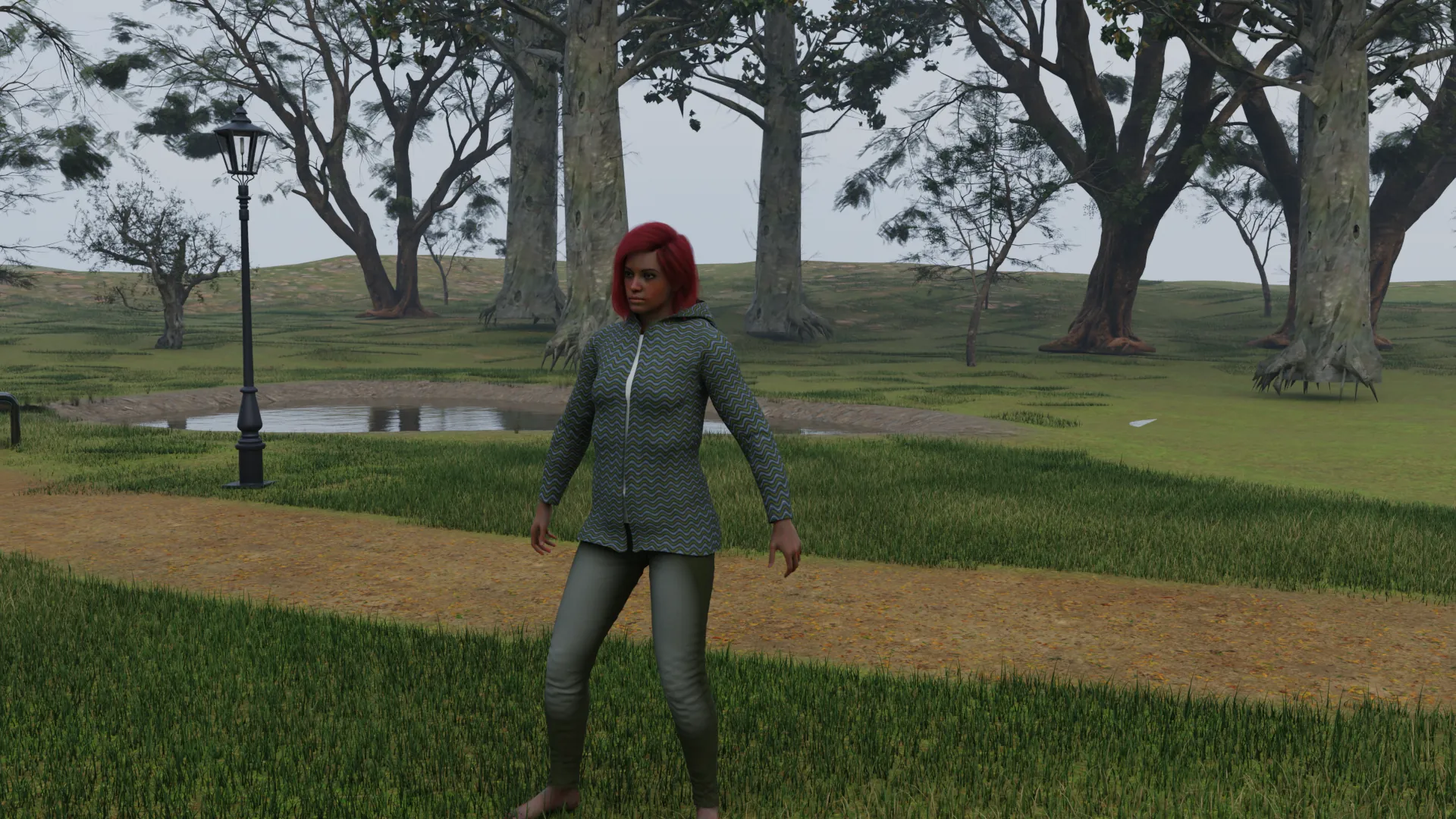
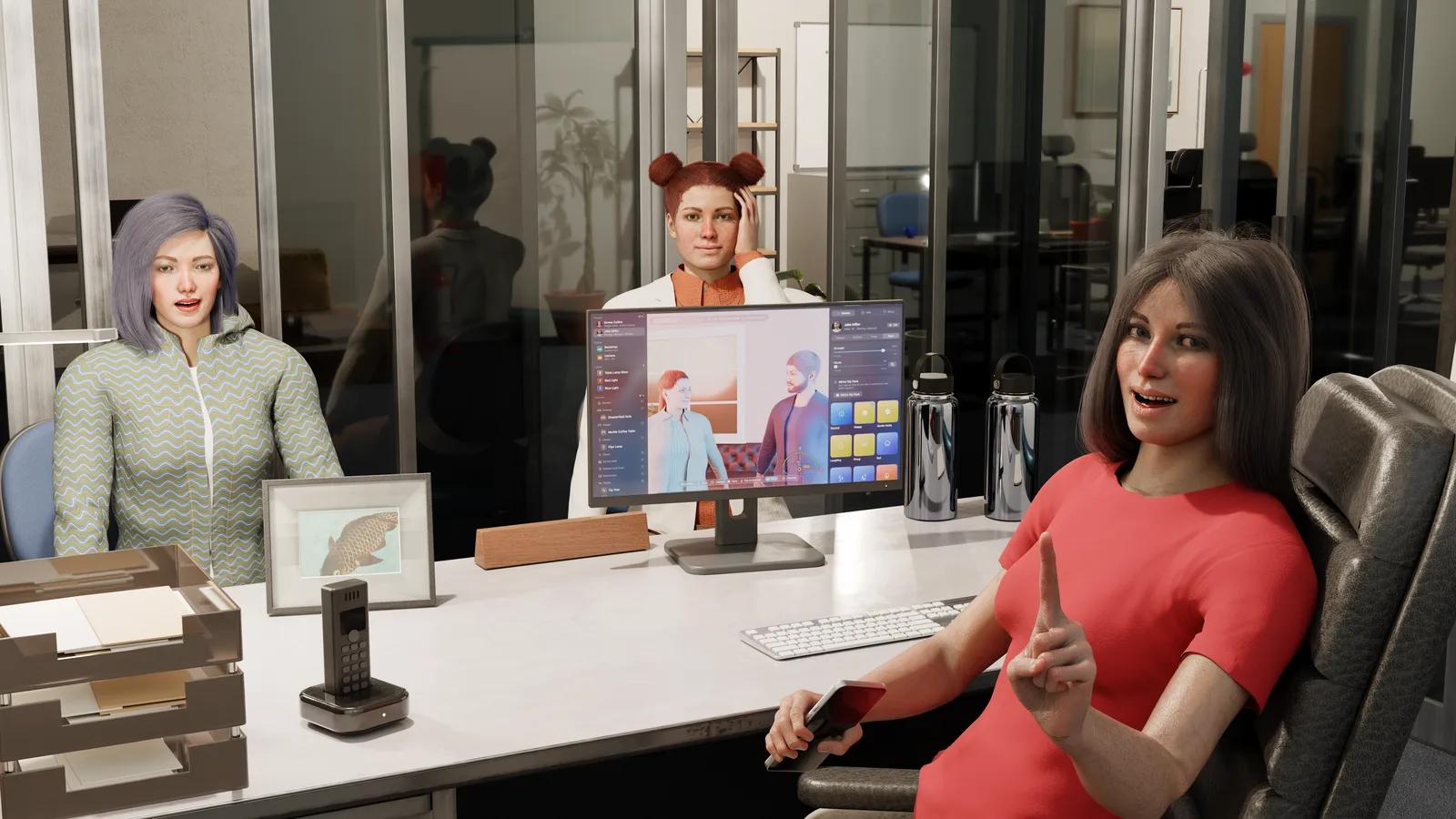
No. NovelStage makes realistic people and renders them like photographs. If your story is drawn in an anime or cartoon style, this is not the right tool for it.
How is it different from an AI image generator?
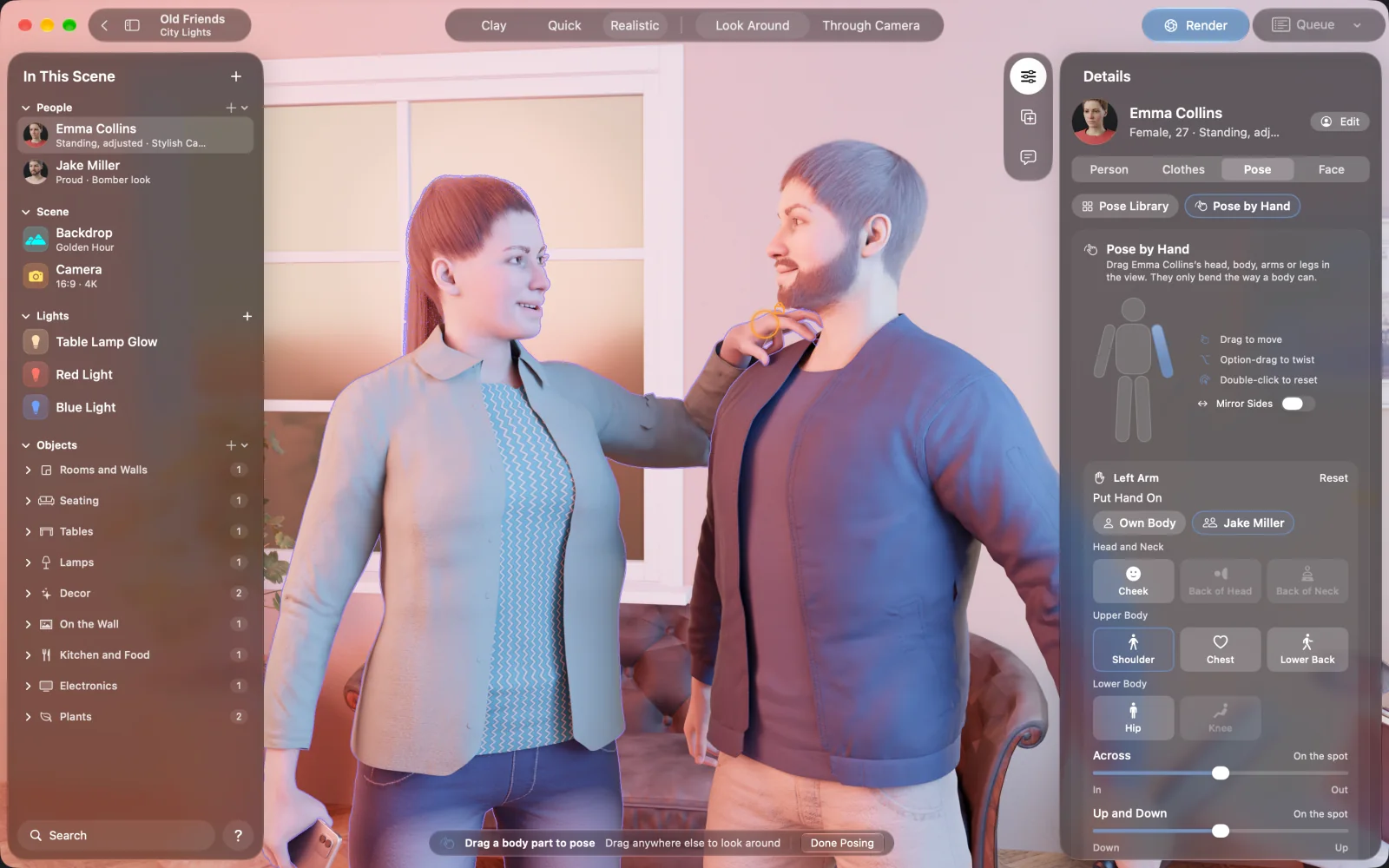
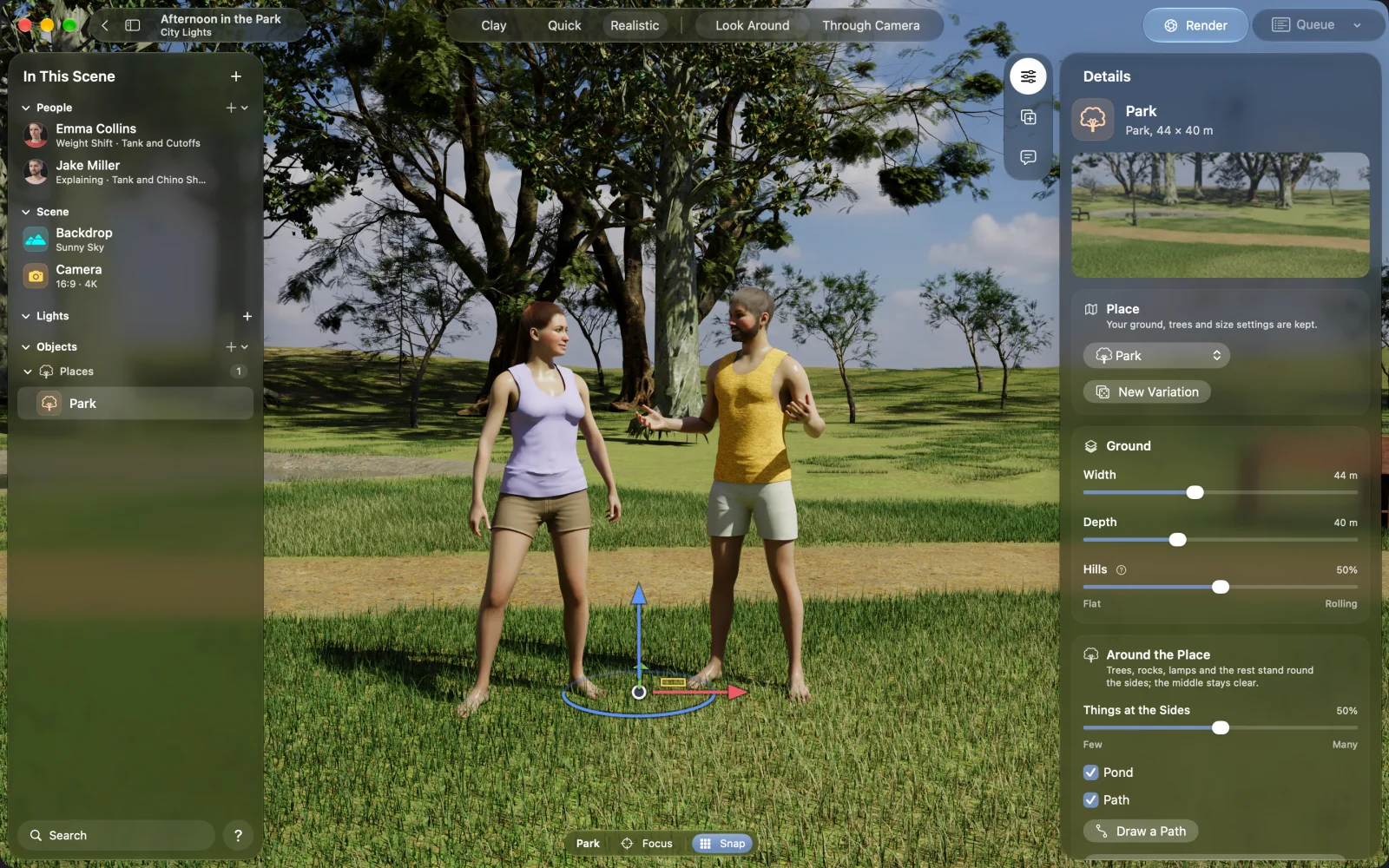
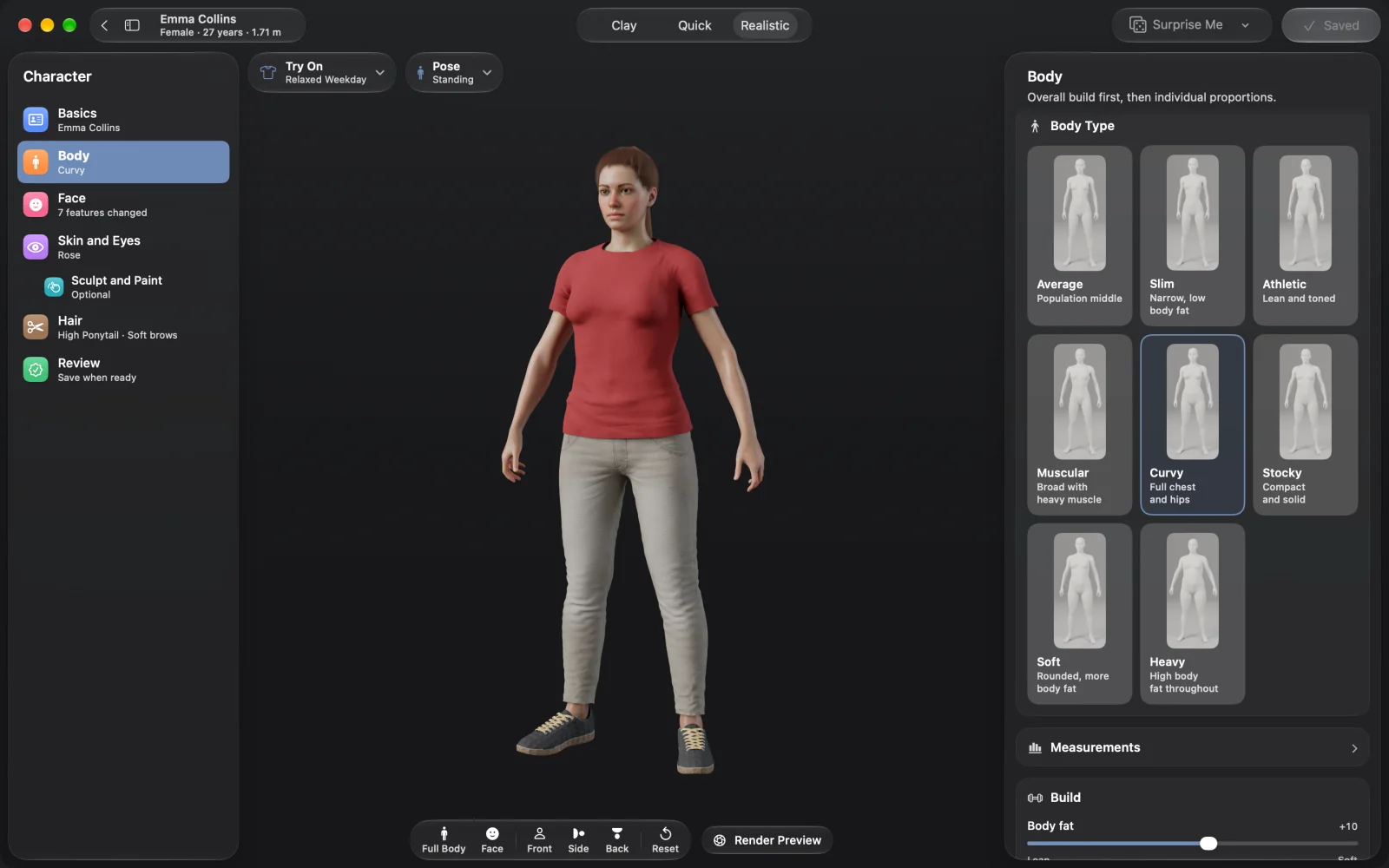
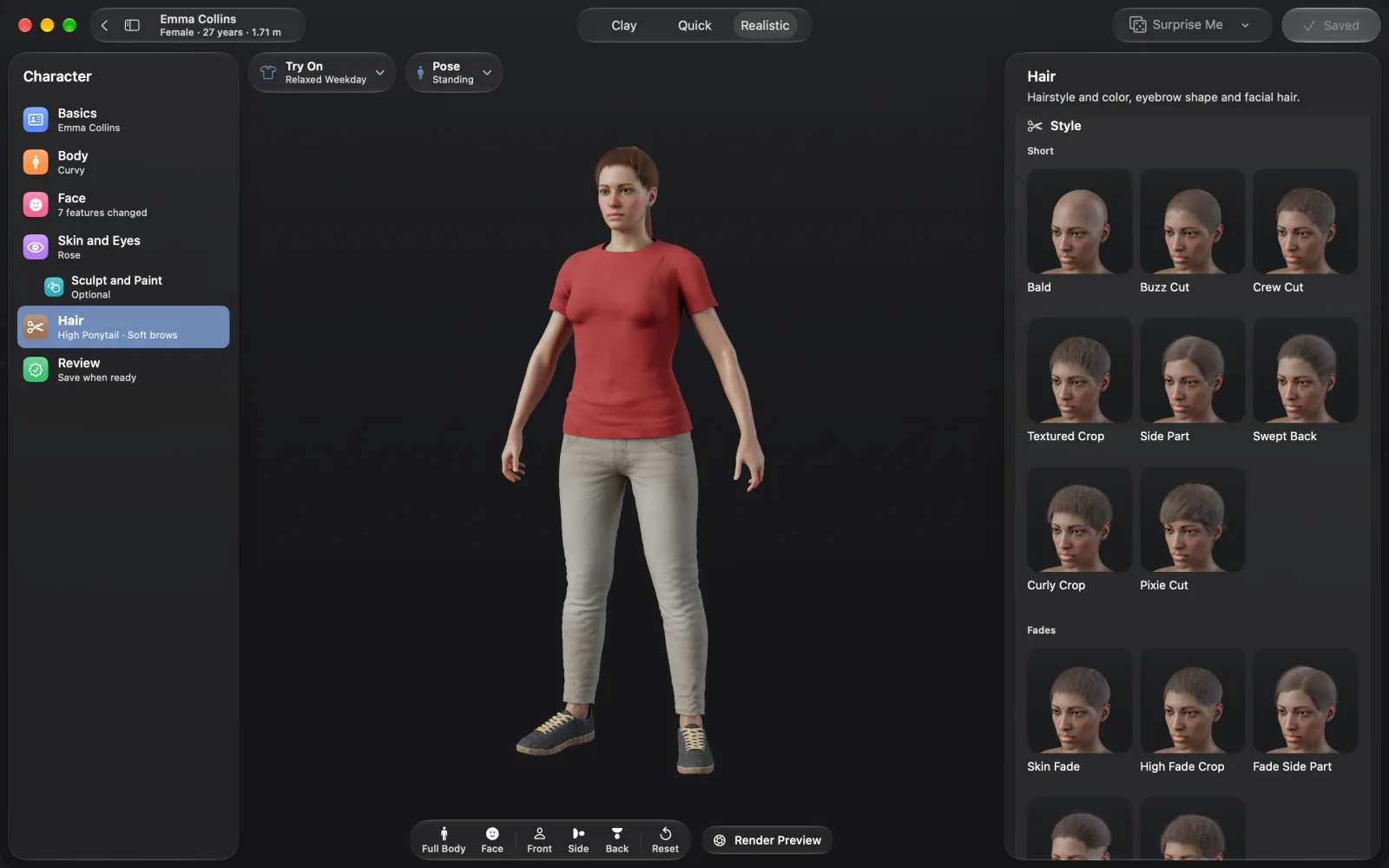
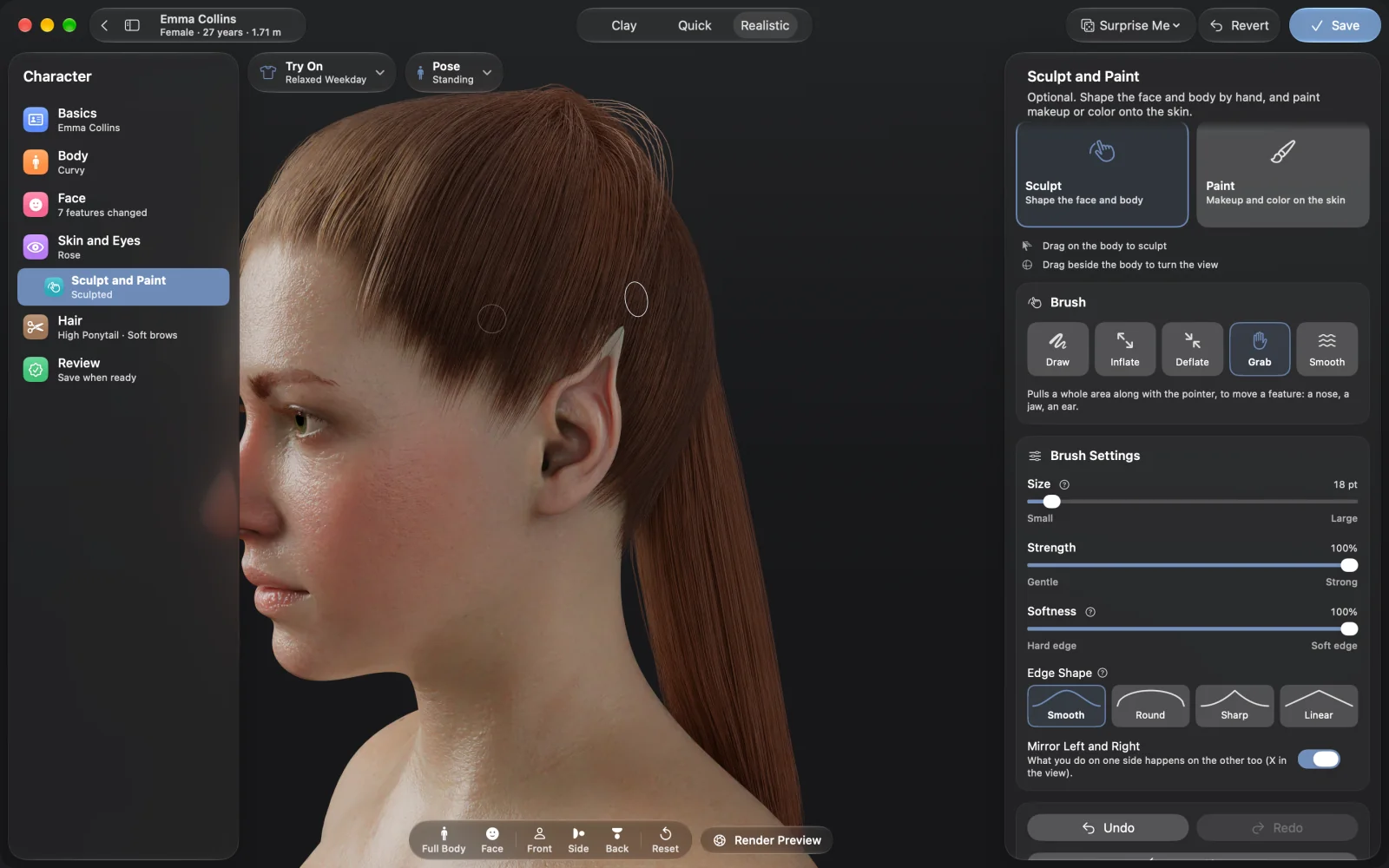
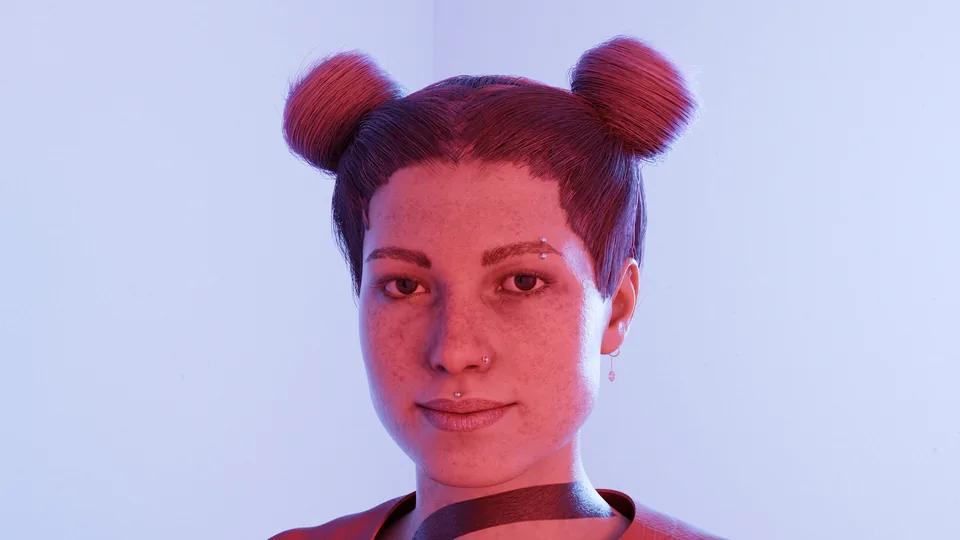
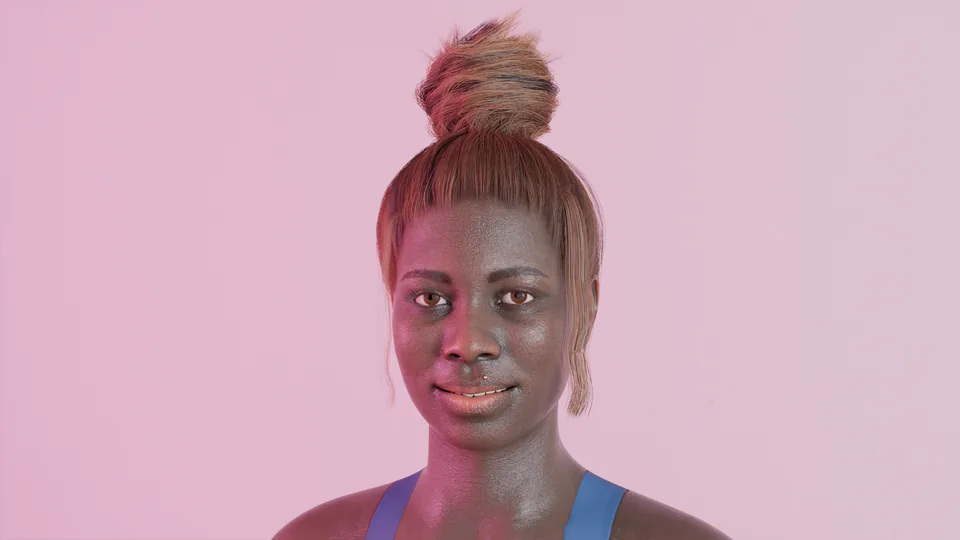
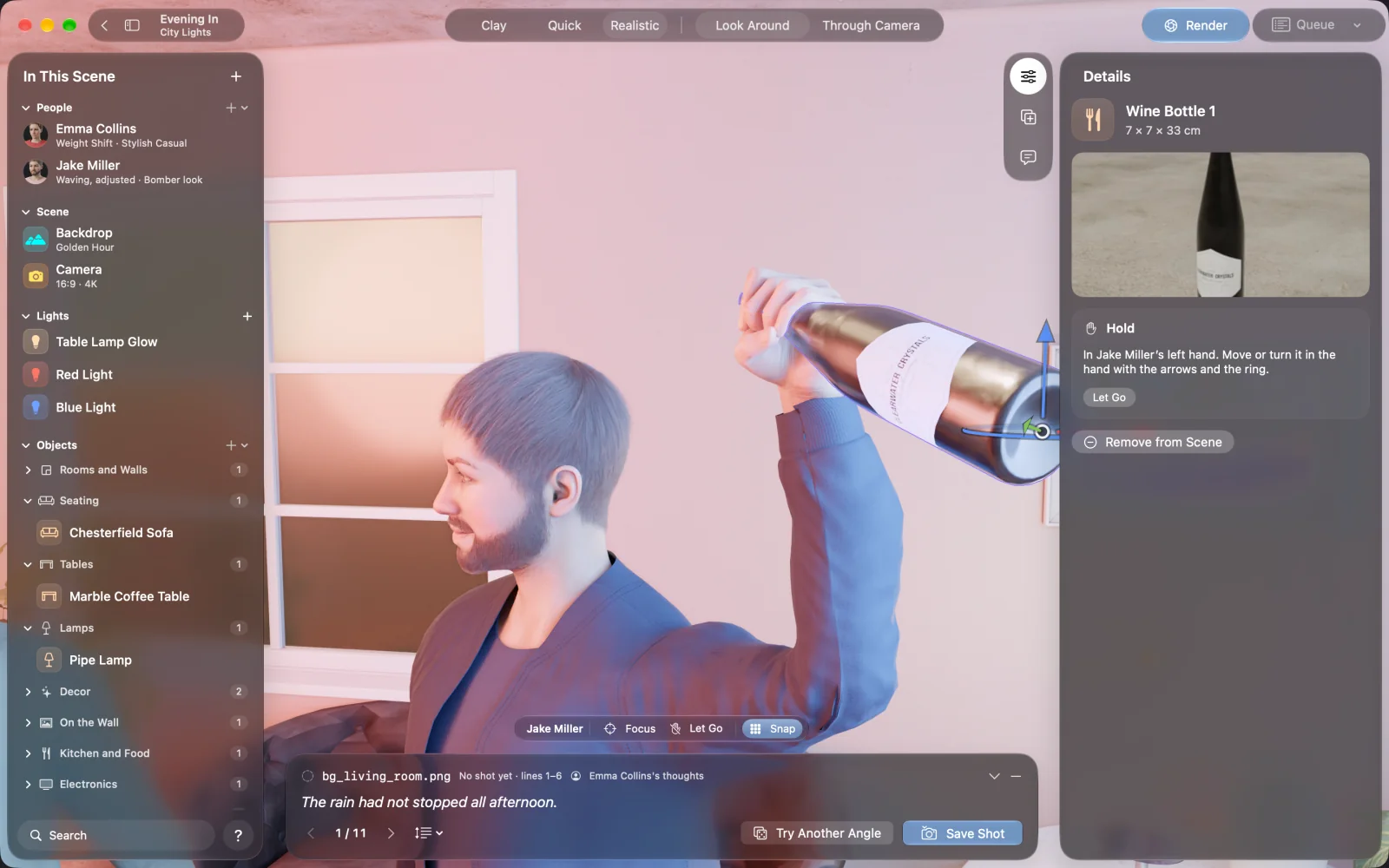
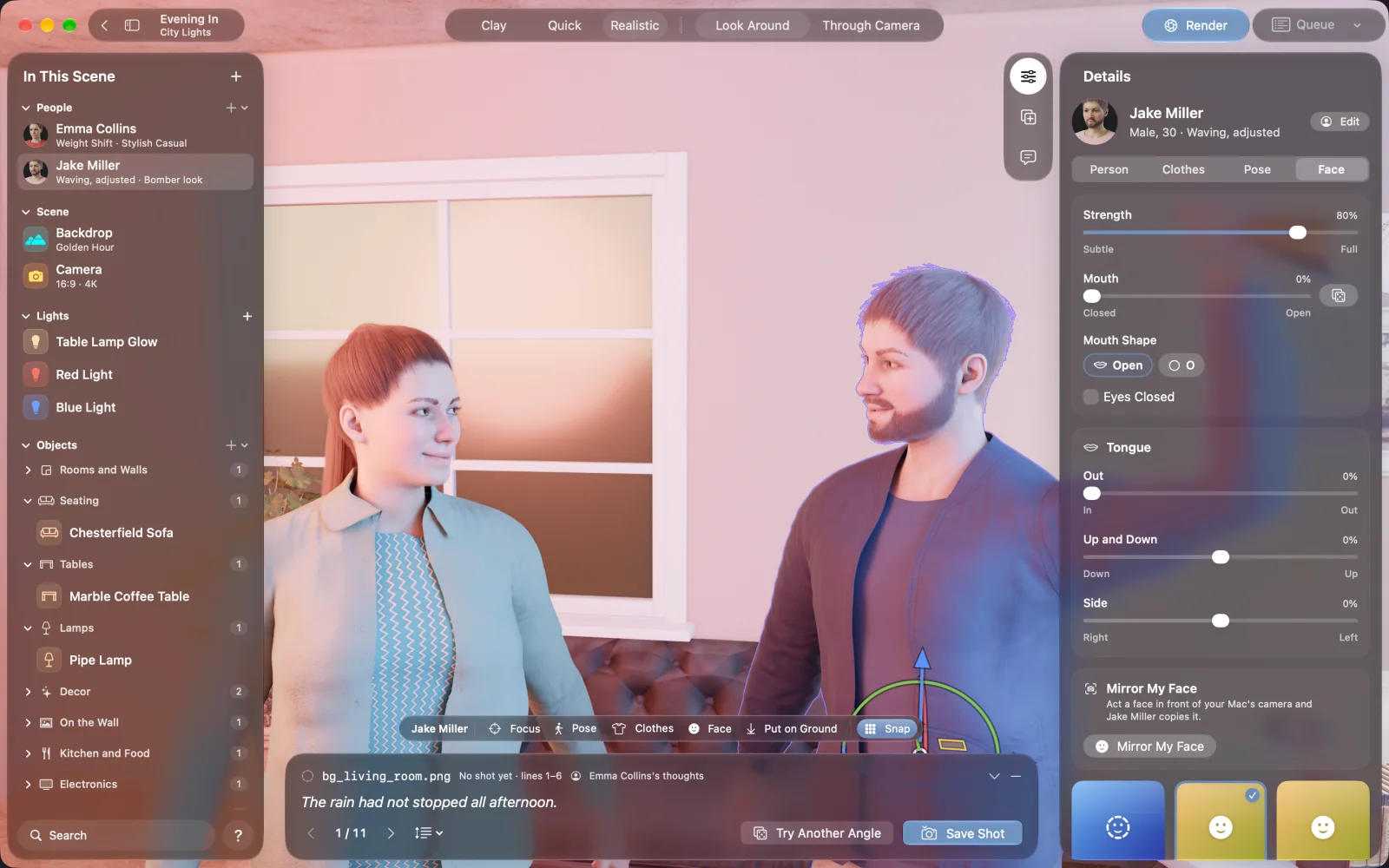
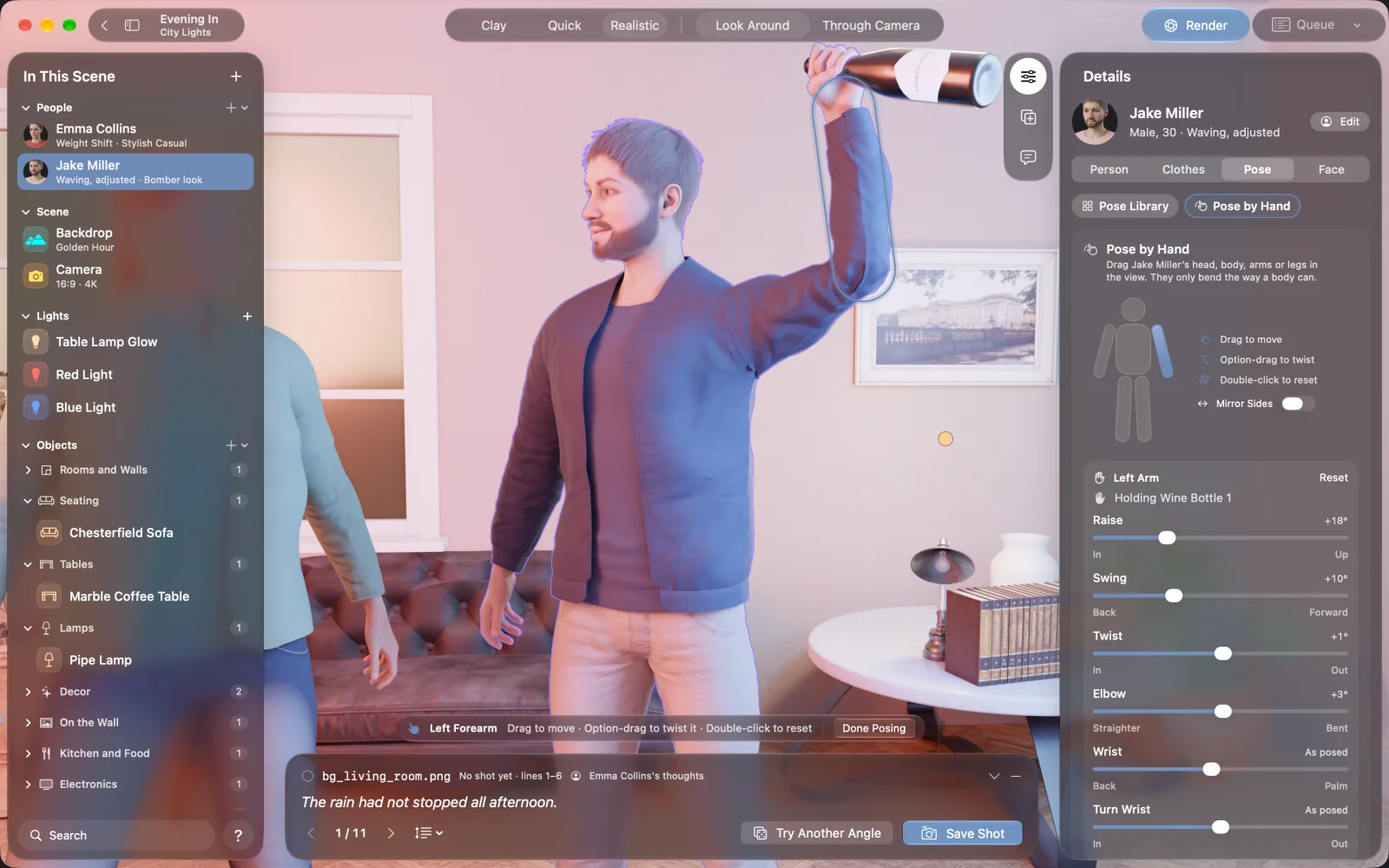
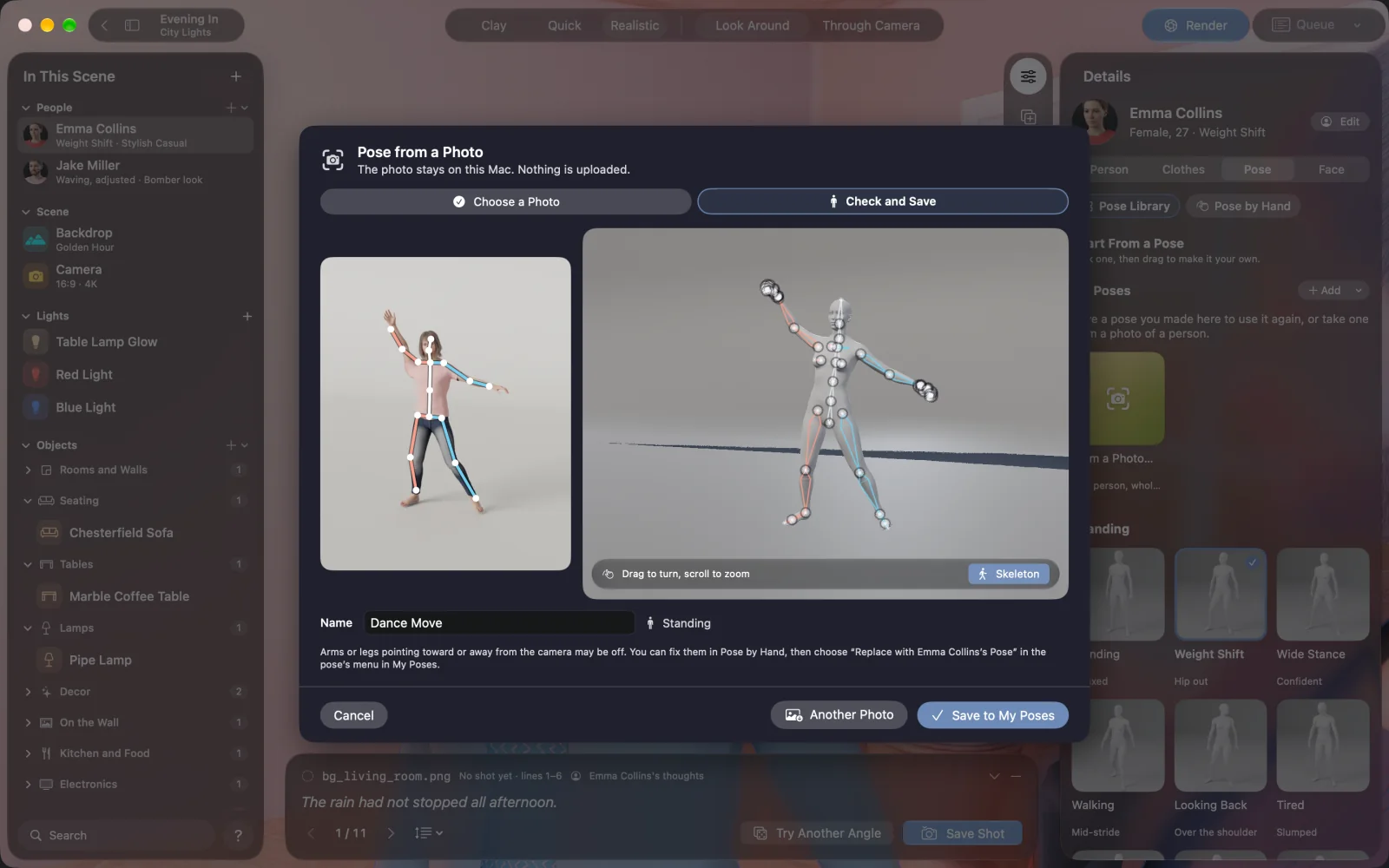
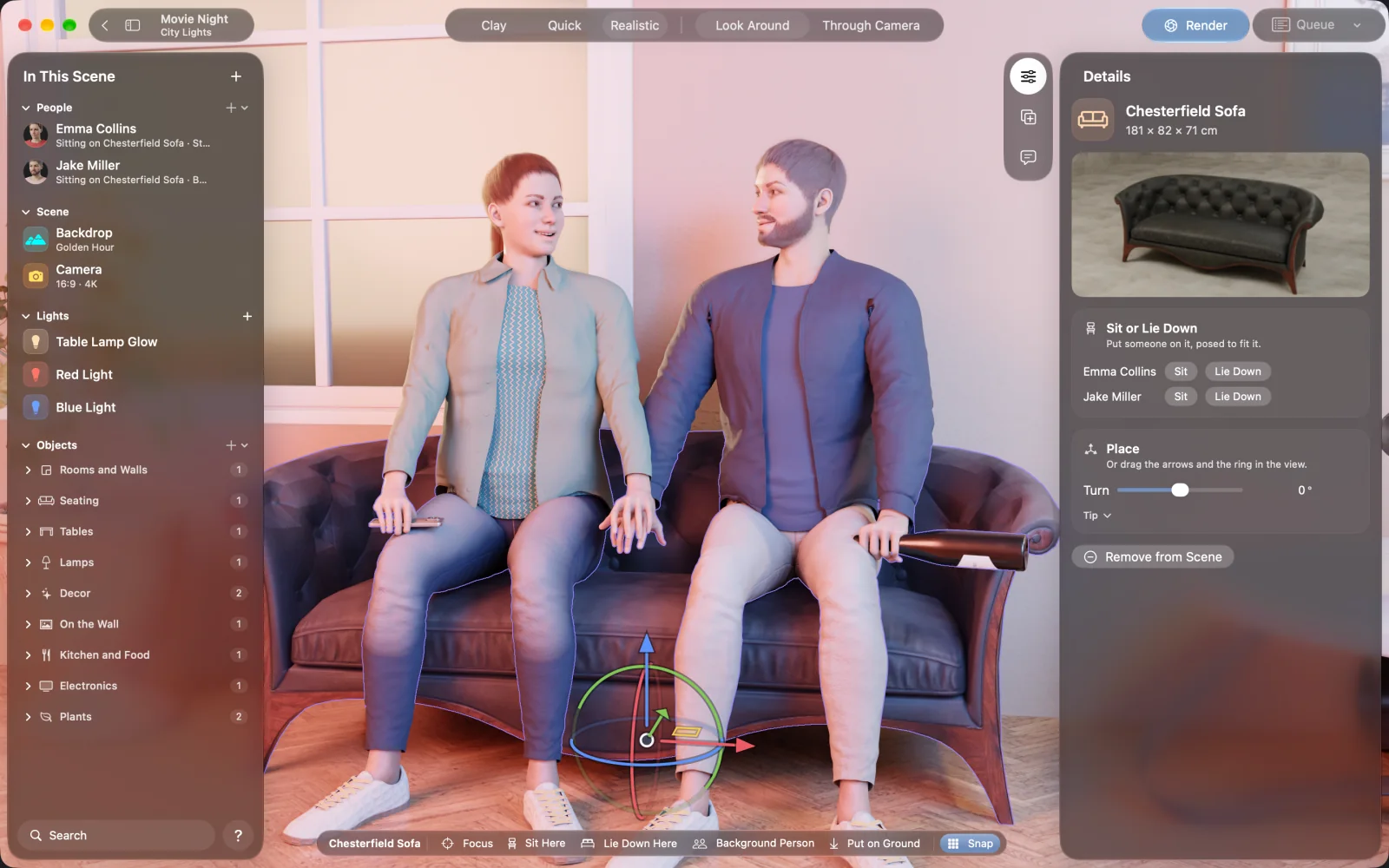
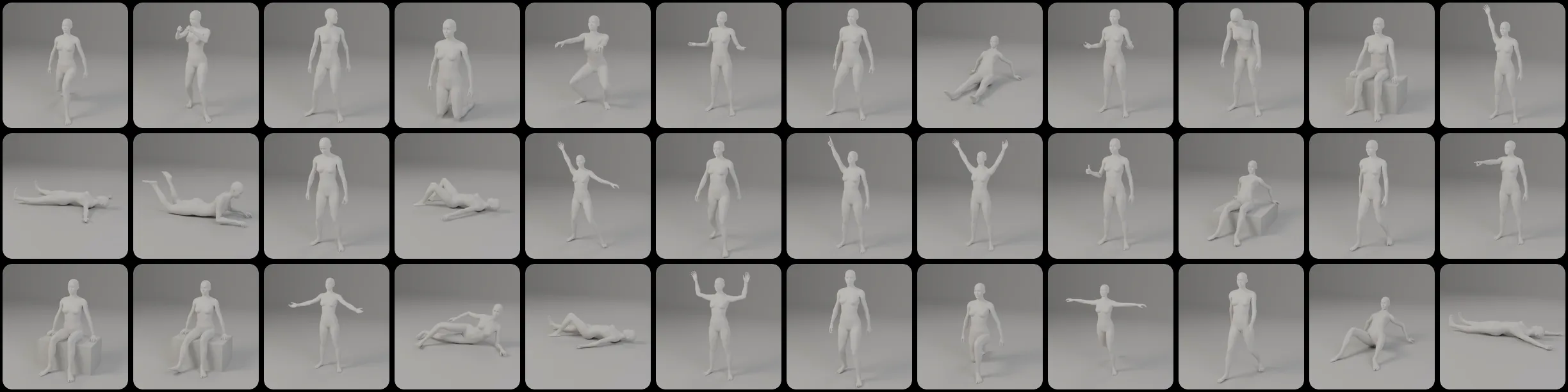
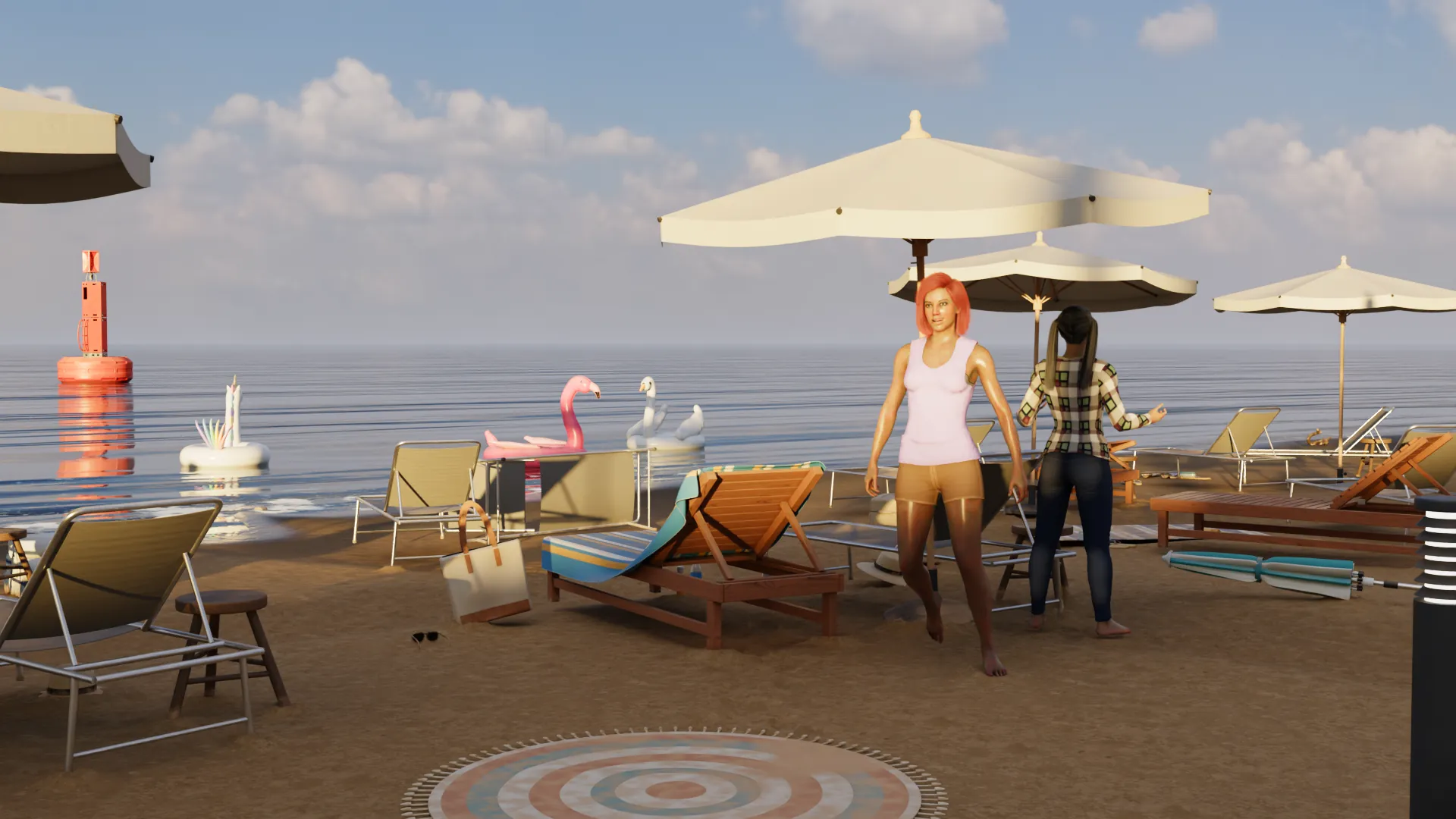
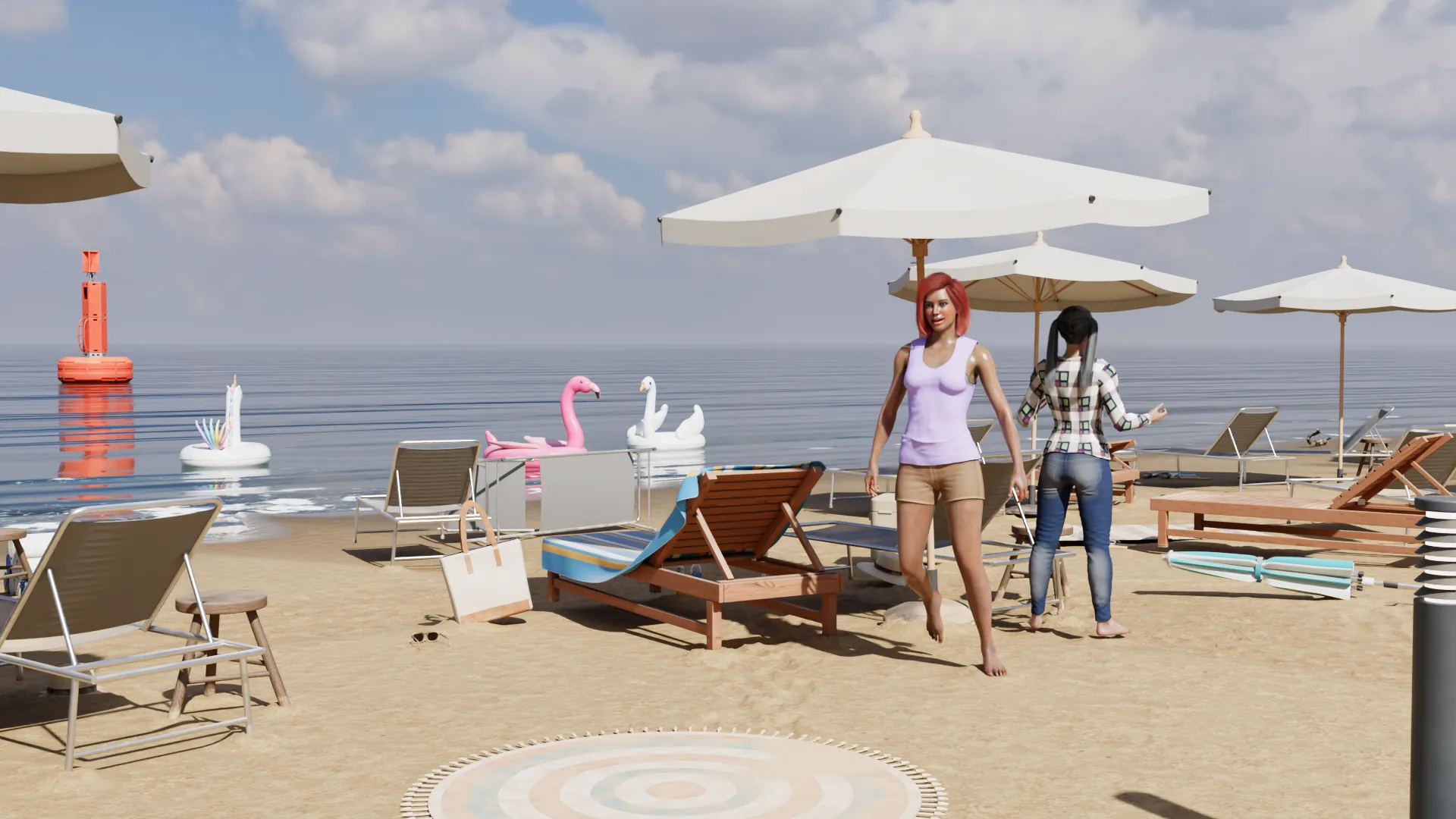
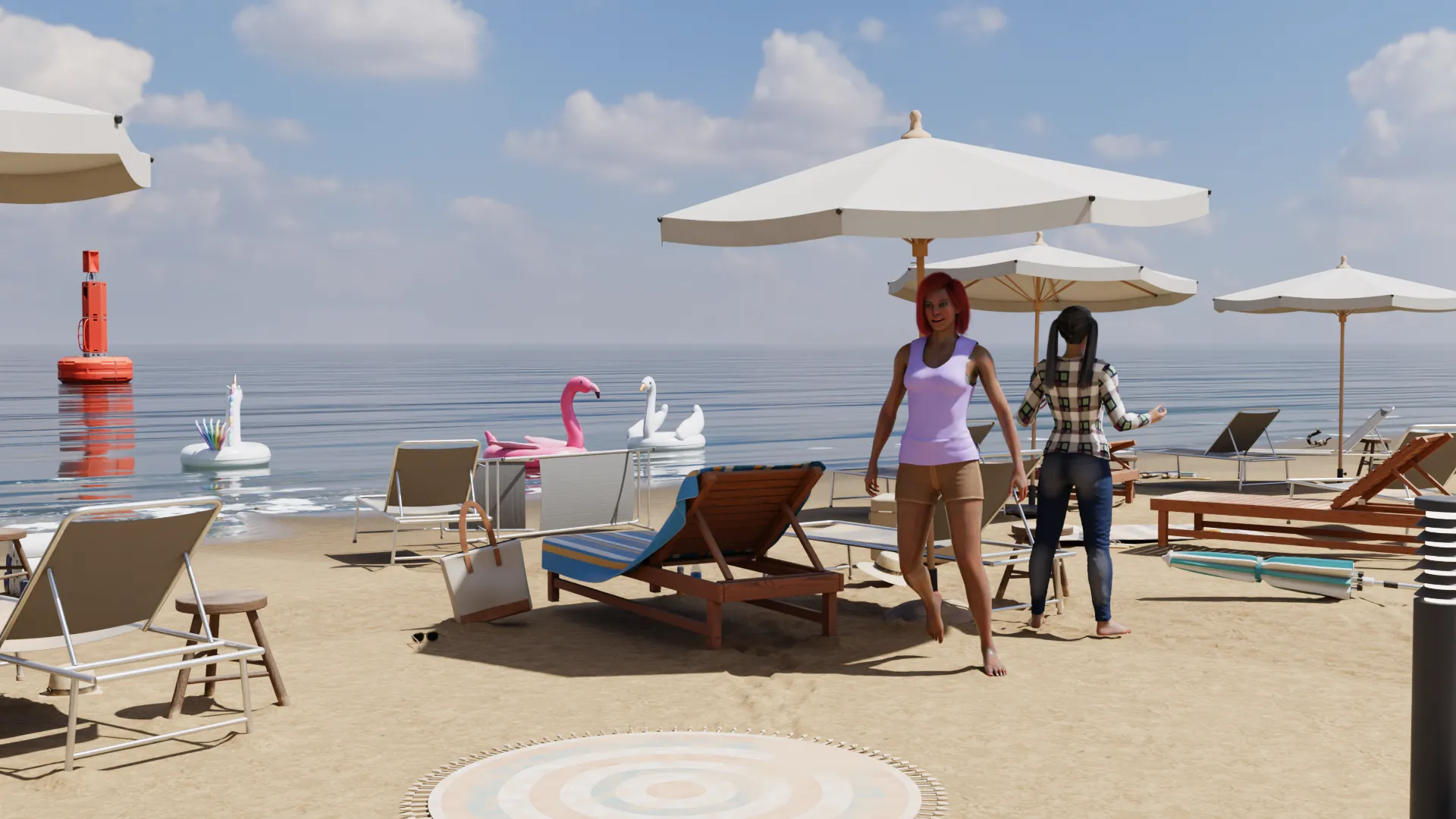
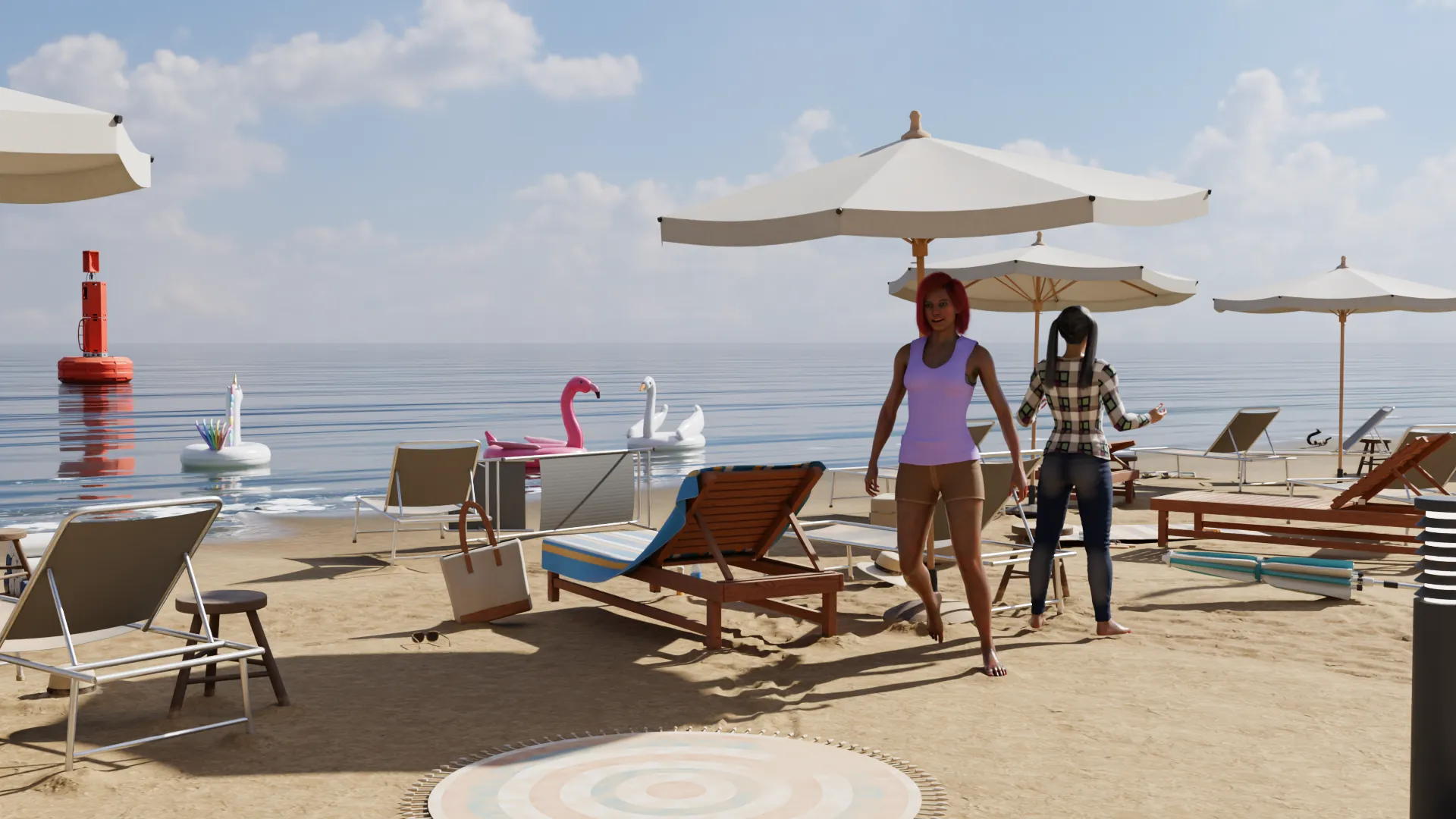
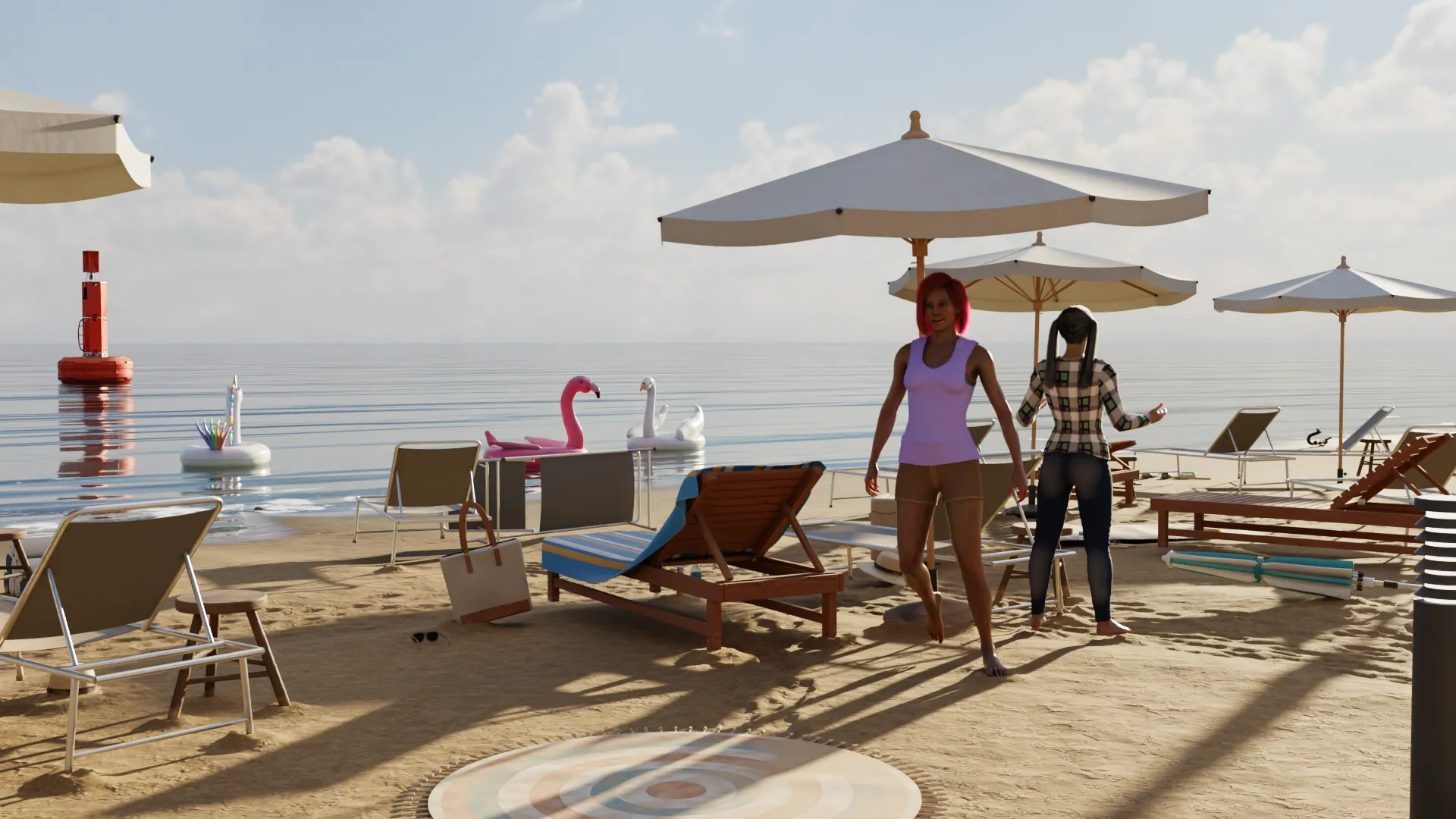
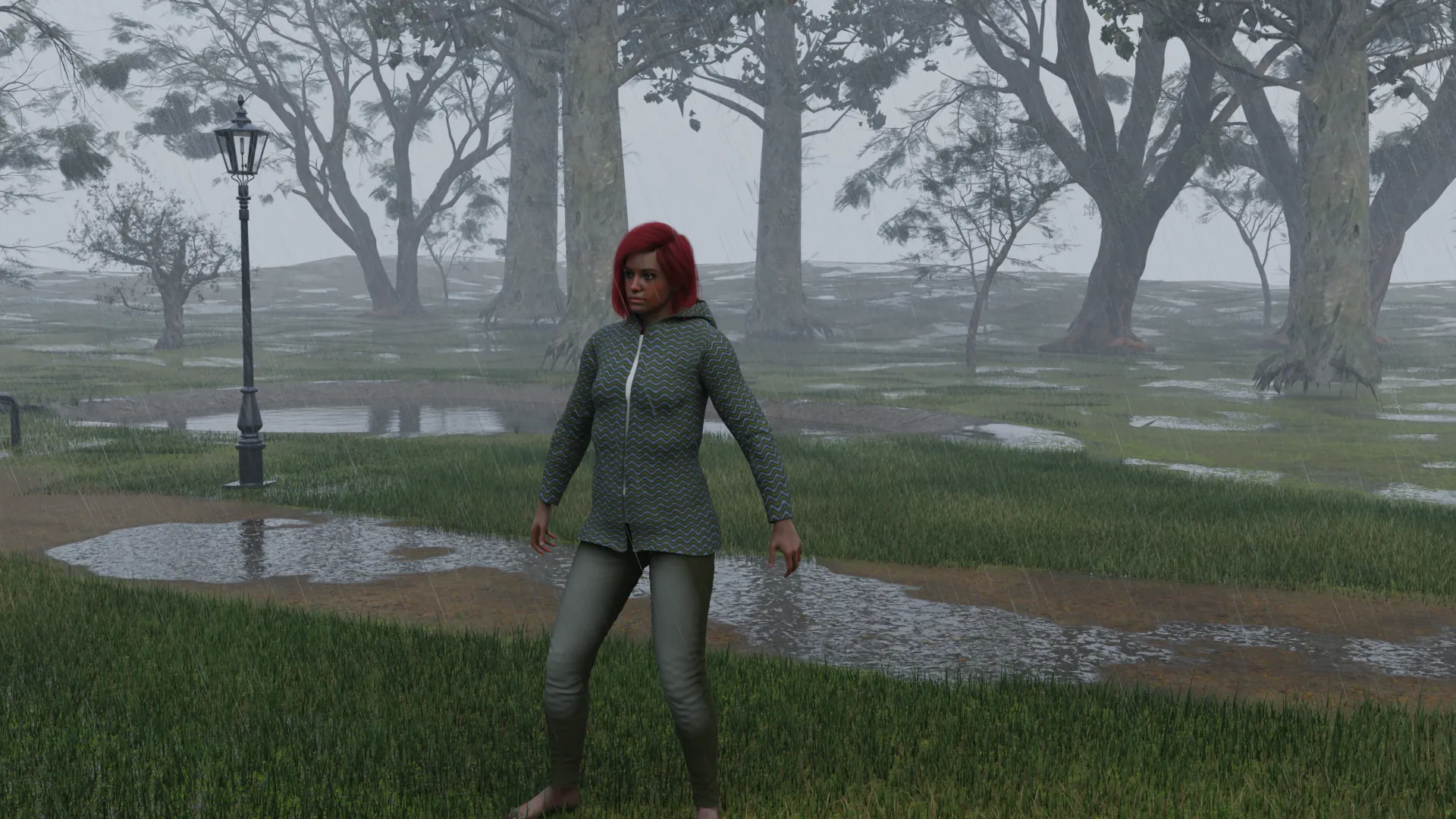
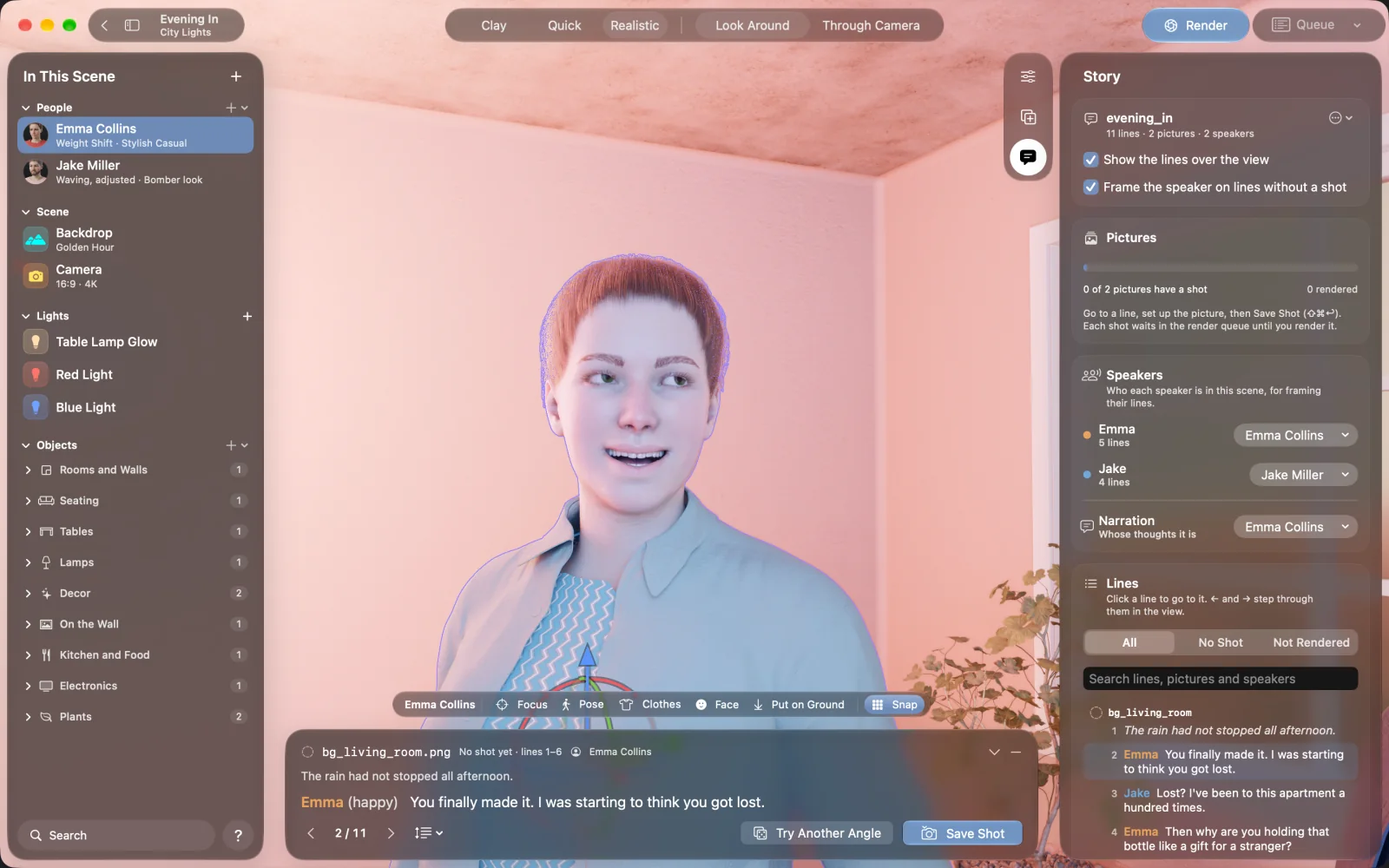
You build the scene instead of describing it. The characters are 3D, so the same person keeps the same face, body and hair in every picture, and you decide the pose, the camera, the light and who is looking at whom. Nothing is generated in the cloud: the pictures are rendered on your Mac, and you can render the same scene again from another angle.
Is it free?
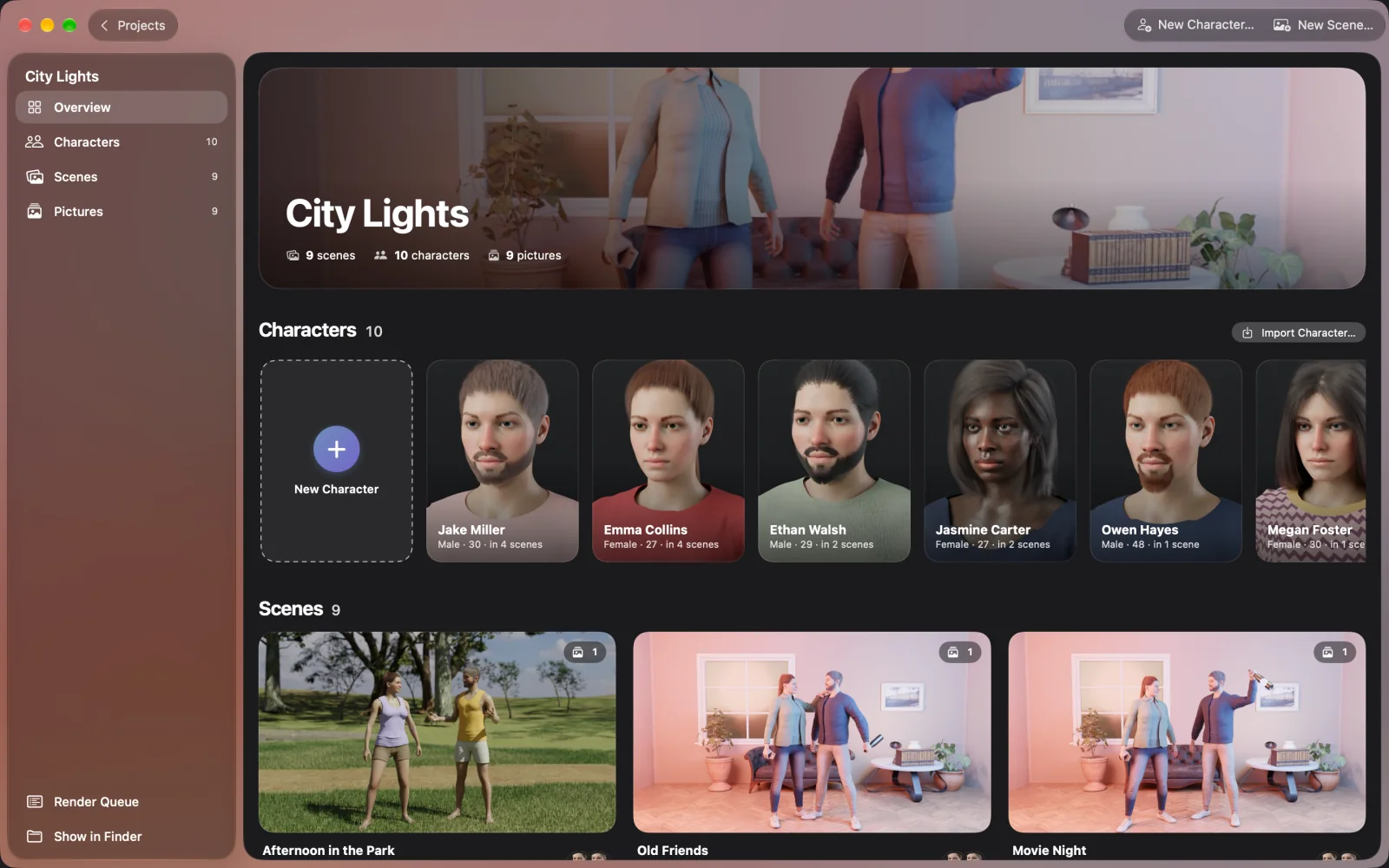
The free version has every tool. It is limited to one project with two characters and two scenes, five pictures in the render queue at a time, and a small "Made with NovelStage" mark on pictures. NovelStage Pro removes the limits and the mark, and adds importing your own 3D models, OpenEXR export and working with AI apps over MCP. Pro is a monthly or yearly subscription, or a one-time purchase.
Which Macs does it run on?
Any Mac with Apple silicon (M1 or later) and macOS 26 or later, including models with 8 GB of memory. Renders are fastest on M3 or later, and 16 GB or more is better for large outdoor scenes. There is no Windows or iPad version.
Do I need Ren'Py?
No. Reading Ren'Py scripts is one part of the app. You can make scenes and render pictures for any story, comic or game.
Can I make backgrounds with it?
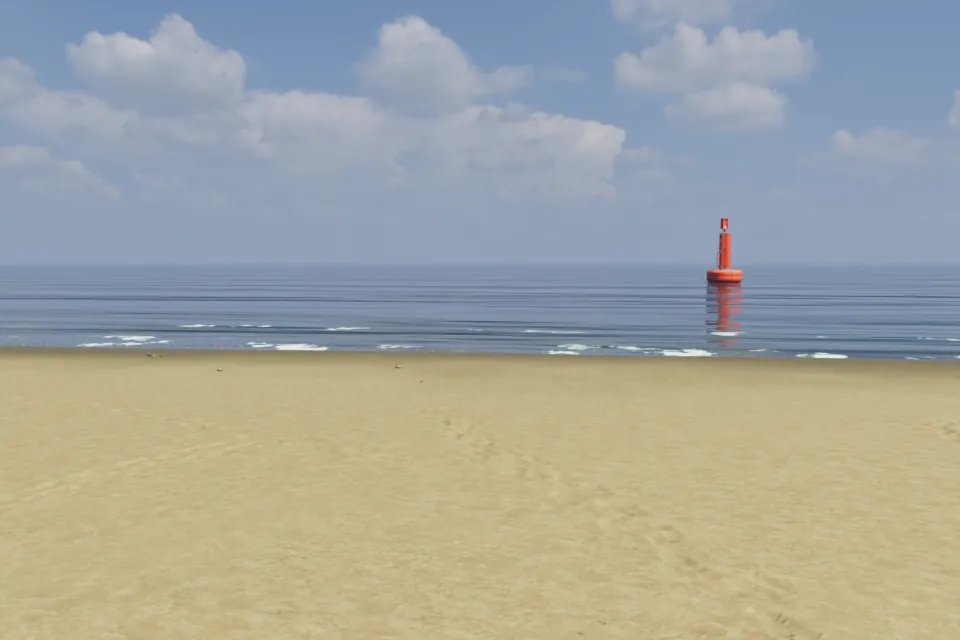
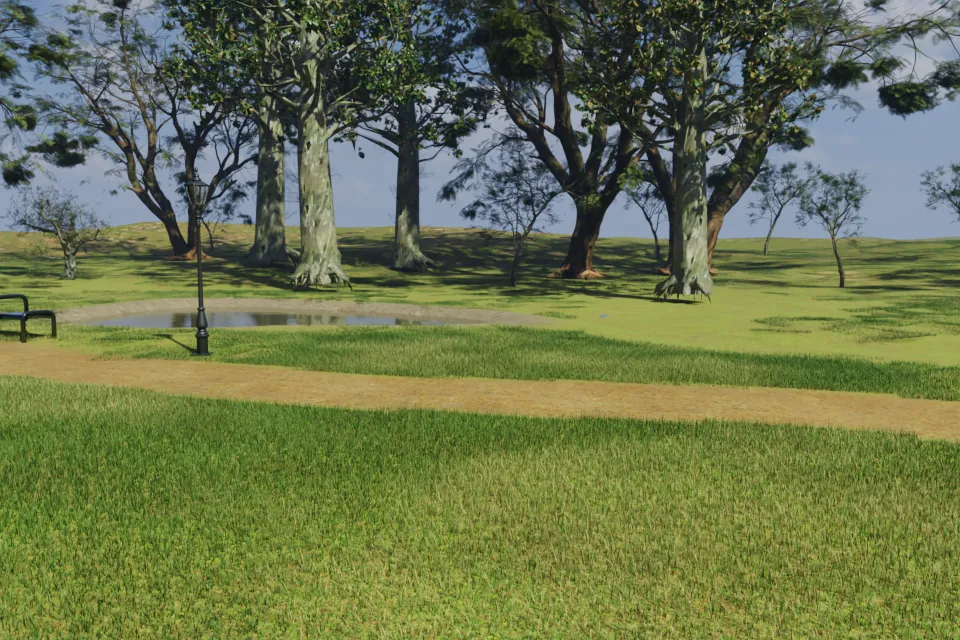
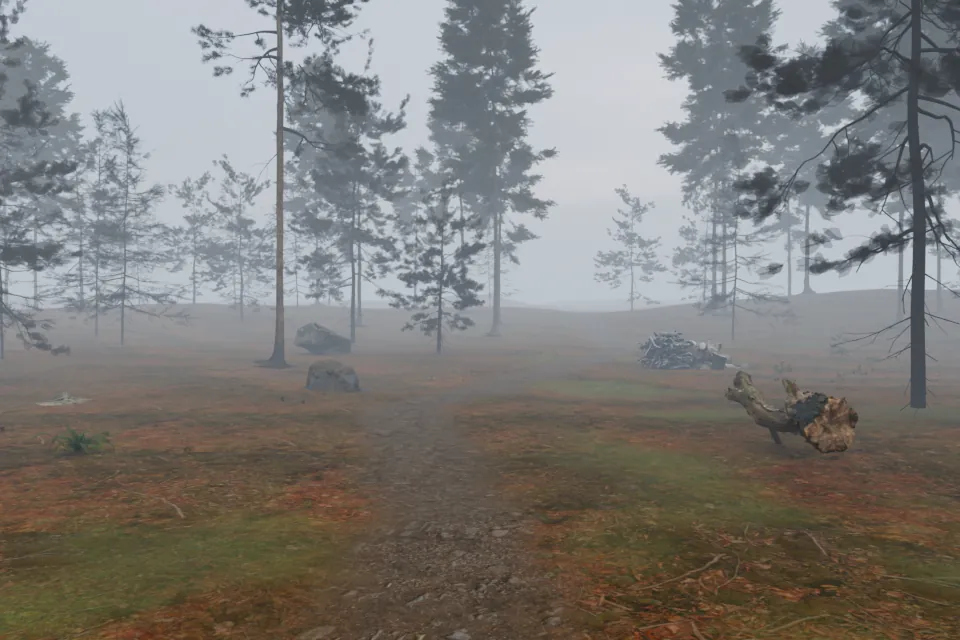
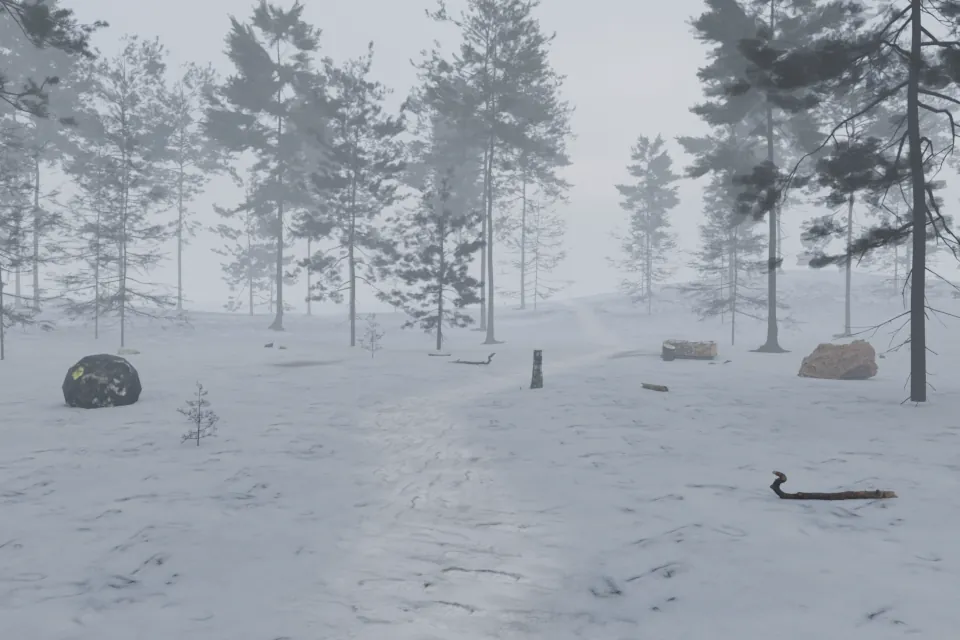
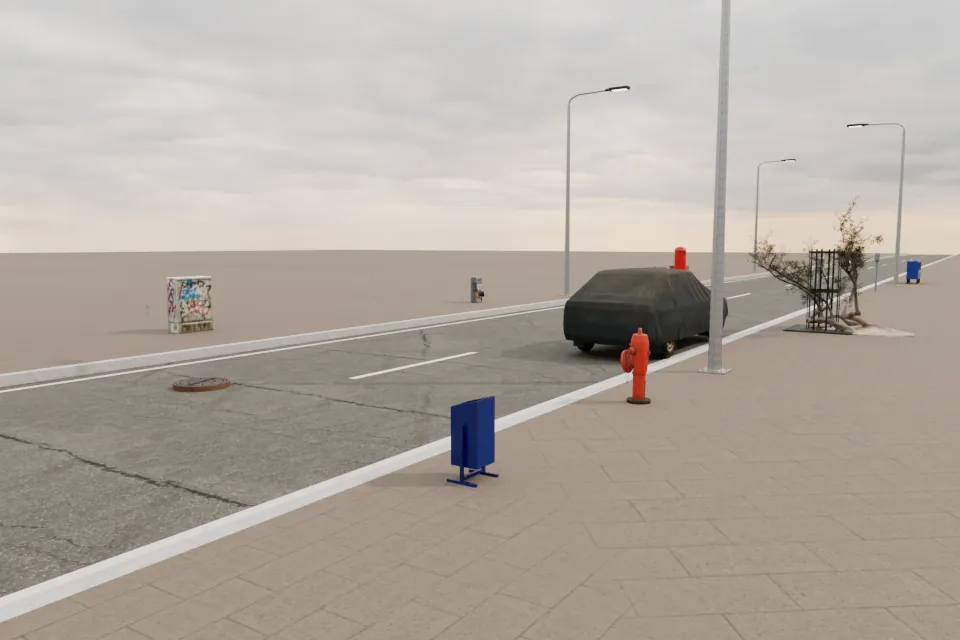
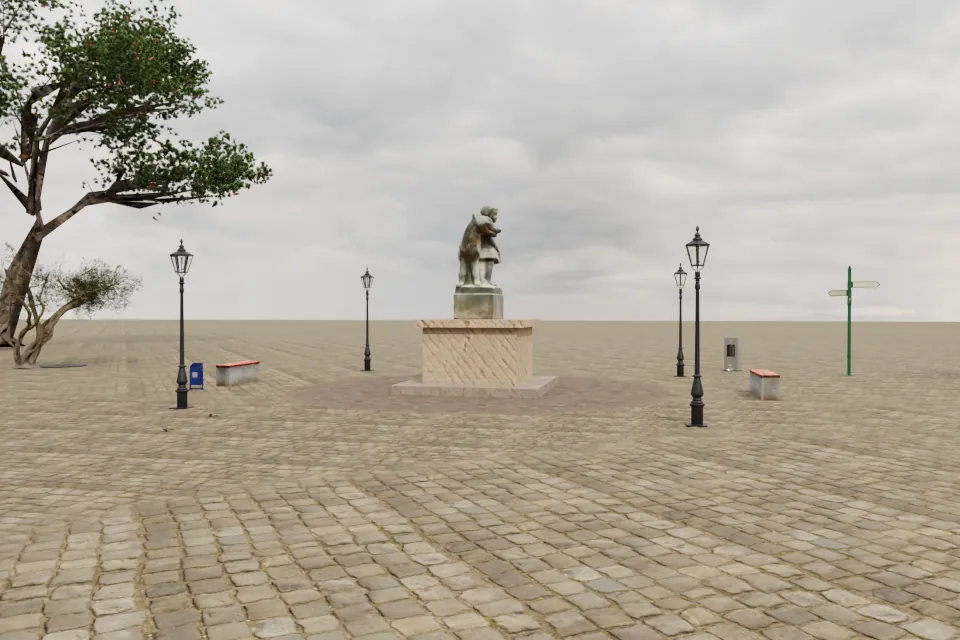
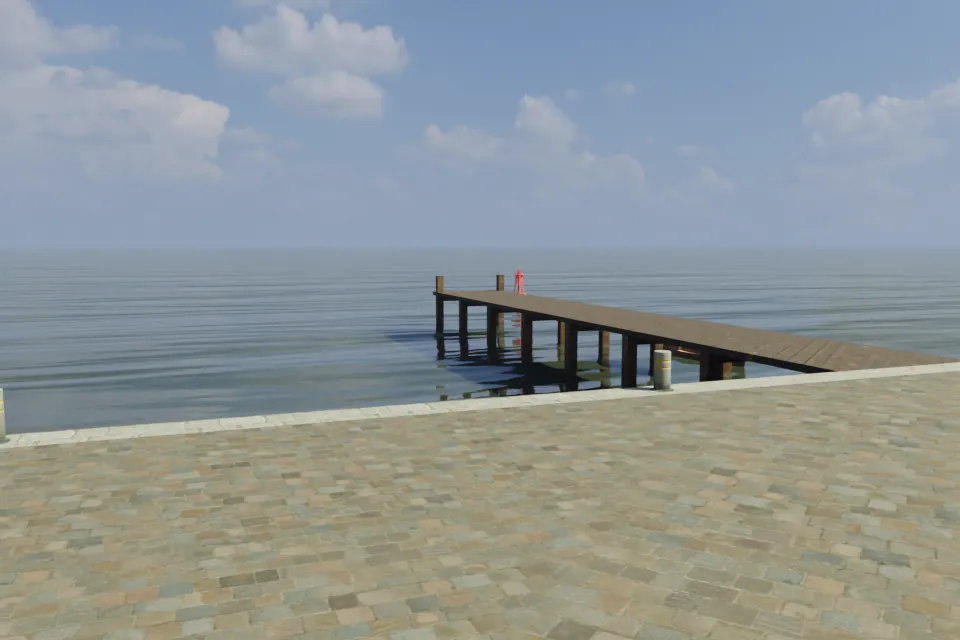
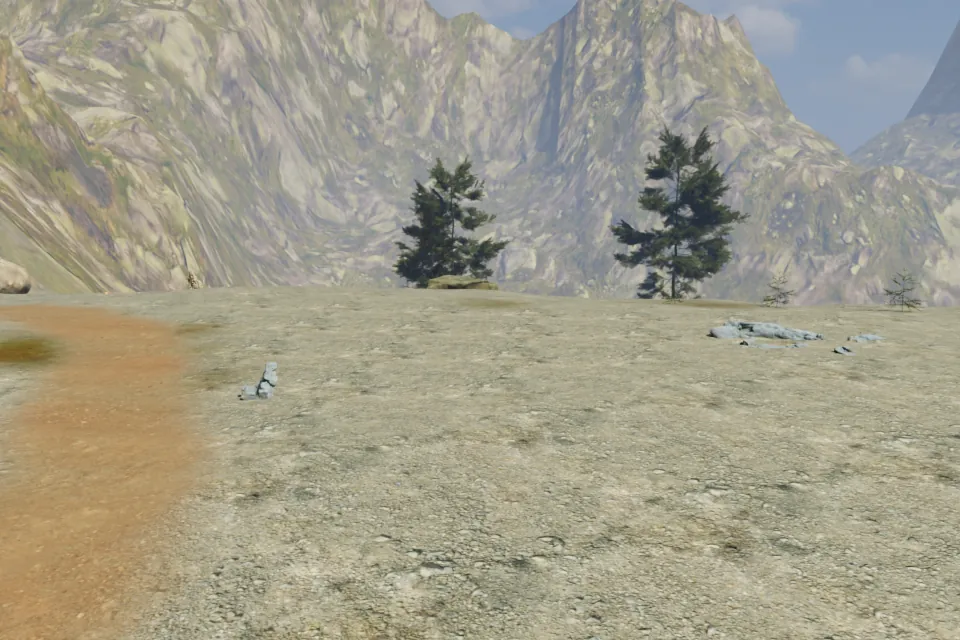
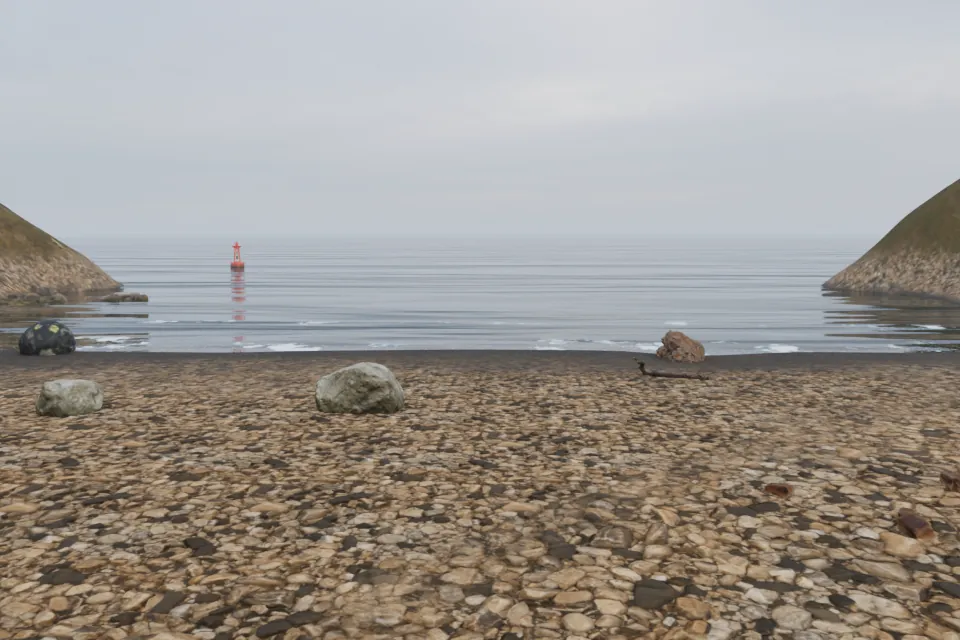
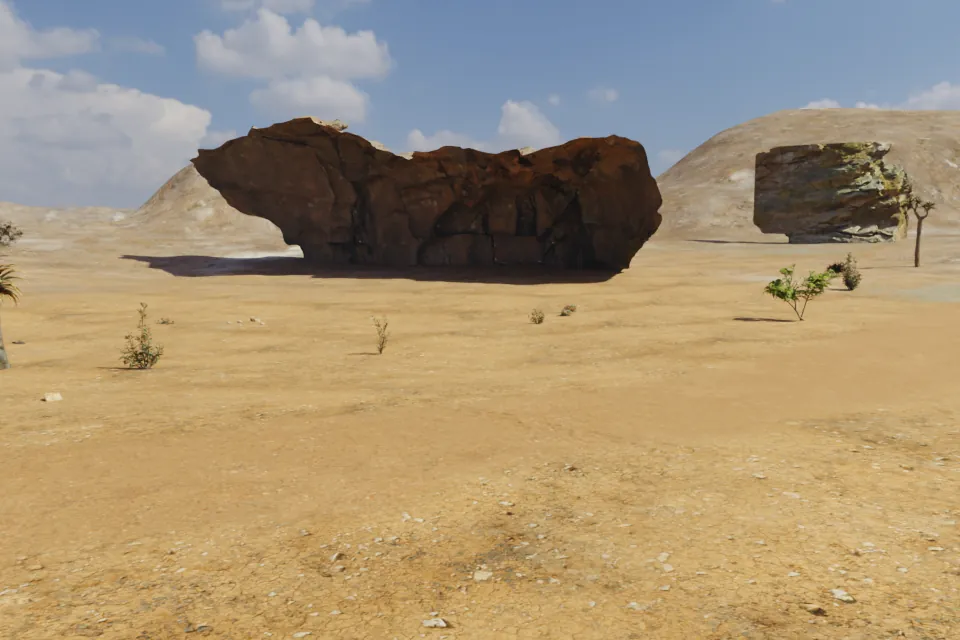
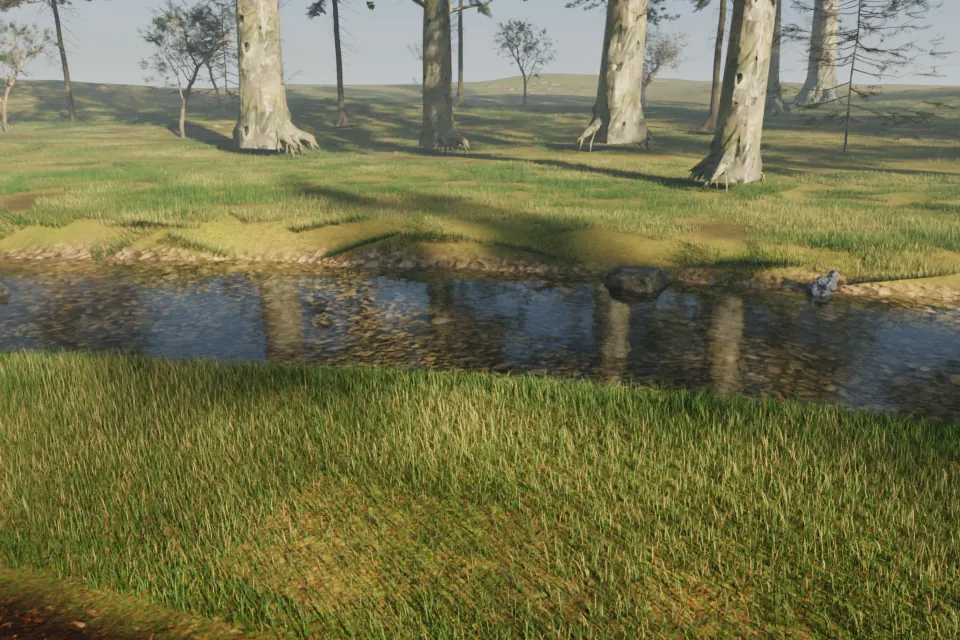
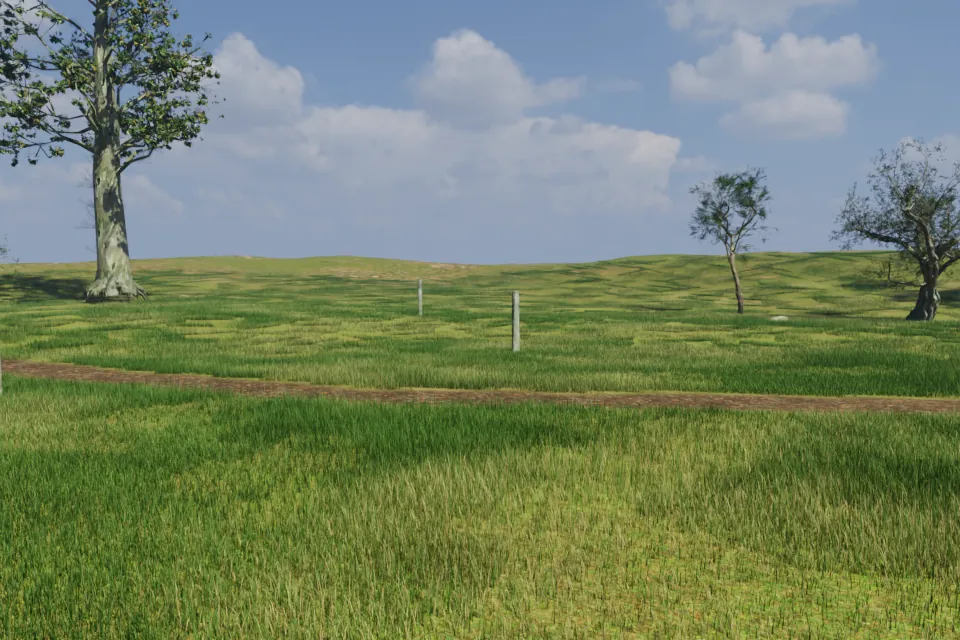
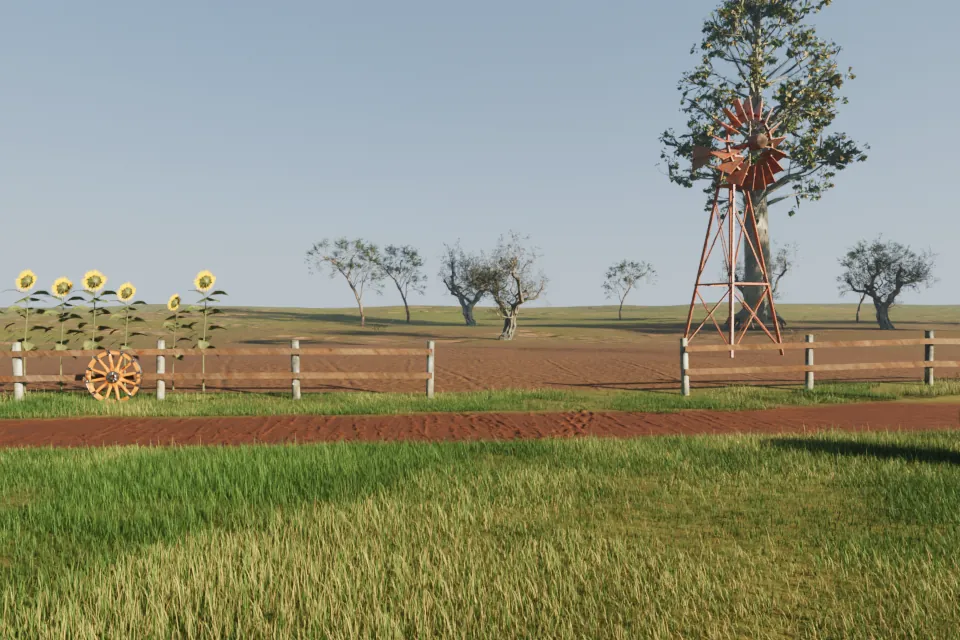
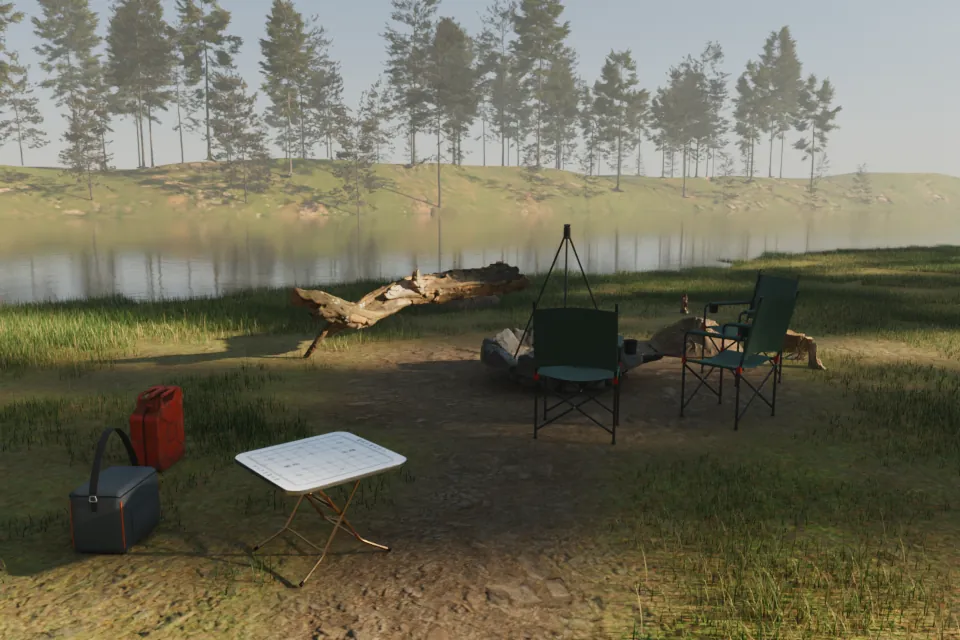
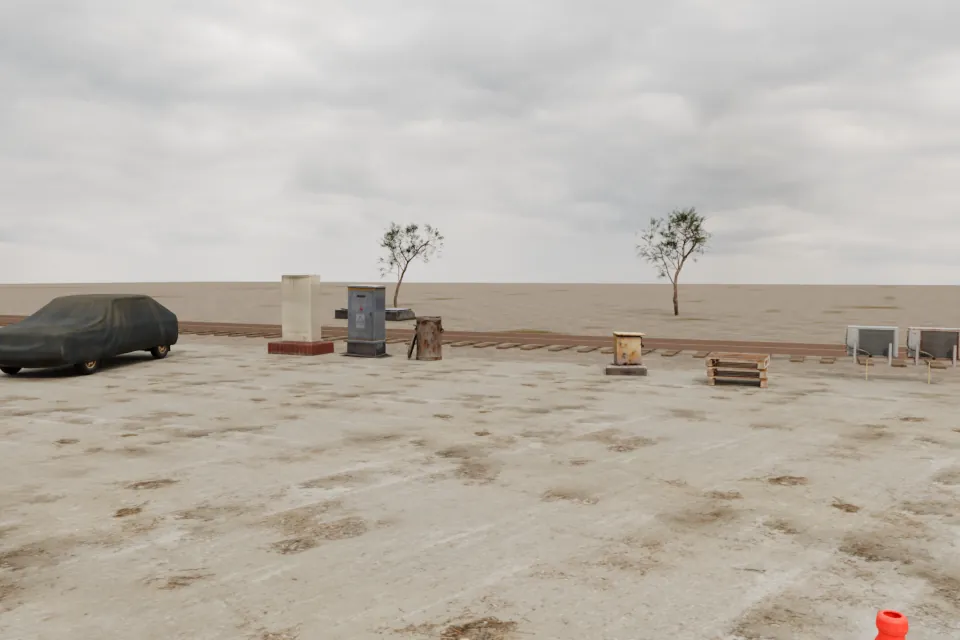
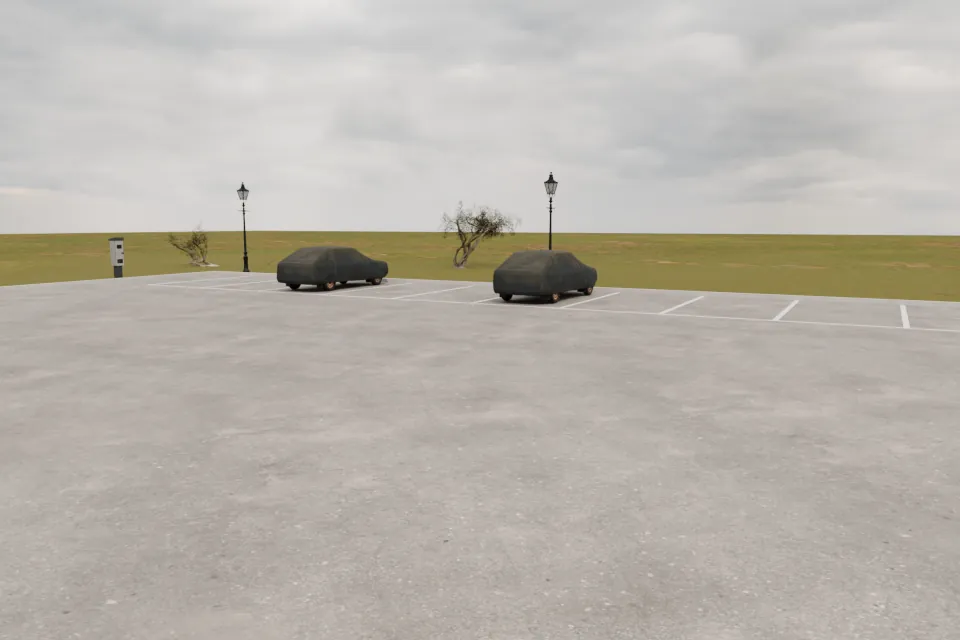
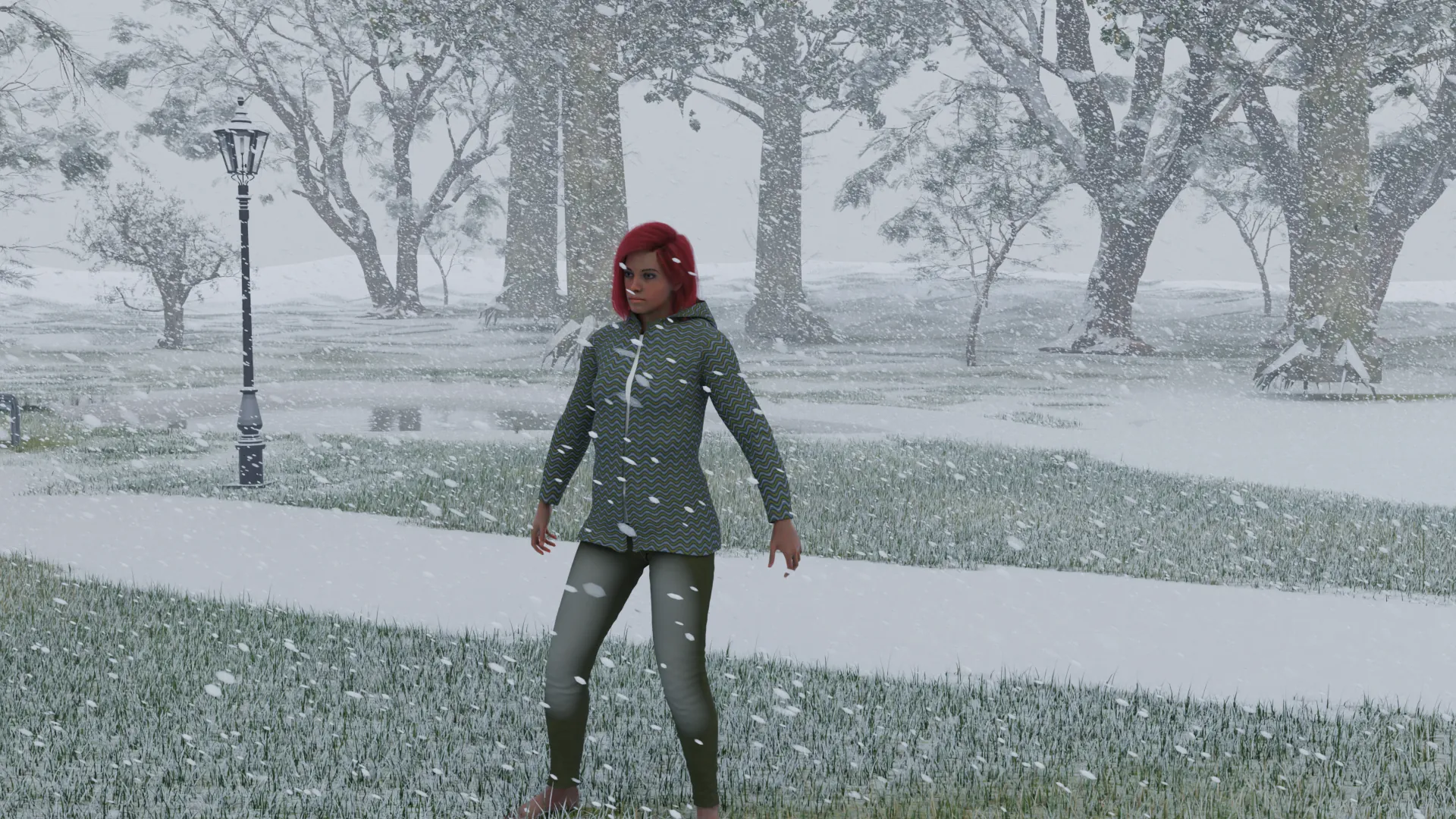
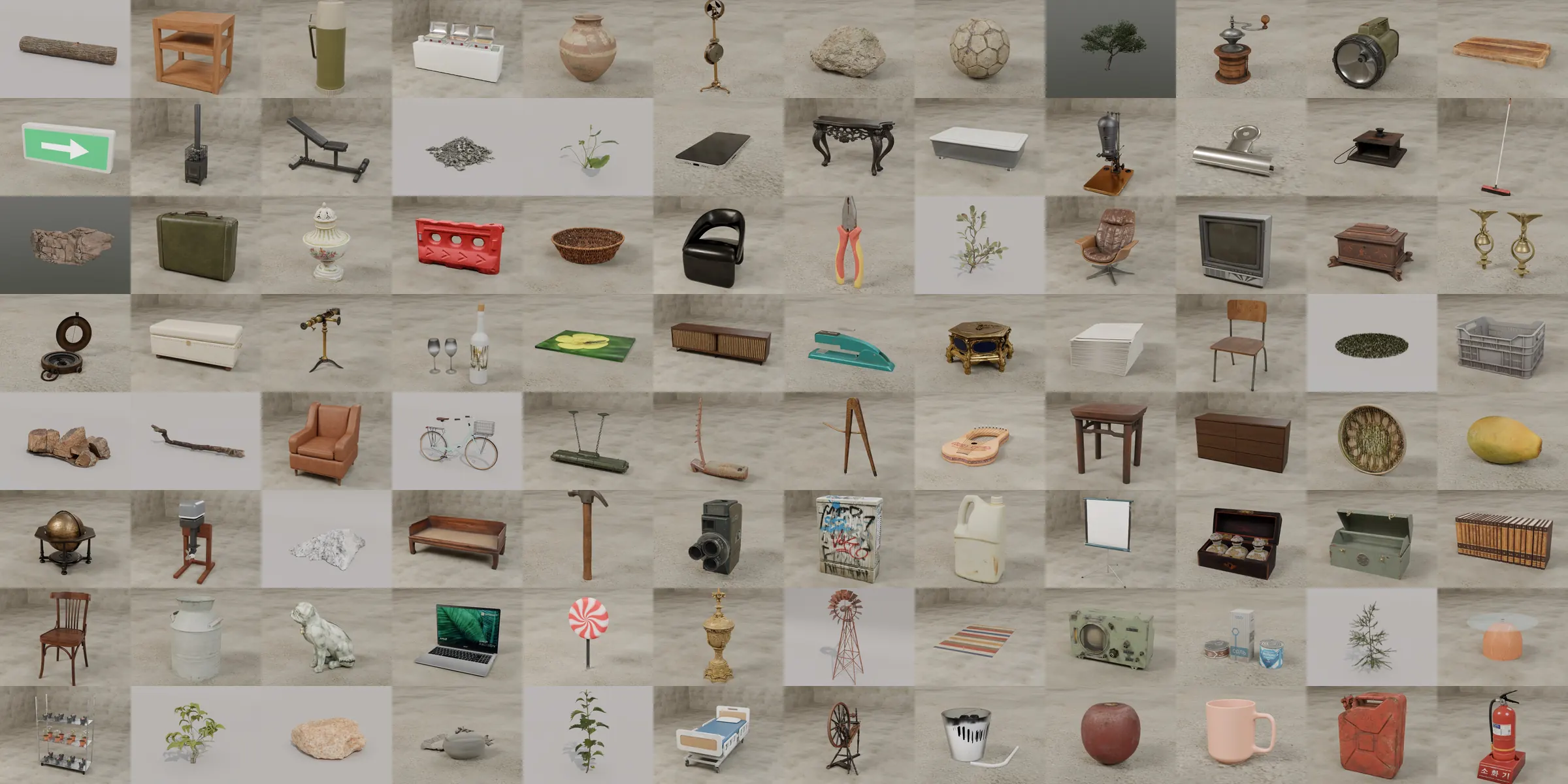
Yes. A scene does not need anyone in it. Build a room or pick an outdoor place, furnish it and render it as a background, then add the characters for the next picture.
Are all characters adults?
Yes. Characters are 18 to 80 years old. They always wear at least underwear or swimwear, and the app has no nudity.
Does it need an account or the internet?
No. There is no account, and the app works offline. The App Store installs its 3D content together with the app. After that it goes online only when you buy or restore Pro, or if that content has to be downloaded again.