
Consistent characters in every picture
Your character looks right in one picture and like a cousin in the next. Here is why, and what you can do about it.
Coming to the Mac App Store in November or December 2026. Free, with an optional Pro upgrade.
Email me when it is outAn AI image generator draws each picture from scratch, so a face can change between images unless you anchor it with a reference image, a fixed description or a trained model. Those help, but they work best when the pose and light stay close. A 3D character is different: the same model is used in every picture, so the face stays the same from any angle.
Why faces change between AI images
As one developer guide puts it, without something concrete to anchor it, the model has no reason to pick the same face twice. A text description fits thousands of faces. Each new picture is a new guess at one of them.
The trouble grows as a story goes on. A weak setup may hold a face only while the pose, light and framing stay nearly the same, and stories need the opposite: side views, night scenes, two people at once.
What helps if you use AI images
If AI generation is your route, these steps are the common advice, and they do make a difference.
- Start from one sharp, front-facing reference image with even light.
- Use the tool's character reference feature, and reuse the same image every time.
- Keep the description word for word the same, and change only the scene.
- For long projects, train a small model on your character.
Expect to fix or throw out some results. Clothes and small details like a scar or a ring tend to drift too.
How a 3D character stays the same
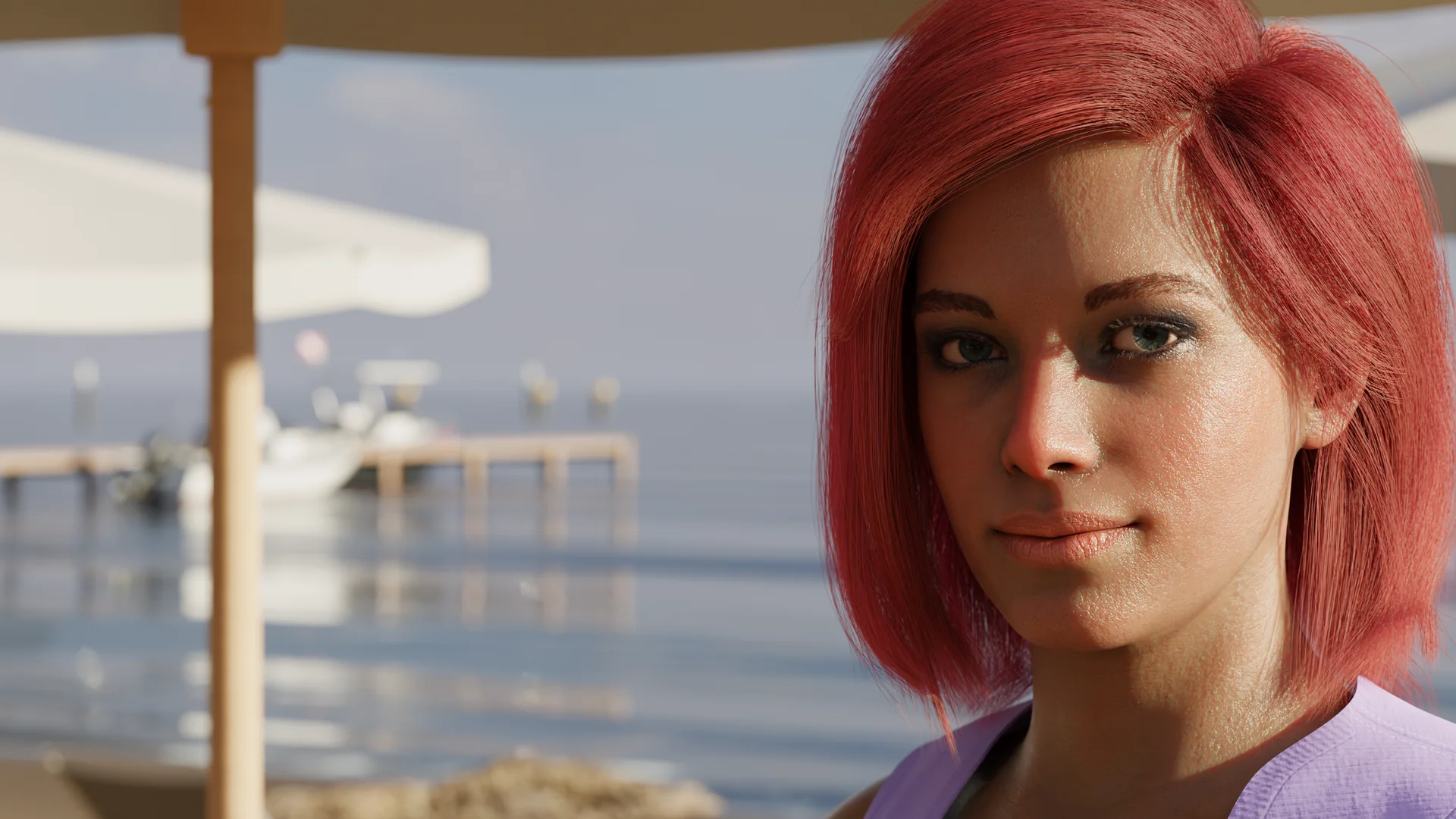
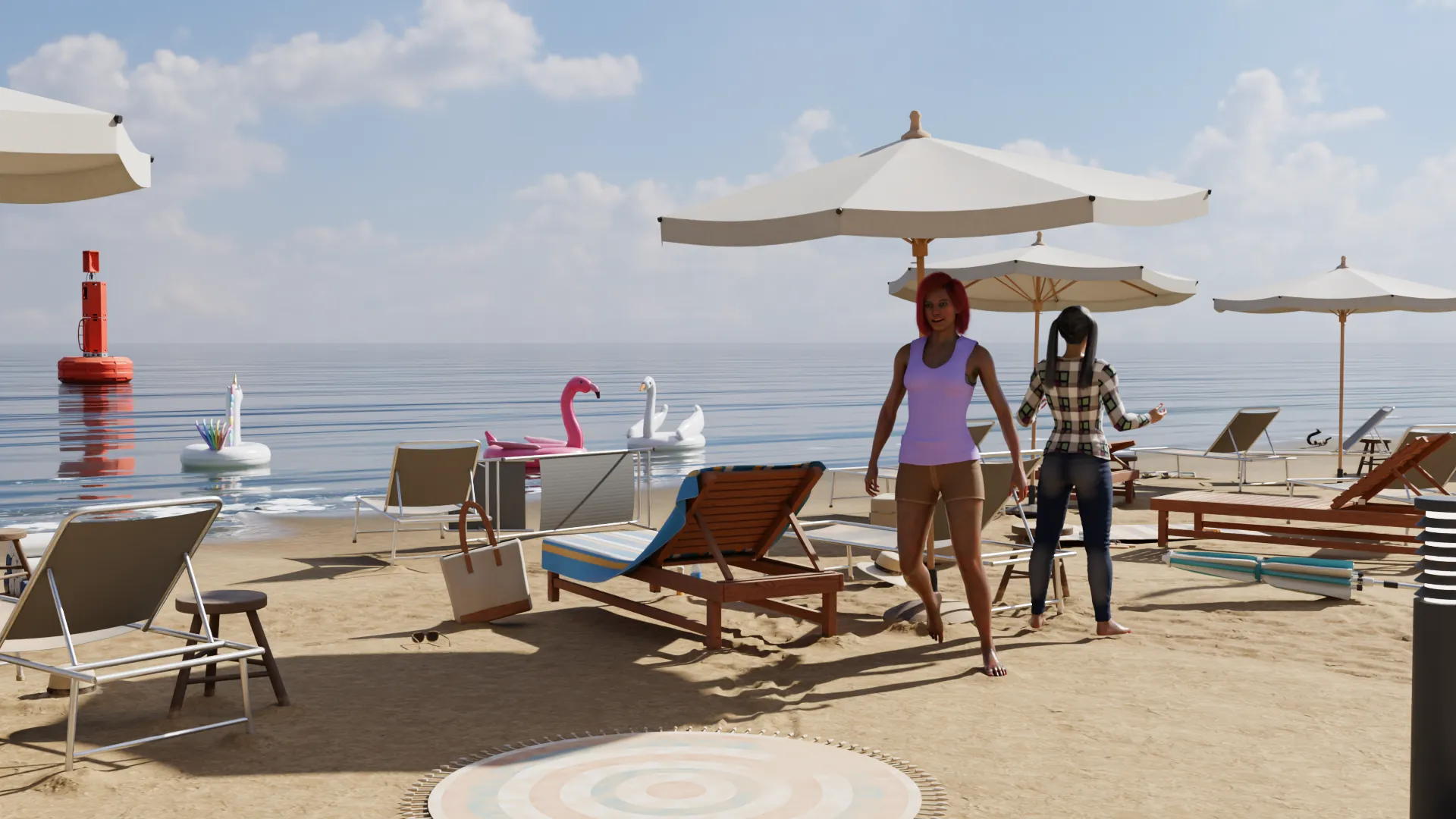
In 3D there is no guessing, because the character is an object. NovelStage saves each one in your project, and every scene uses that same person. Move the camera to the far side of the room, and you are looking at the same face from the far side of the room.

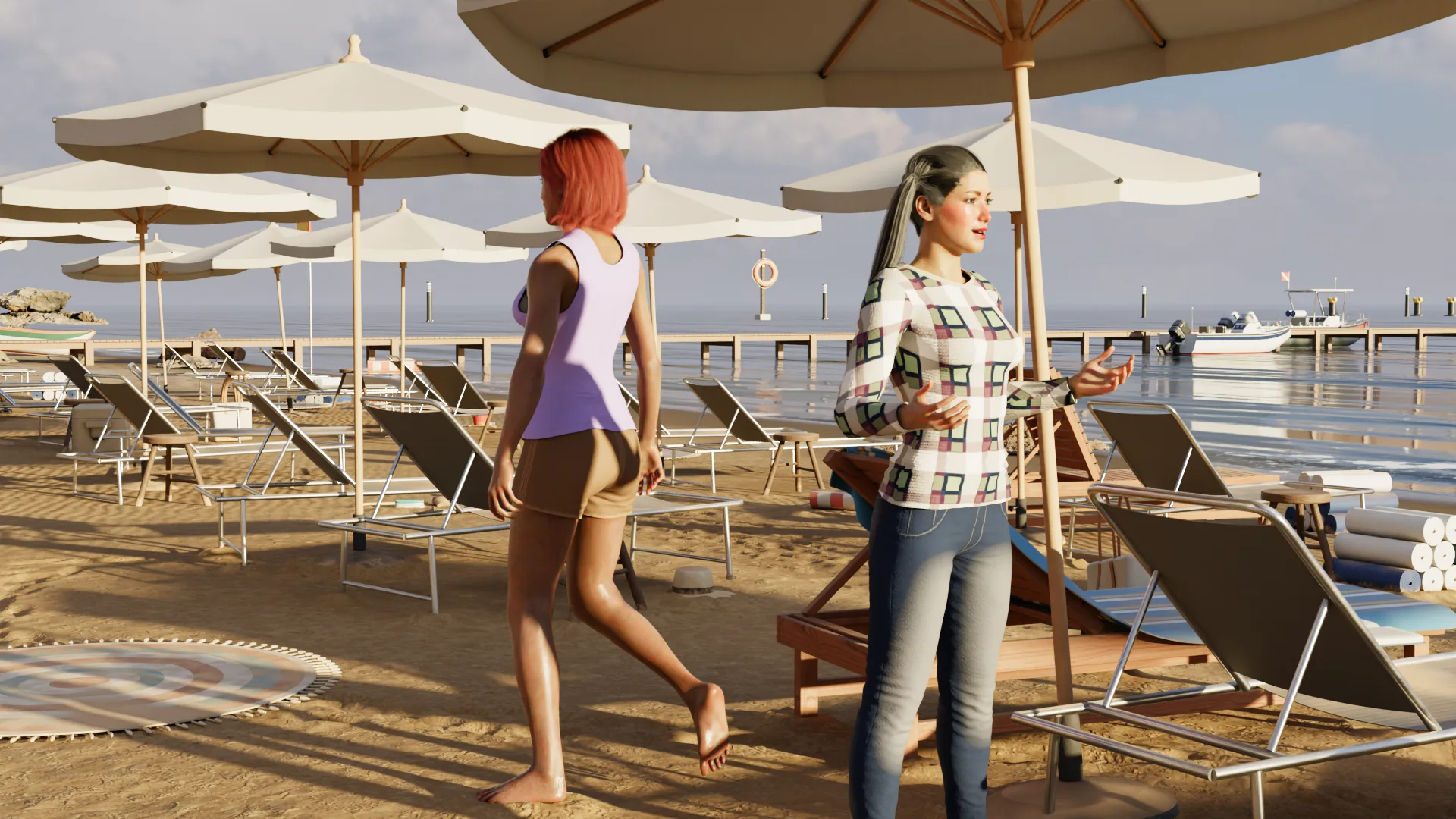
Change the time of day and the light on their skin changes with it, while the face stays put. This is how a film works: same actors, new setups.





Across a whole story
Clothes are set per scene, so an outfit stays the same for as long as you want it to, and changes when the story calls for it. A new expression is a change to the person in that scene, and the character underneath is untouched.
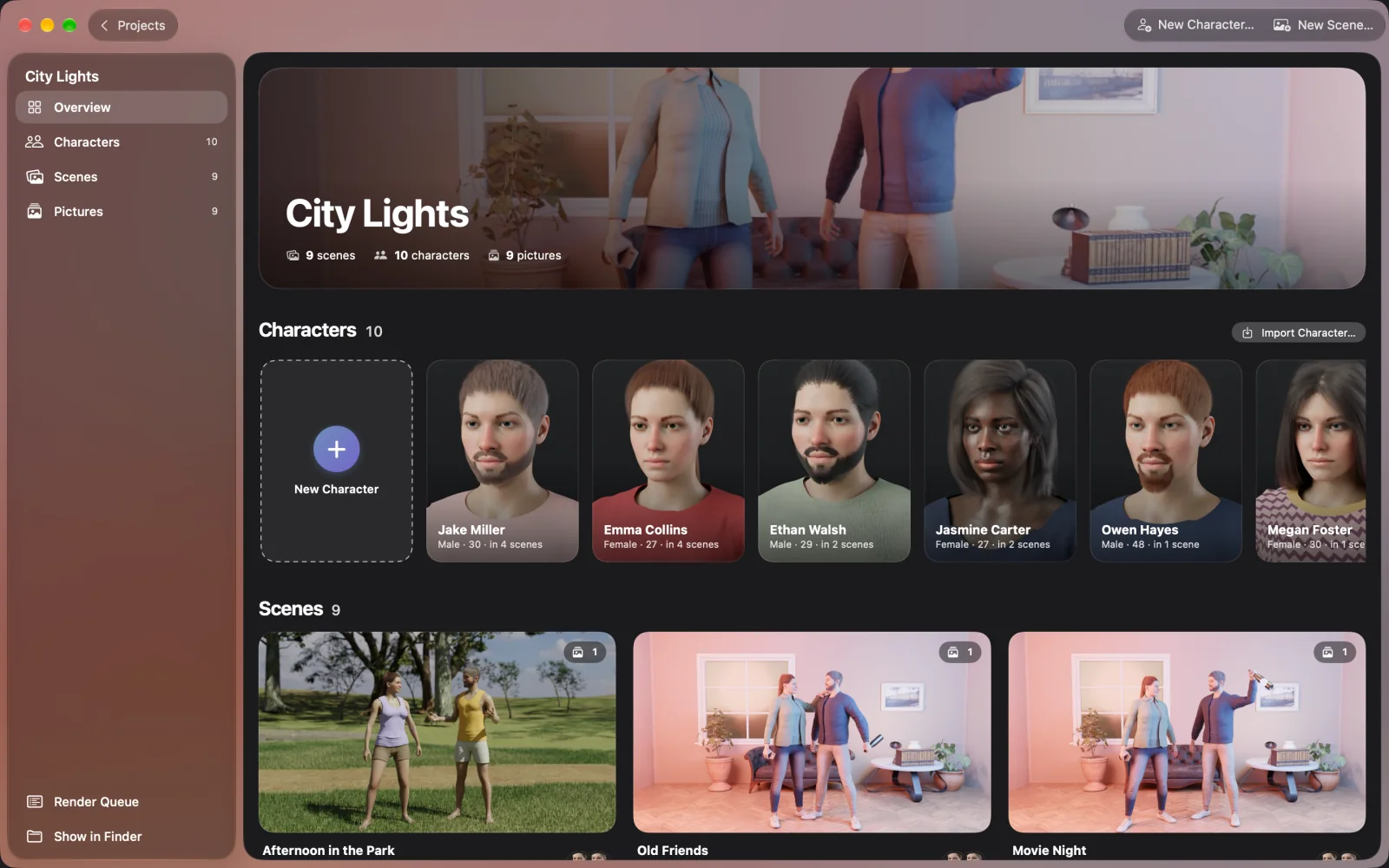
All your scenes share one character, so if you give someone a new hairstyle, every scene has it. Then render again whichever pictures you want to update.
What you give up
A prompt takes seconds to type, and a 3D scene takes longer, because you place the people, set the light and frame the shot. You also get one style. NovelStage makes realistic people that look photographed, and you are limited to the clothes, hair and objects in its libraries. There are no dragons or medieval armor sets. You cannot put in a photo of someone and get their likeness.
In return you get control of the picture. You decide who stands where and who is looking at whom, and the next picture of the same person is not a gamble. NovelStage is not generative AI: you build the scene and a path tracer renders it on your Mac, with nothing uploaded.
Questions
How do I keep the same character across images?
With an AI generator, reuse one sharp reference image and an identical description. With 3D, make the character once and use that same character in every scene.
Why do AI images change my character's face?
Each image is generated fresh, and a description fits many faces. Without a reference image or a trained model, nothing ties one picture to the last.
Will the face stay the same with different expressions?
Yes. An expression moves the same face, and your character keeps their features. There are 15 expressions, and you can also copy your own face through the Mac's camera.
Can I keep the same character in a comic or book?
Yes. NovelStage saves pictures, so you can use them wherever you like. See the guide on making a comic without drawing.