
How to make a comic without drawing
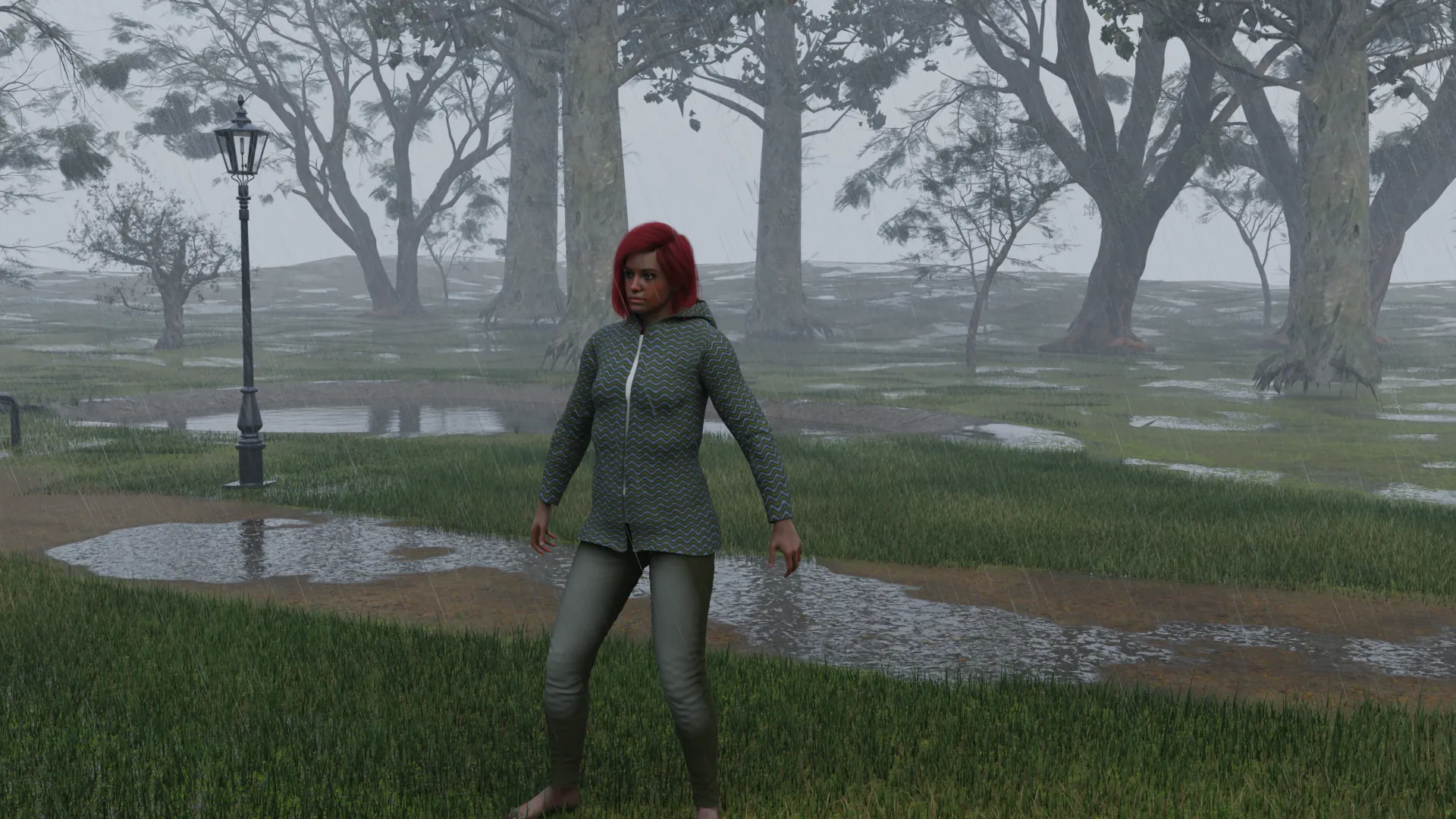
Treat each panel like a photograph on a film set. You direct, the renderer does the rest, and the lettering goes on at the end.
Coming to the Mac App Store in November or December 2026. Free, with an optional Pro upgrade.
Email me when it is outYou can make a comic without drawing by staging each panel as a 3D scene, rendering it, and laying the pictures out with balloons in a comic or layout app. The same characters appear in every panel, and the look is photographic, like a photo comic. NovelStage handles the scenes. It has no panels or lettering, so you finish the page in another app.
Your options if you can't draw
| Route | What it looks like | Watch out for |
|---|---|---|
| Photo comic | Real photos of real people | You need actors, places and a lot of organizing |
| Partner with an artist | Anything you both like | You share the work and the rights, or you pay for it |
| AI comic apps | Drawn-looking pages from prompts | Characters drifting, and readers or publishers who do not want AI art |
| 3D scenes | Photographic, with your own cast | One look only, and the time to stage each panel |
What a page looks like
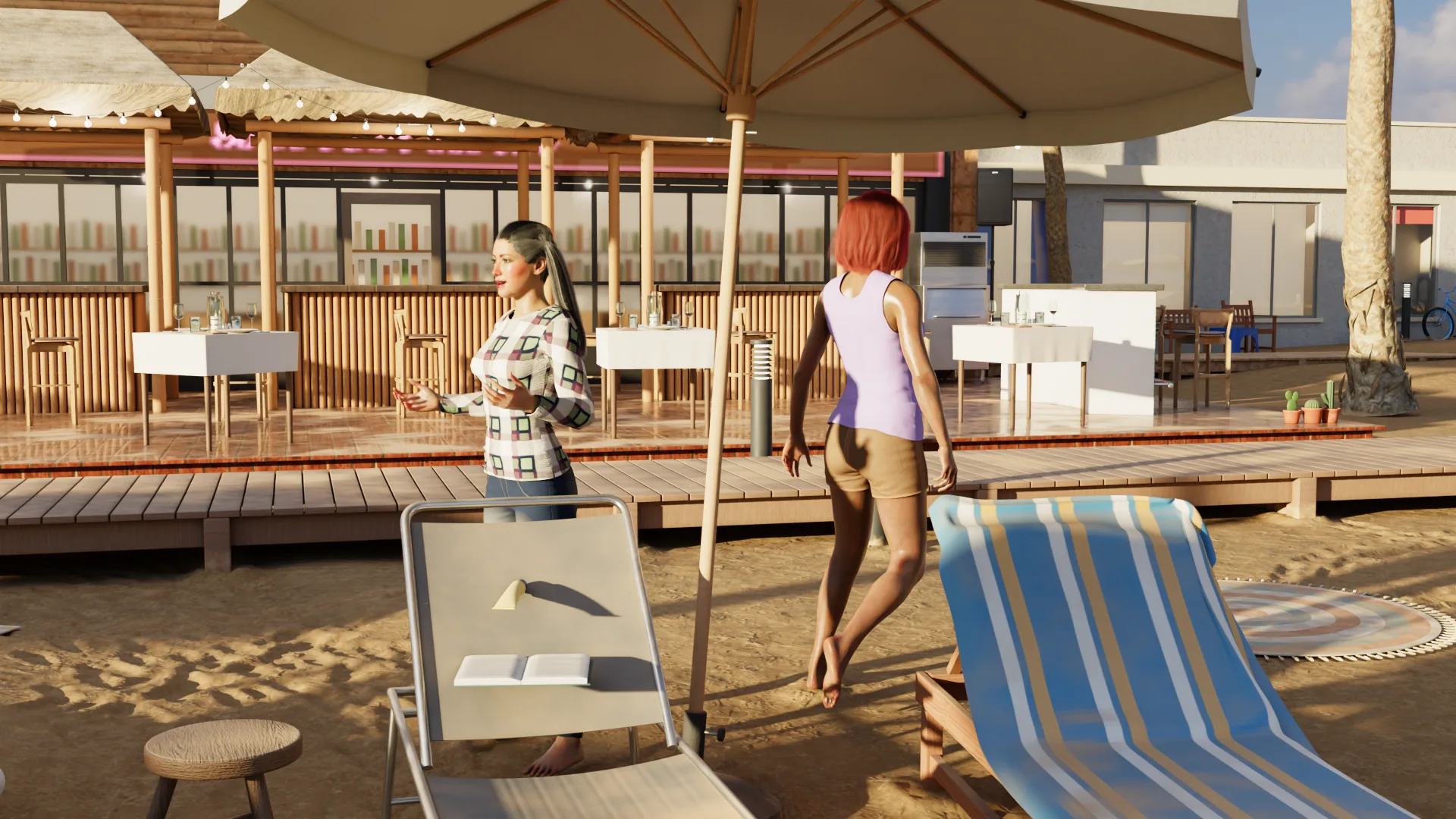
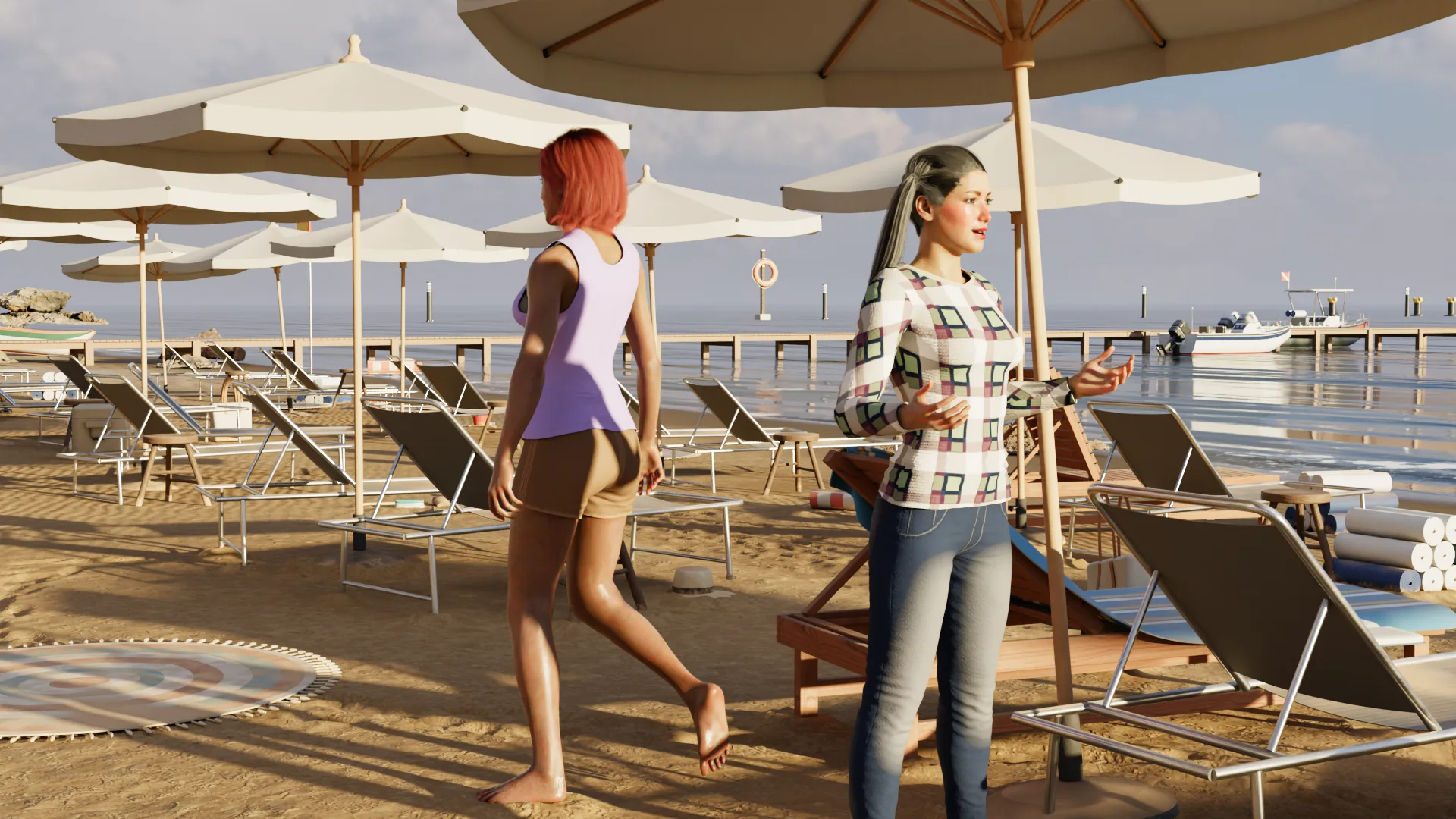
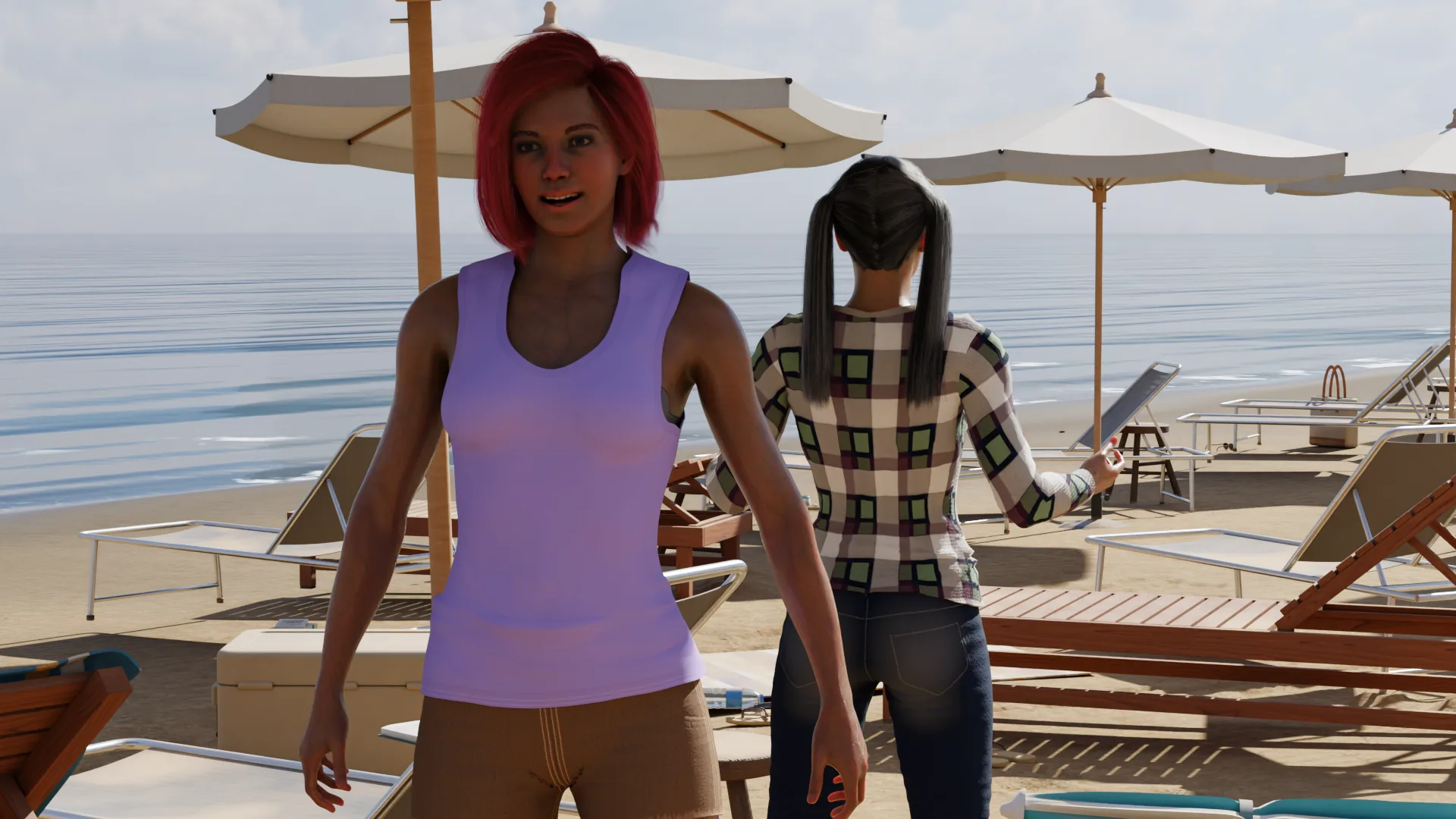
Here is a small page put together from renders of one scene. The pictures come straight from NovelStage, cropped to fit. The balloons are added on top.
From script to page
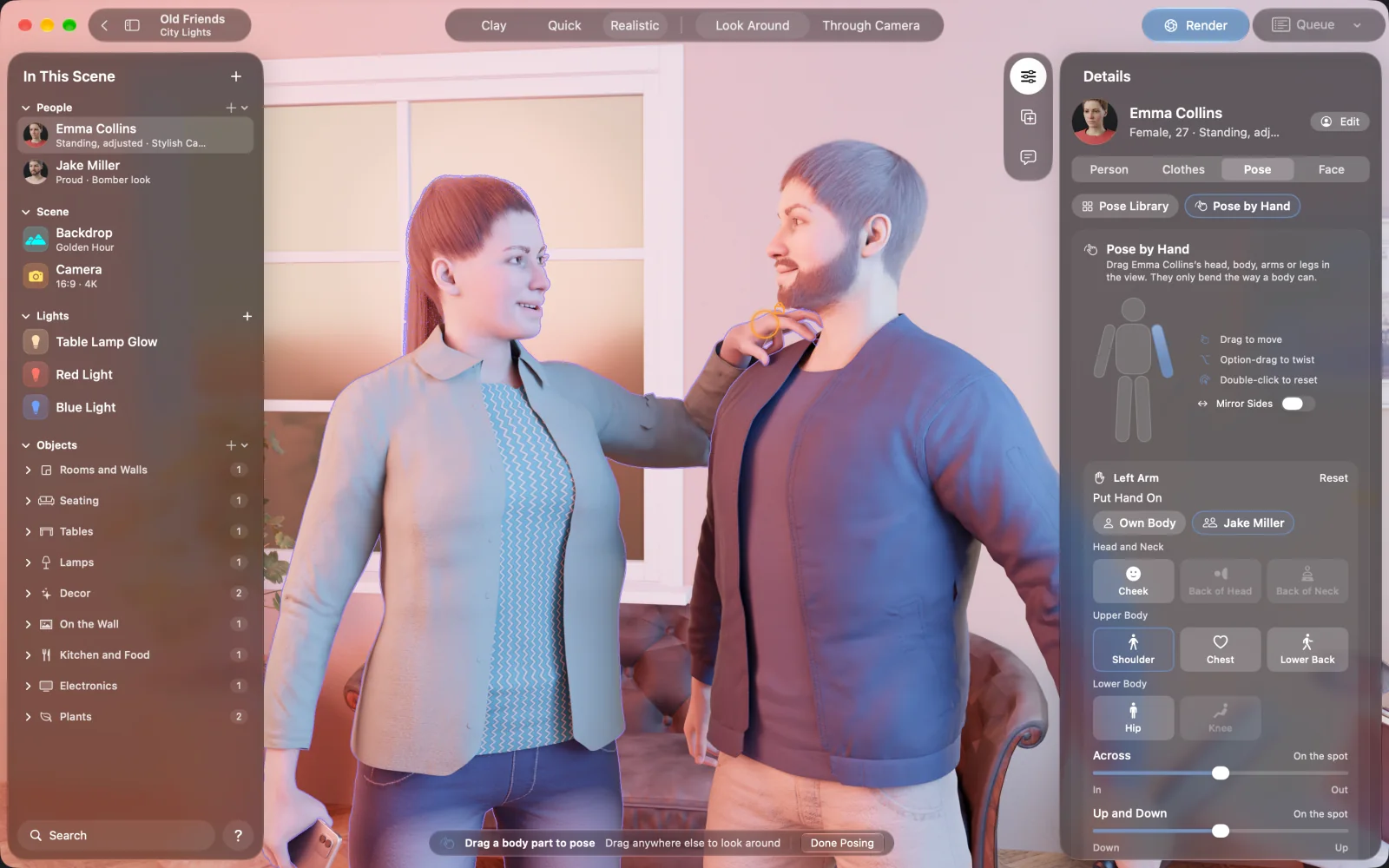
Break the script into panels
For each panel, note who is in it, how close the camera is and what the reader should notice.
Make your cast
Build each character once. They will look like themselves in every panel.
Build the main sets
Most comics return to a few places, so a good apartment and street go a long way.
Shoot your panels
Move the camera for each panel instead of rebuilding anything, and change poses and faces as the story goes.
Render them in a batch
Add each panel to the render queue and leave it to work through them.
Letter the page
Bring the pictures into a comic or layout app, then add panels, balloons and captions.
Making rendered panels read like a comic
Rendered pictures can feel stiff if every panel is a medium shot at eye height. Comics are about rhythm.
- Vary the distance. Follow a wide shot with a close-up of a hand or a face.
- Change the camera height. A low camera makes someone look bigger, and a high one makes them look small.
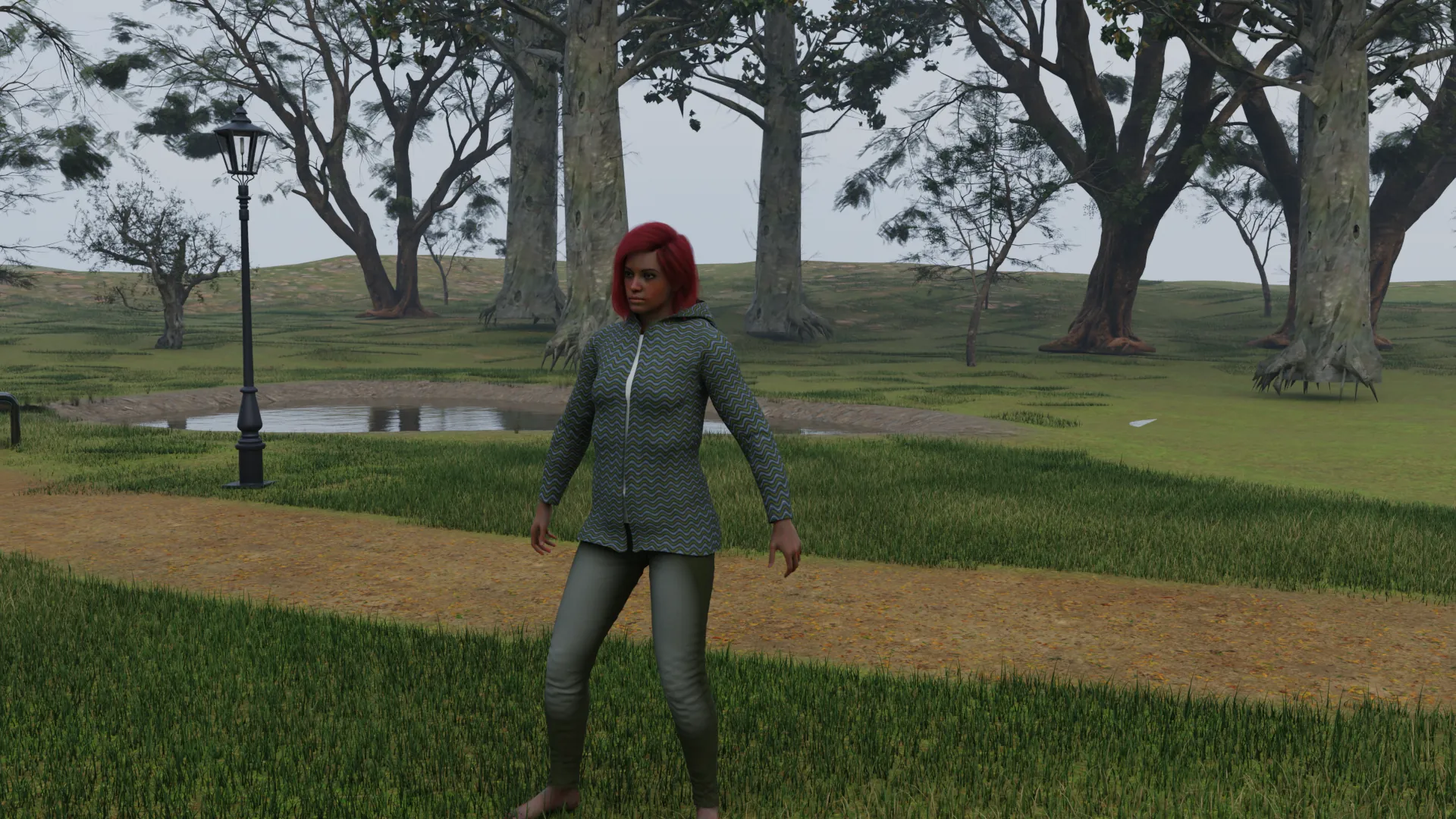
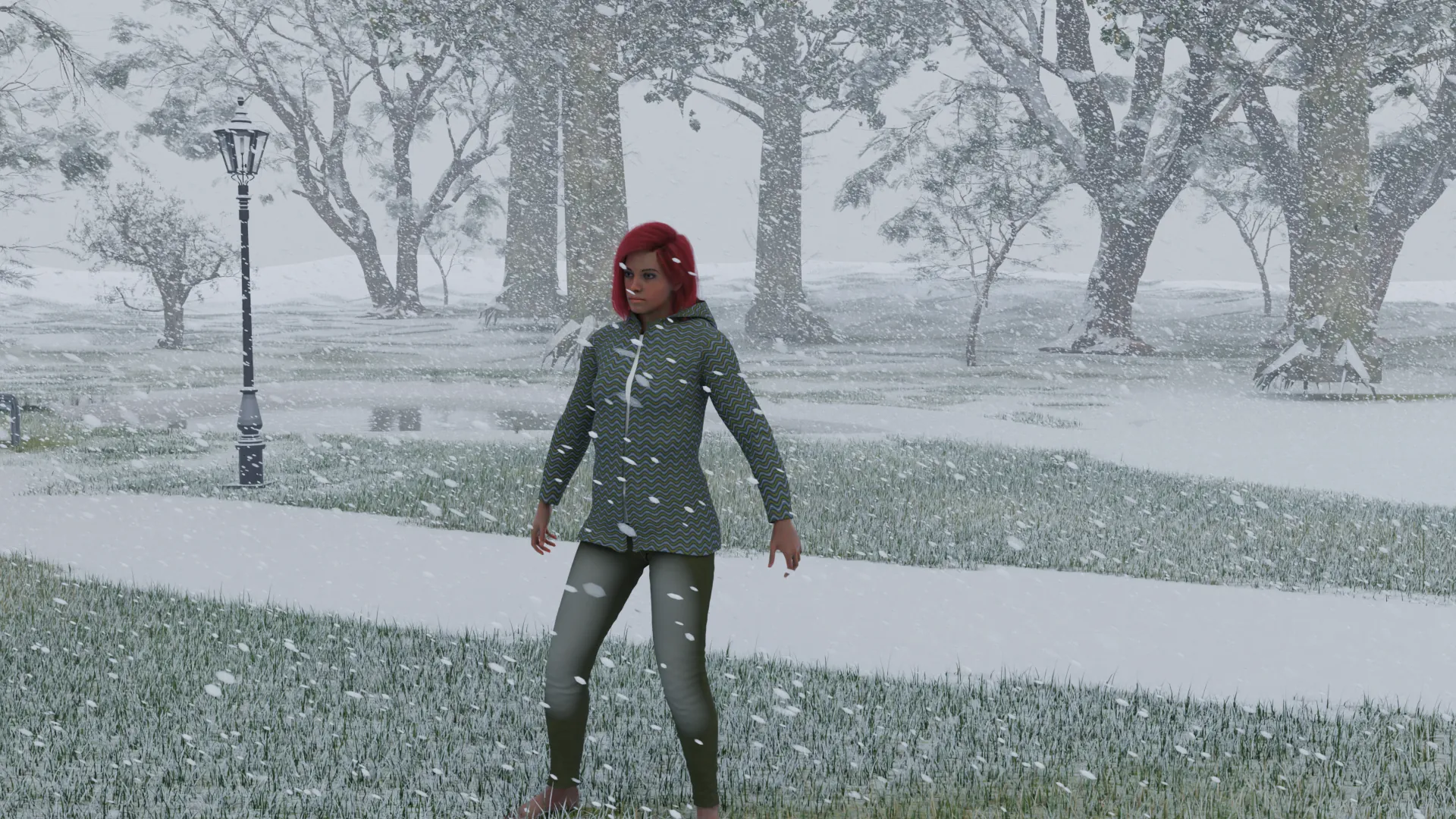
- Use light to set scenes apart. Give each location its own hour or weather.
- Add a look such as Noir or Film across the whole book so it hangs together.
- Leave room for balloons when you frame the shot.
What you need to know first
- NovelStage has no panels, balloons or lettering. Clip Studio Paint is one app with all of those.
- Pictures are always 16:9. For tall webtoon panels or square ones, you crop afterwards, so render at 4K and leave room.
- The look is photographic. There is no ink, halftone or manga style in the app, though a comic app can add some.
- It has modern clothes and everyday settings, so superheroes, armor and robots are not covered.
Questions
Can I make a comic with no drawing skills at all?
Yes. Writing, staging and pacing matter more than people think, and a 3D tool or a photo comic takes the drawing out. You will still spend time on each panel.
Does NovelStage add speech bubbles?
No. It renders the pictures. You add balloons and captions in a comic or layout app.
Can I make a webtoon with it?
Yes, with some cropping. Pictures come out 16:9, so render at 4K and crop tall panels from them in your comic app.
Can it make manga or drawn styles?
No. It renders realistic people. Filters in another app can change the look, but the app itself does not draw.
Sources
Daz Studio, Poser, Character Creator, Blender, Clip Studio Paint and other names here belong to their owners. NovelStage is not affiliated with any of them.