
3D scene maker for Mac
Build a room or pick a place, stand people in it, and render a picture. There is no modeling.
Coming to the Mac App Store in November or December 2026. Free, with an optional Pro upgrade.
Email me when it is out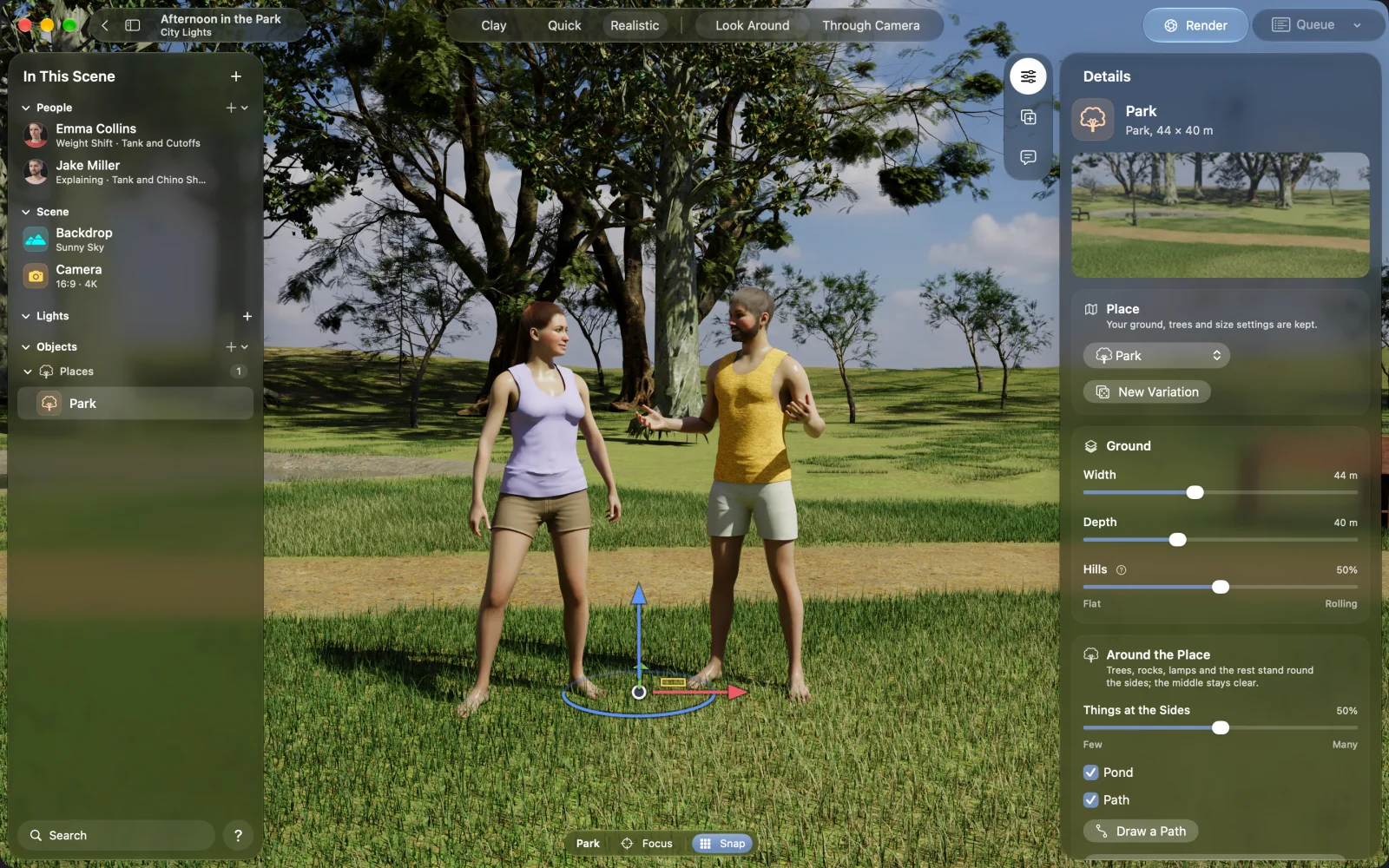
NovelStage is a 3D scene maker for Apple silicon Macs. You assemble a scene from ready parts: rooms built to size, 16 outdoor places, over 5,000 objects and your own characters. You see the real light as you work, then render a finished picture up to 8K. It is for making pictures of people in places, so it has no modeling tools and no animation.
Rooms built to size
Set the width, depth and height of a room, add windows and doors to any wall, and pick walls and floors from scanned surfaces. Brick, stone and tile have real depth. You can split a room with a wall of its own.
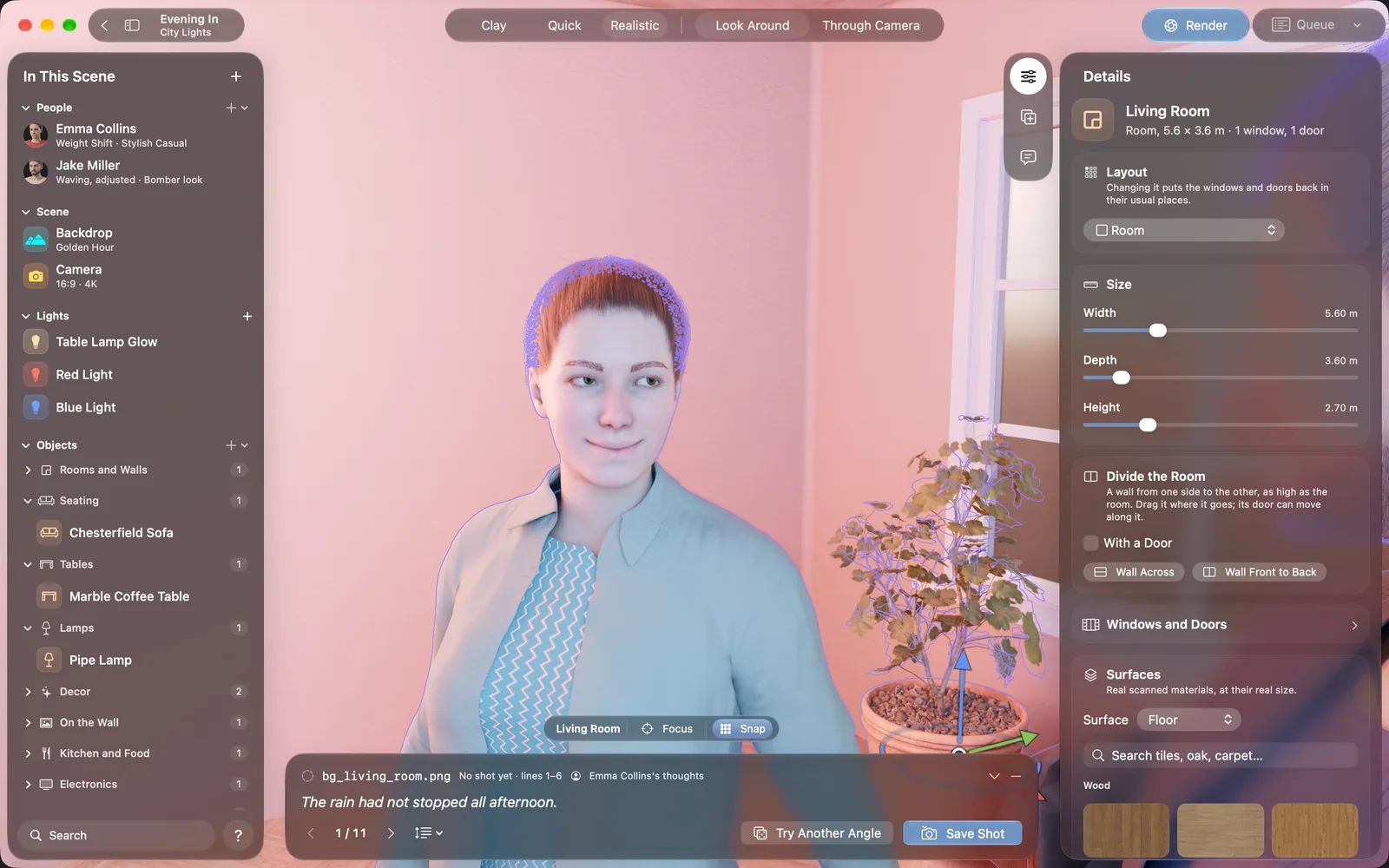
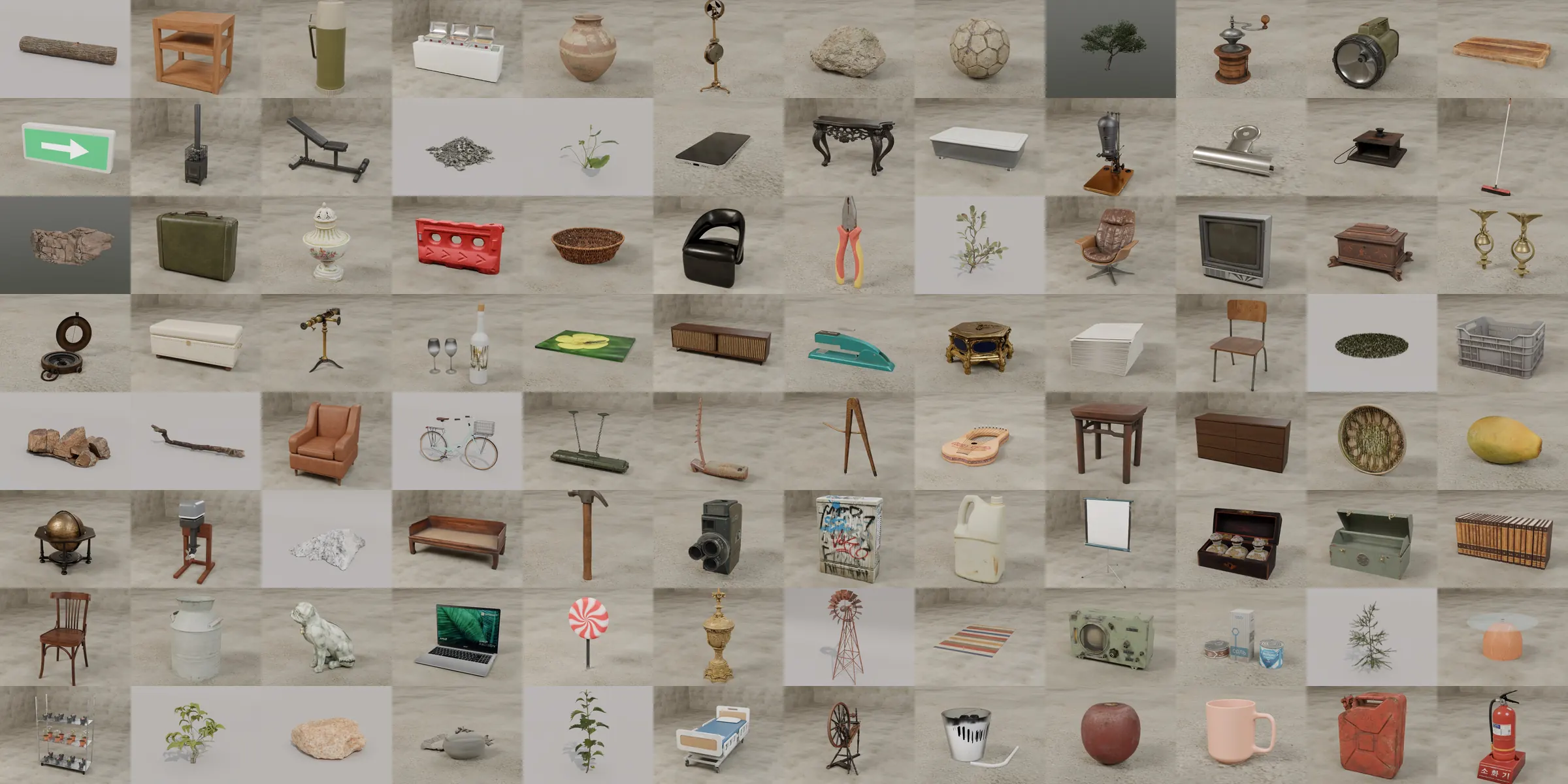
Then furnish it. The library has over 5,000 objects: furniture, food, plants, toys, electronics and vehicles. Search by any word you would use, so sofa, couch and settee all work. TVs, laptops and phones can show a picture you choose.
Sixteen outdoor places
Each outdoor place is built when you add it, with hills, trees and things around the edges, and a new variation is one click away. Draw a path through a forest or the snow by clicking across the ground, or add boardwalks, jetties and fences the same way.
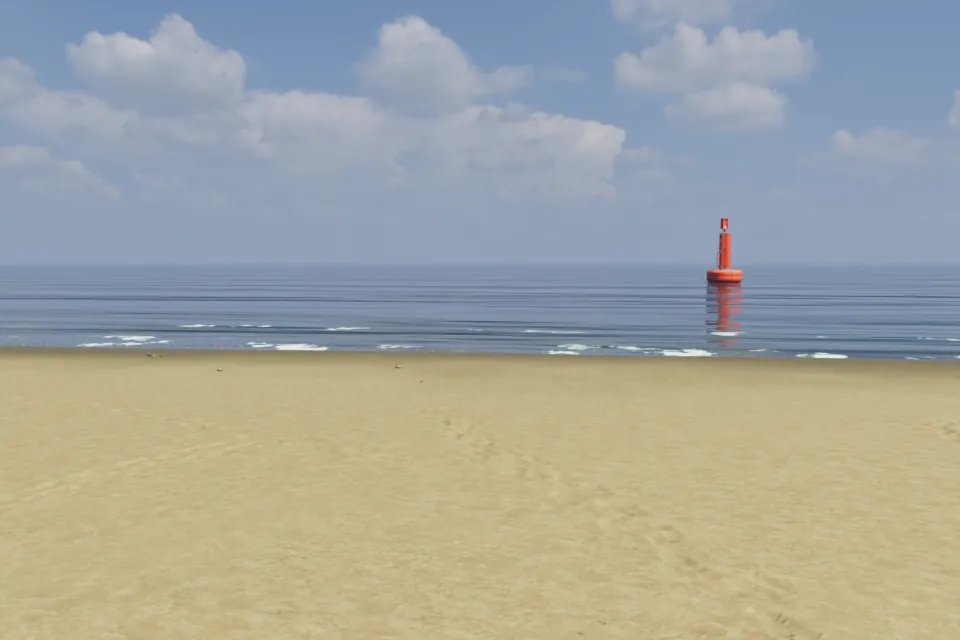
Beach 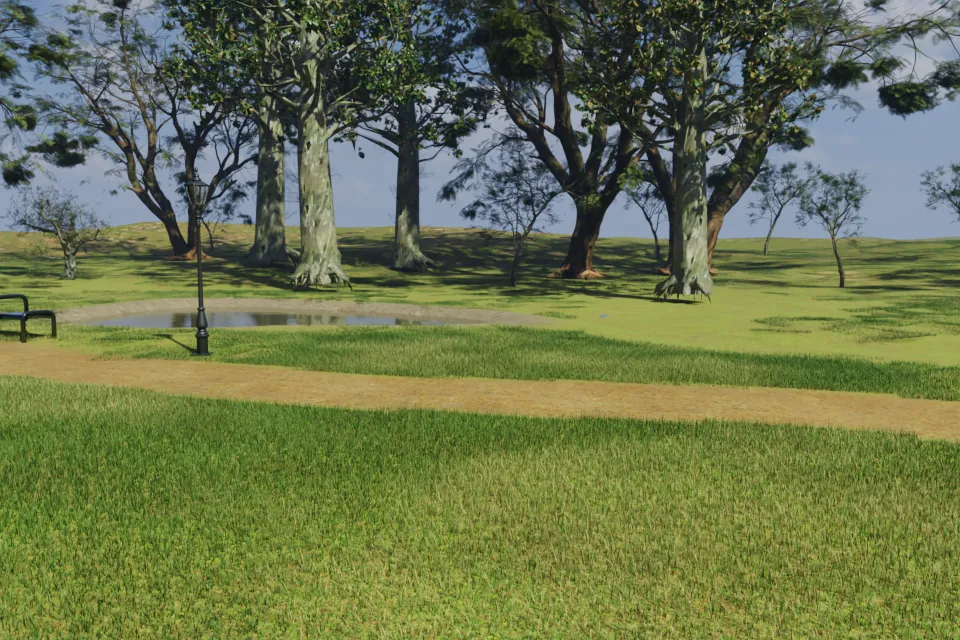
Park 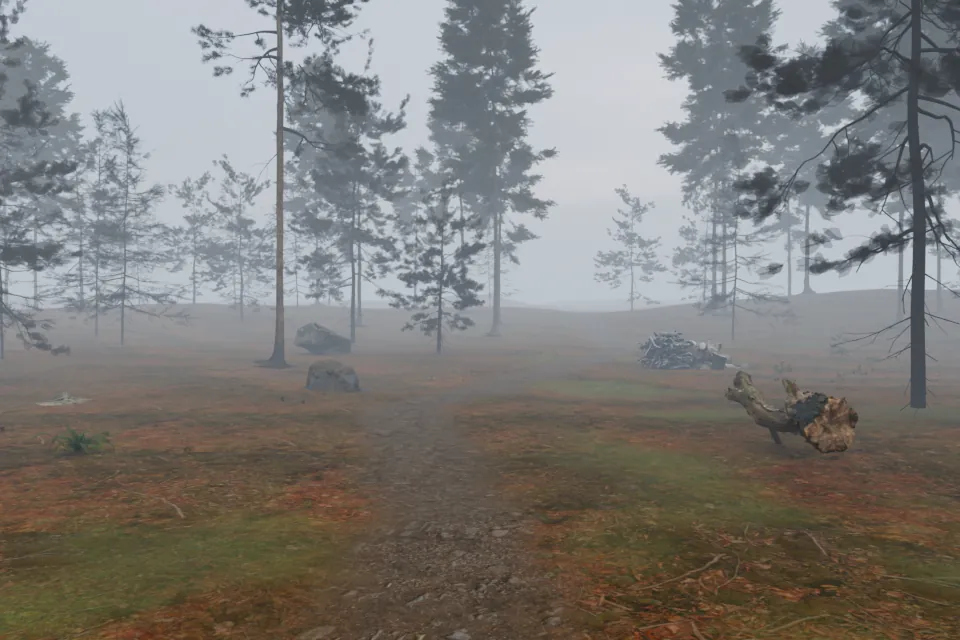
Forest 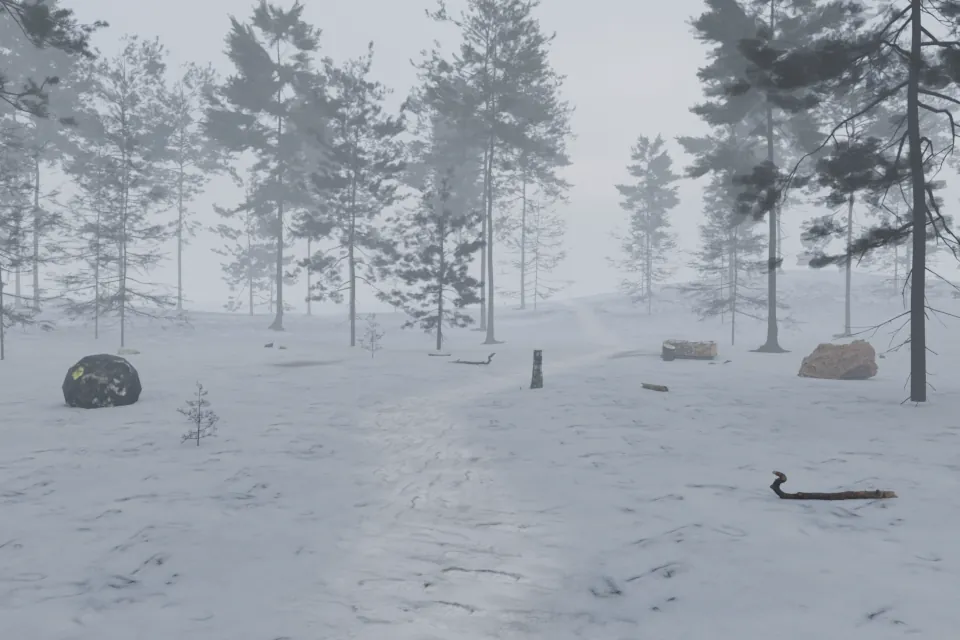
Winter Woods 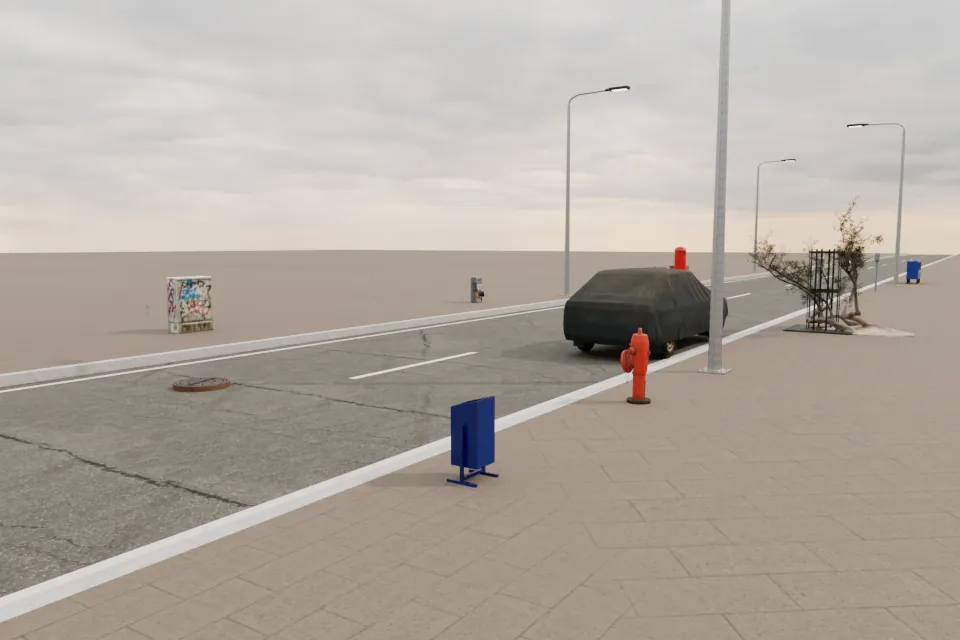
Street 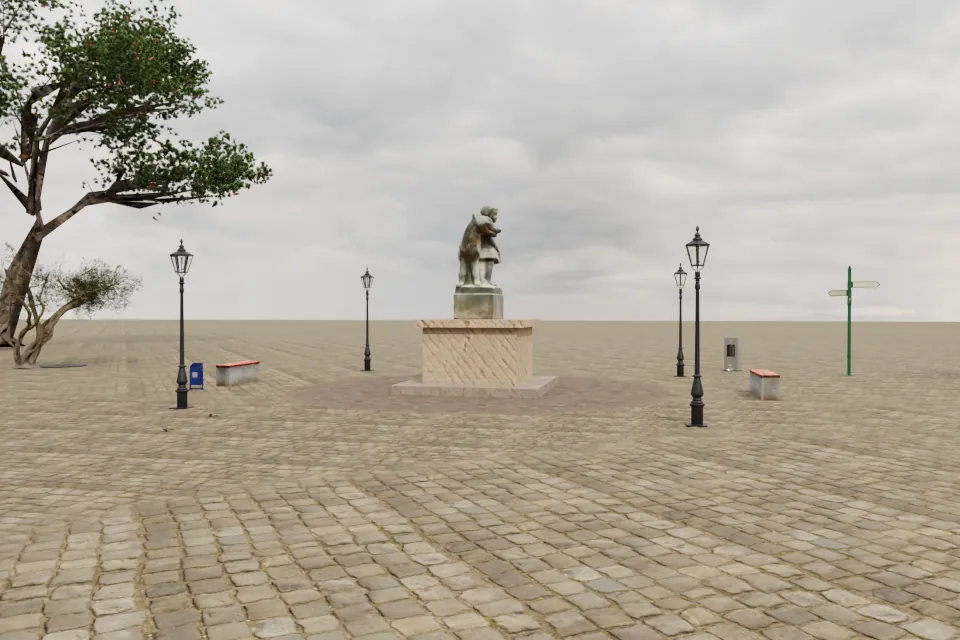
Town Square 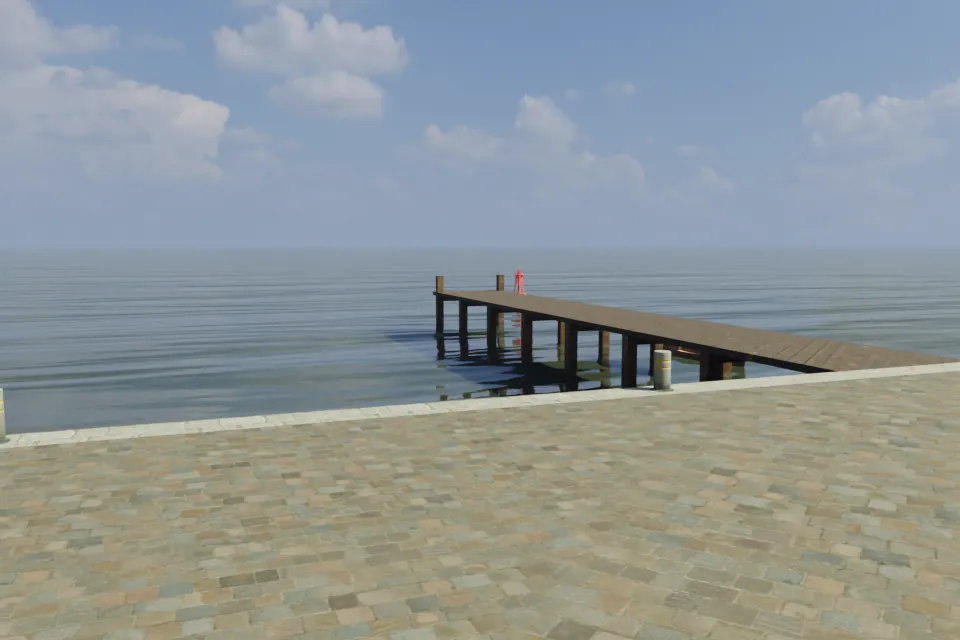
Harbor 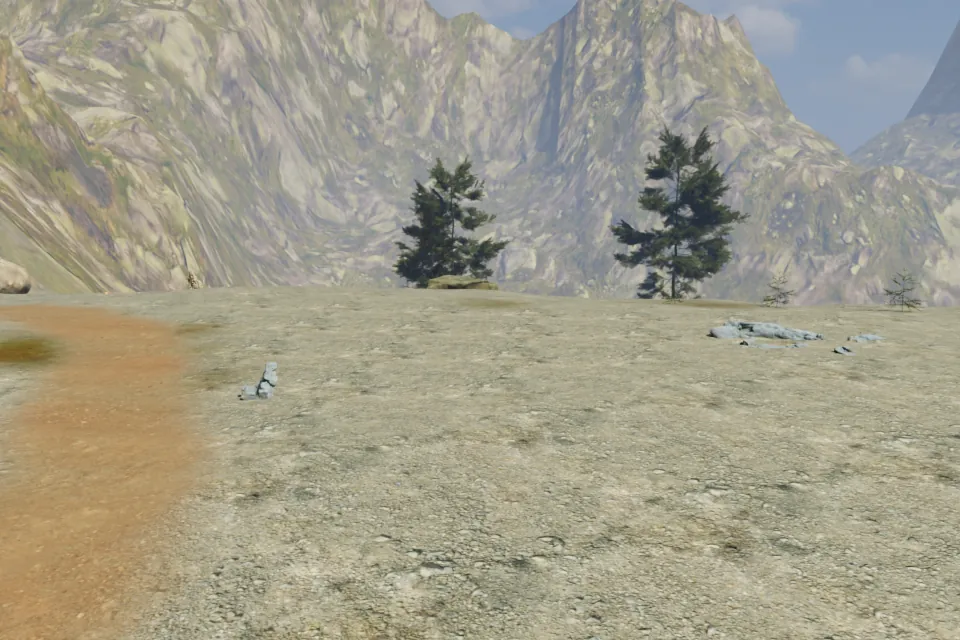
Mountain 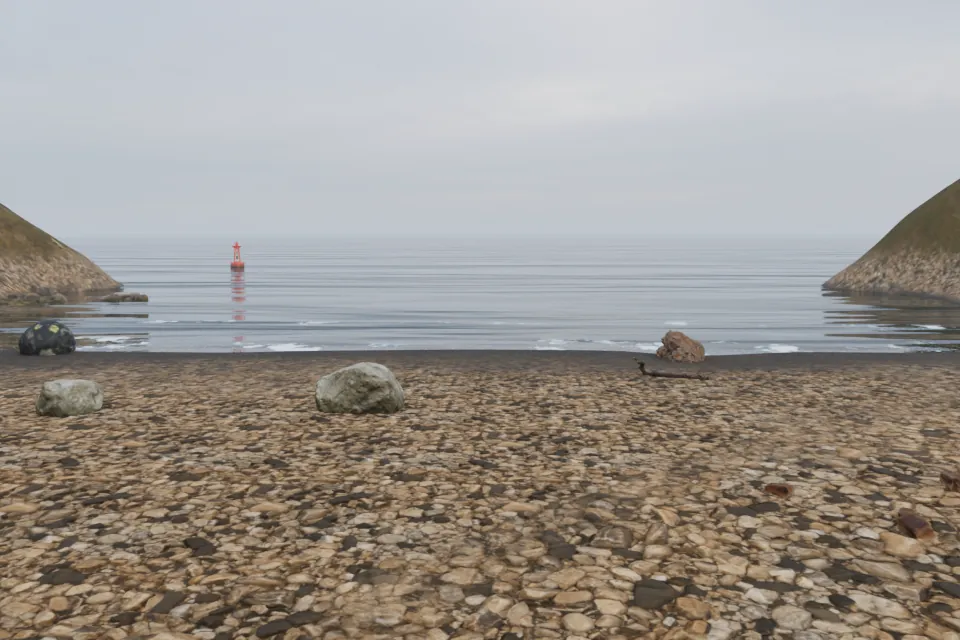
Rocky Coast 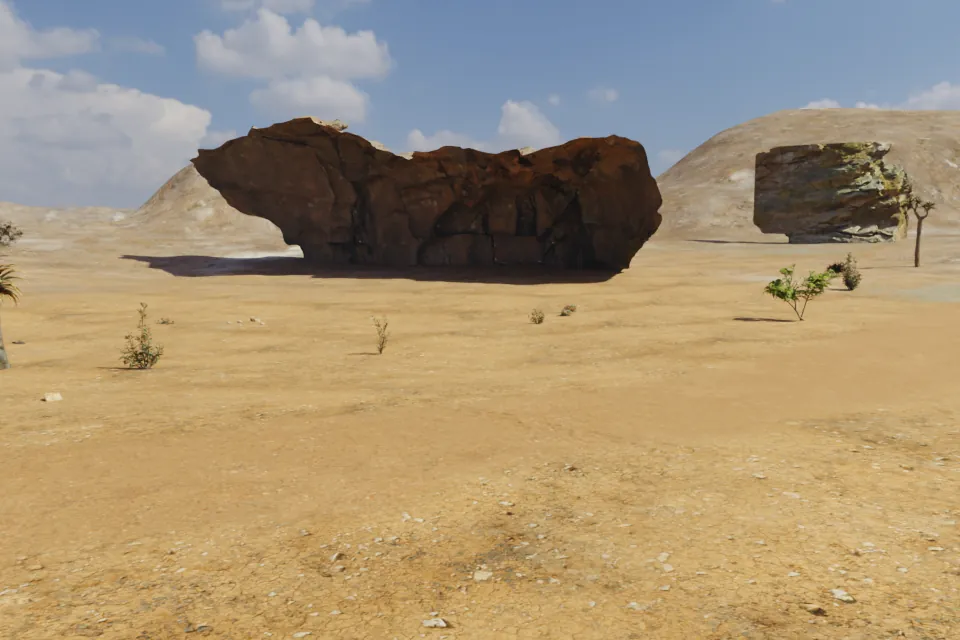
Desert 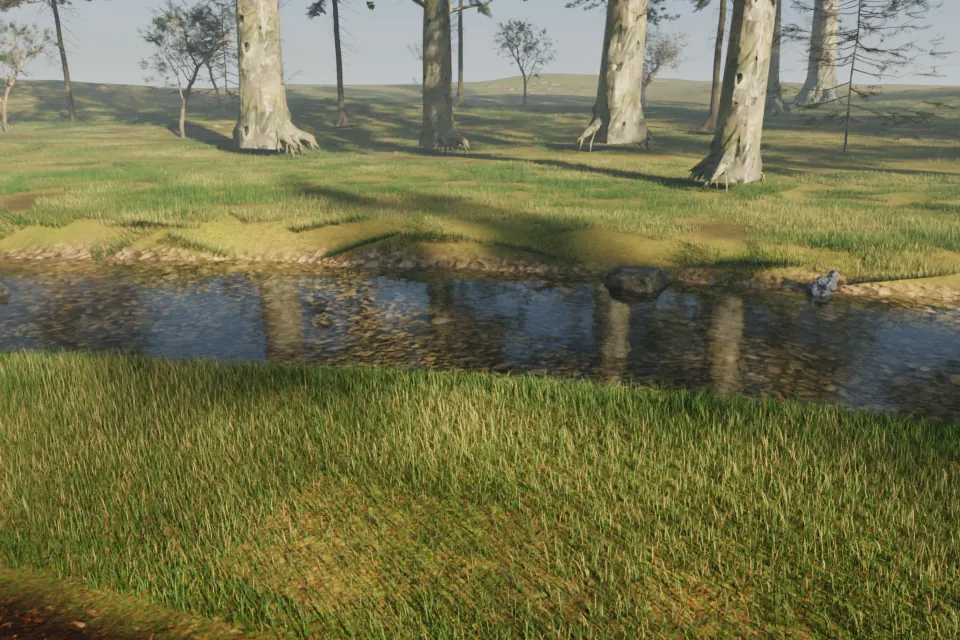
Riverbank 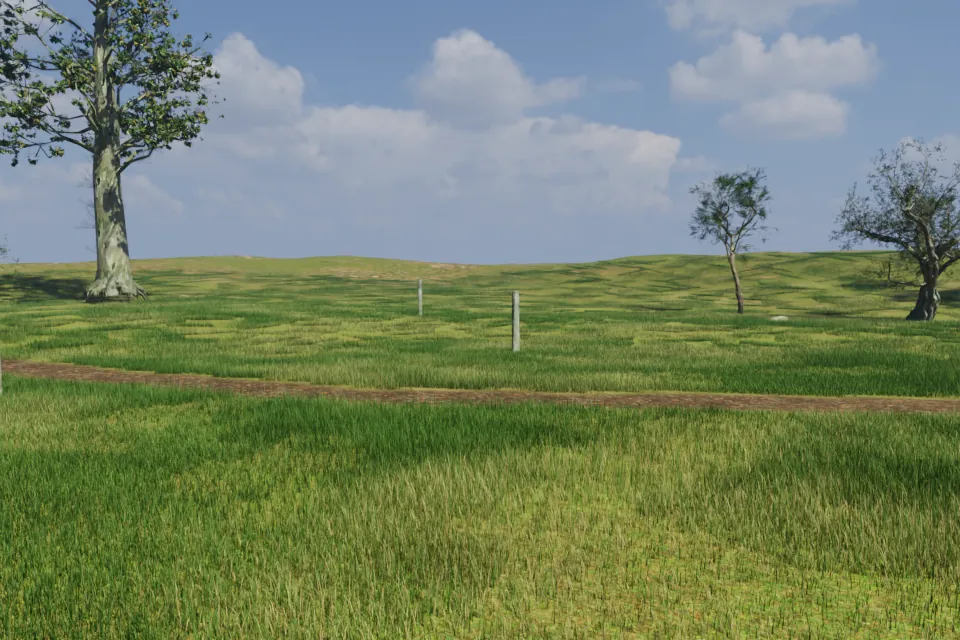
Meadow 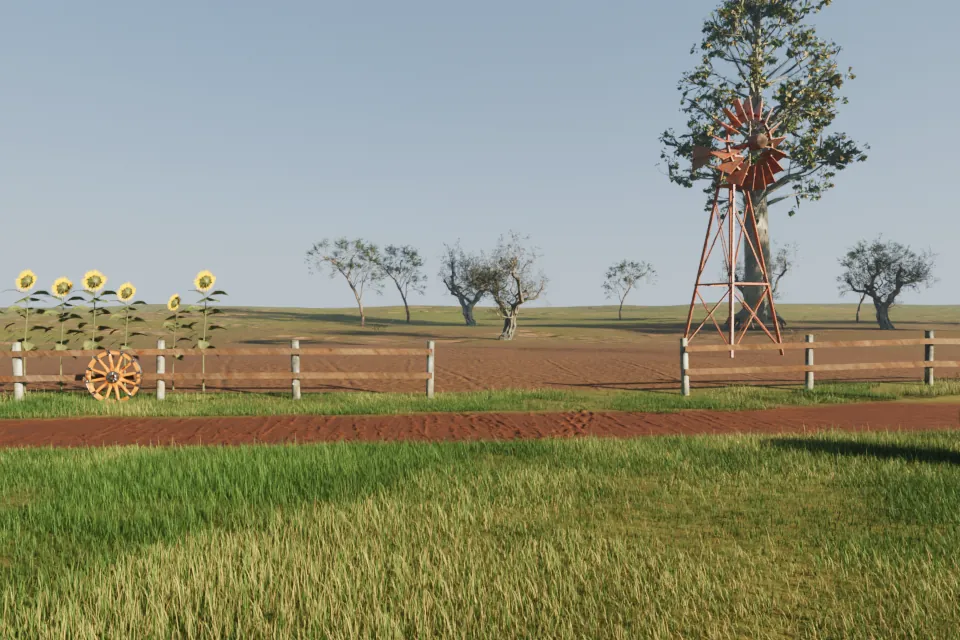
Farm 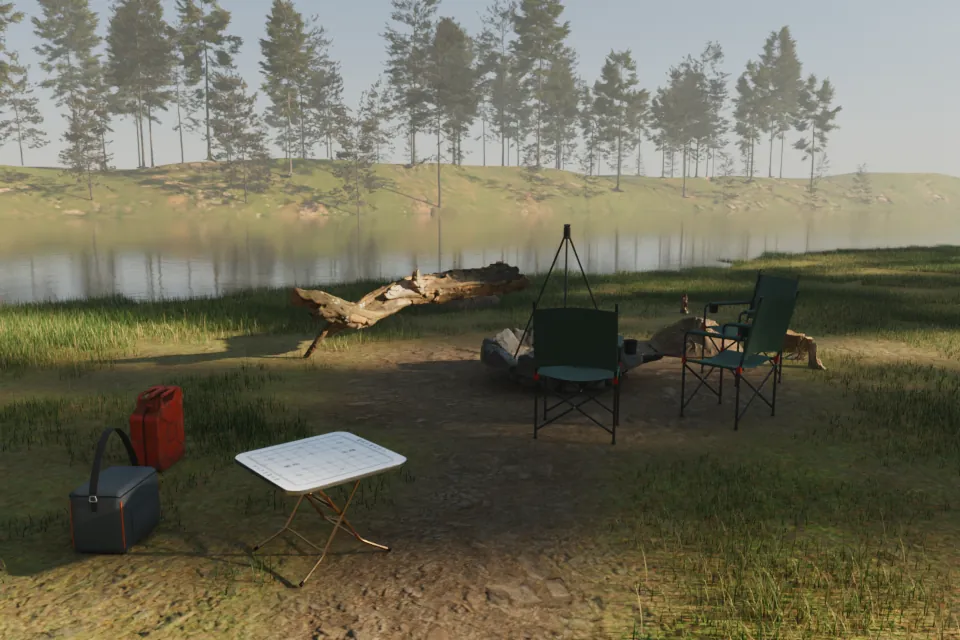
Campsite 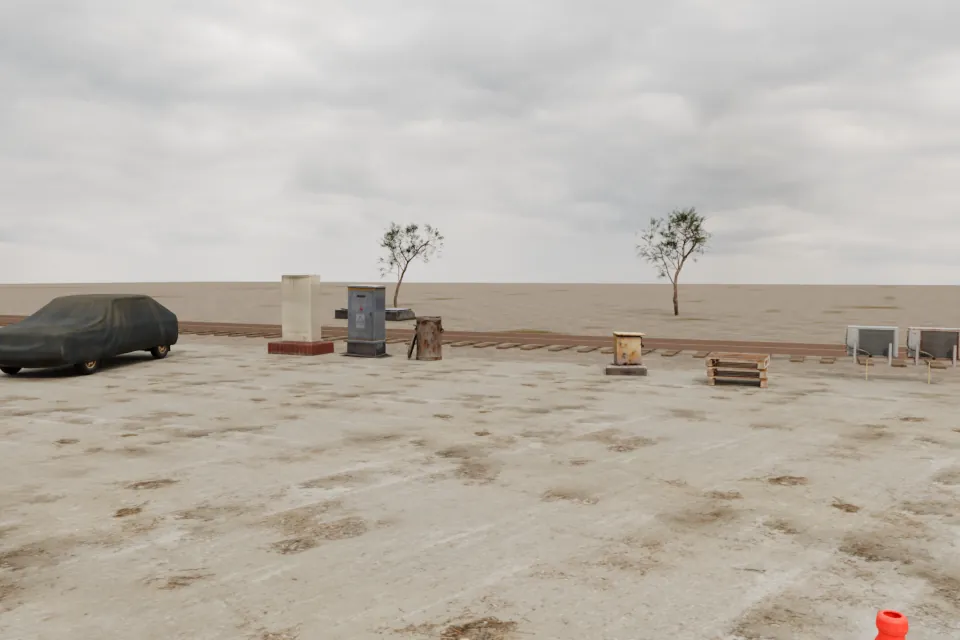
Industrial Yard 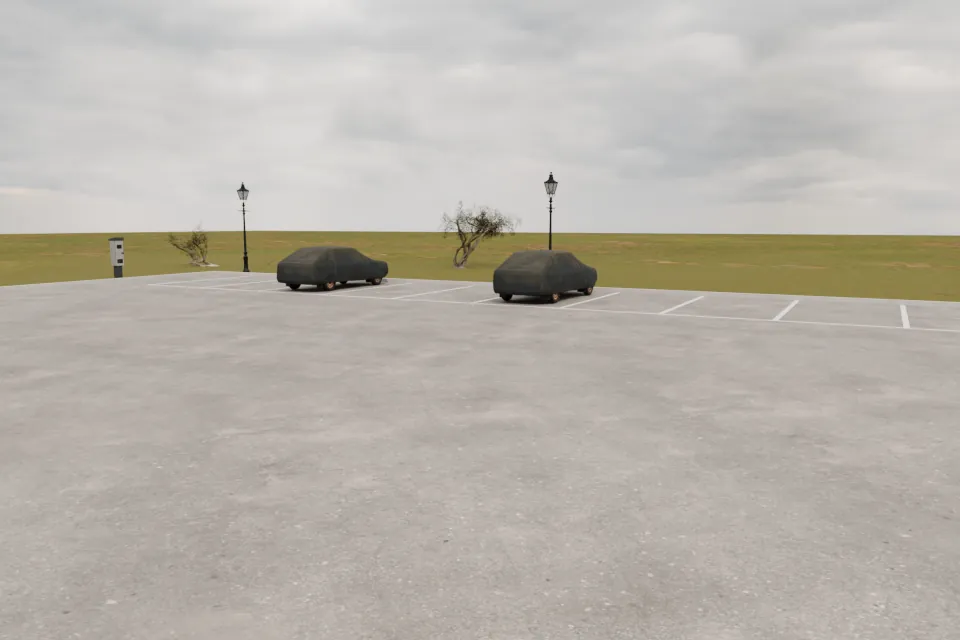
Parking Lot
Buildings fill in the distance: houses, shops, a bar, a hotel, in L, T and U shapes, finished on all four sides.
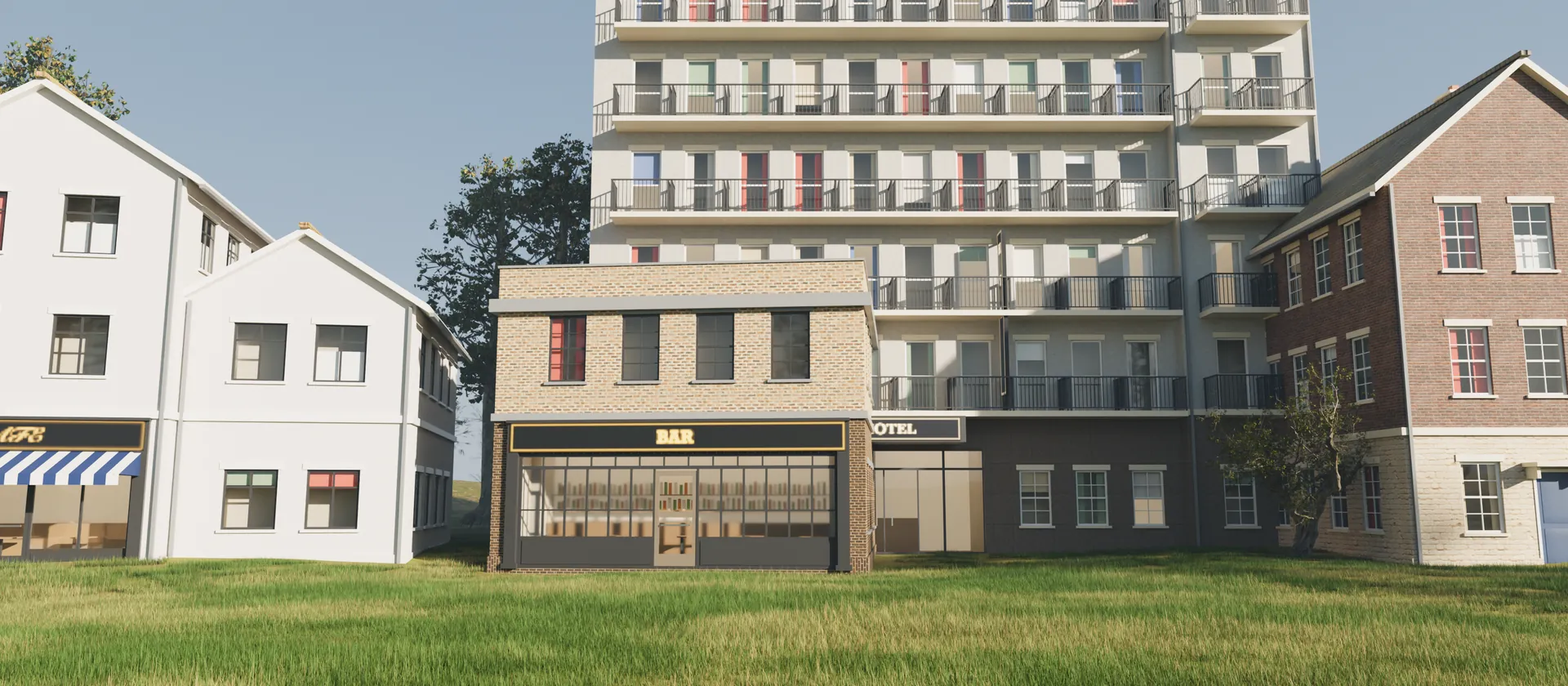
A scene with people in it
This is where NovelStage differs from most 3D tools. Characters are part of the job from the start. Make them once, then add them to any scene. They sit on the cushion of any sofa, hold a phone in their fingers and rest a hand on someone's shoulder.
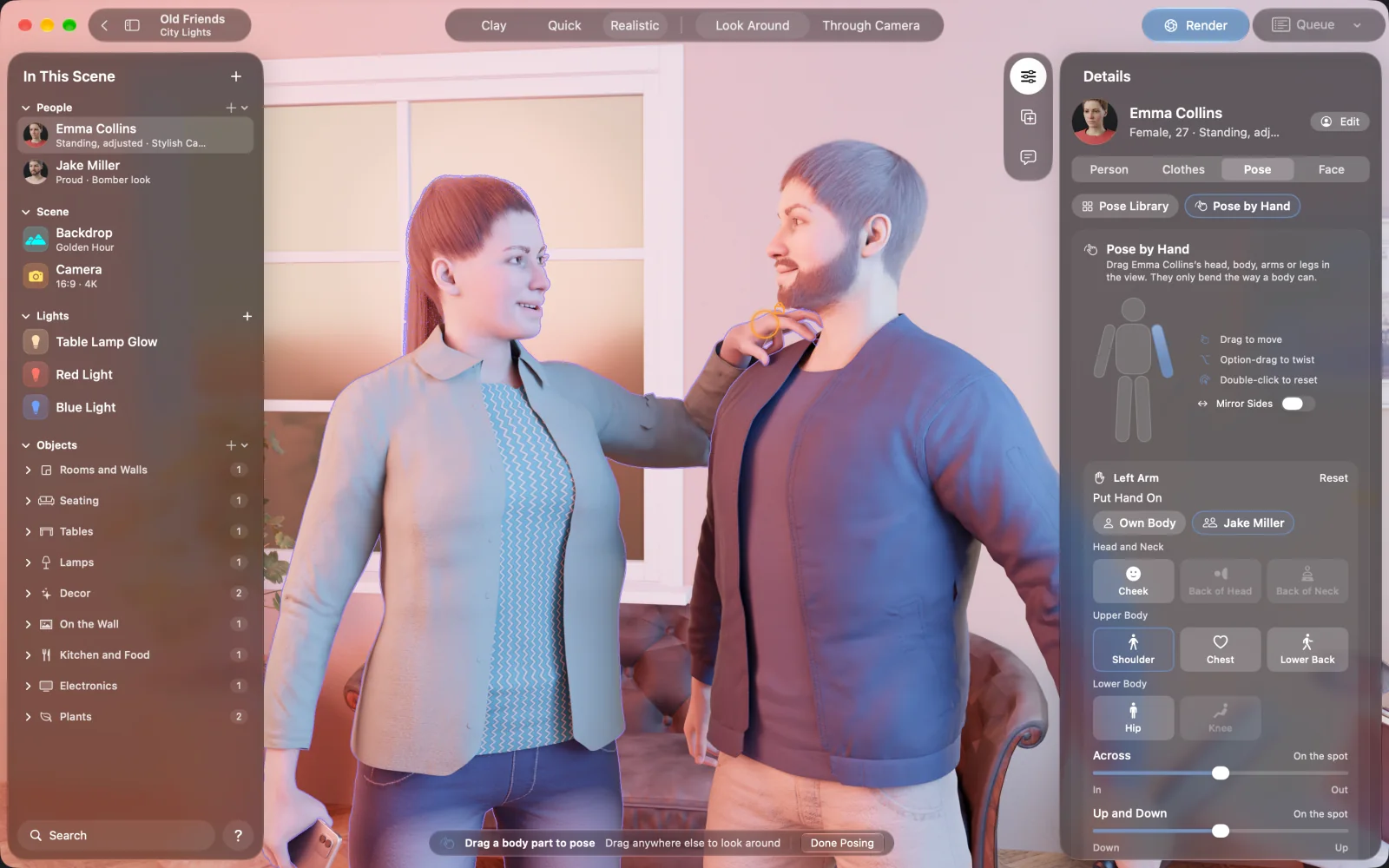
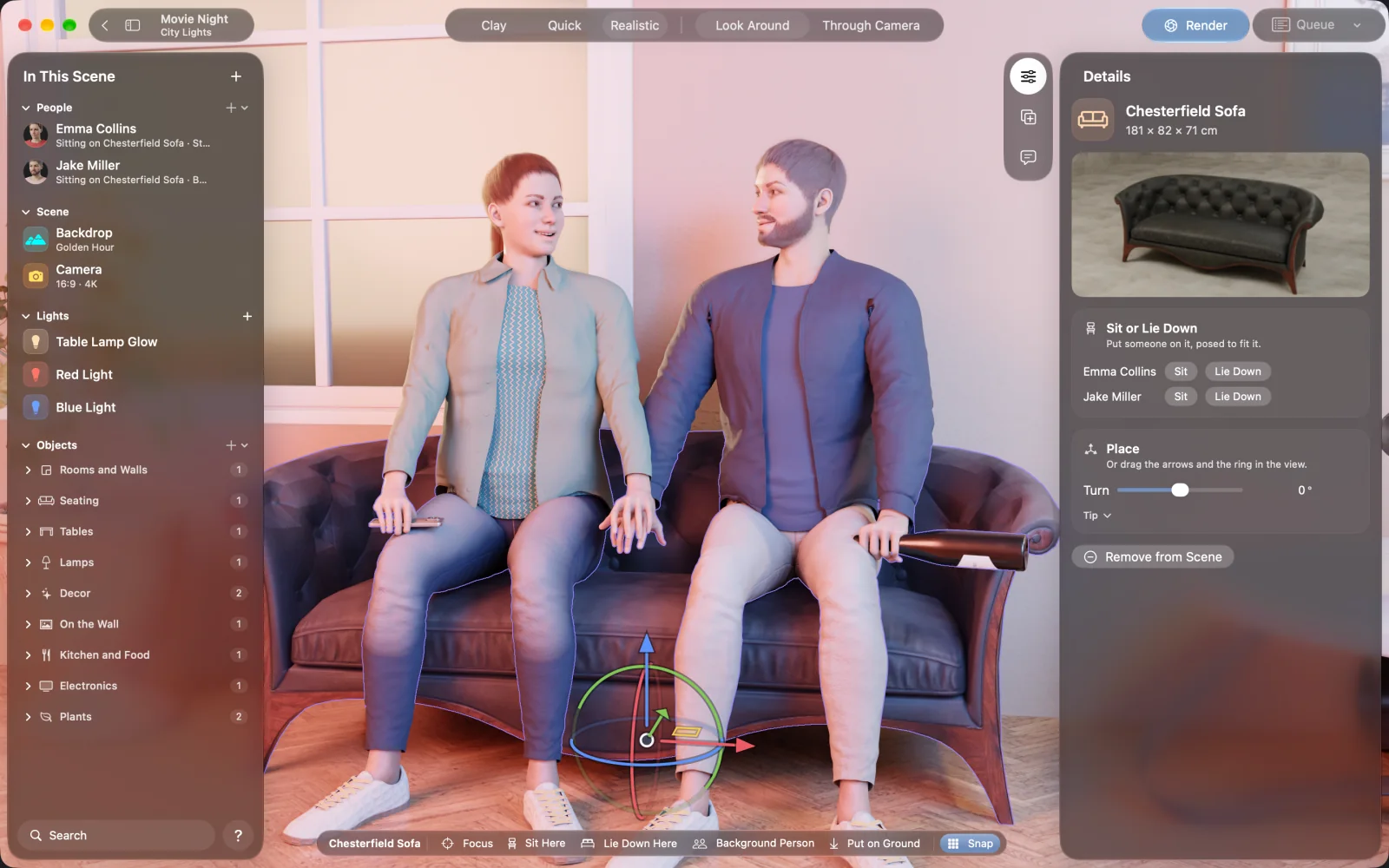
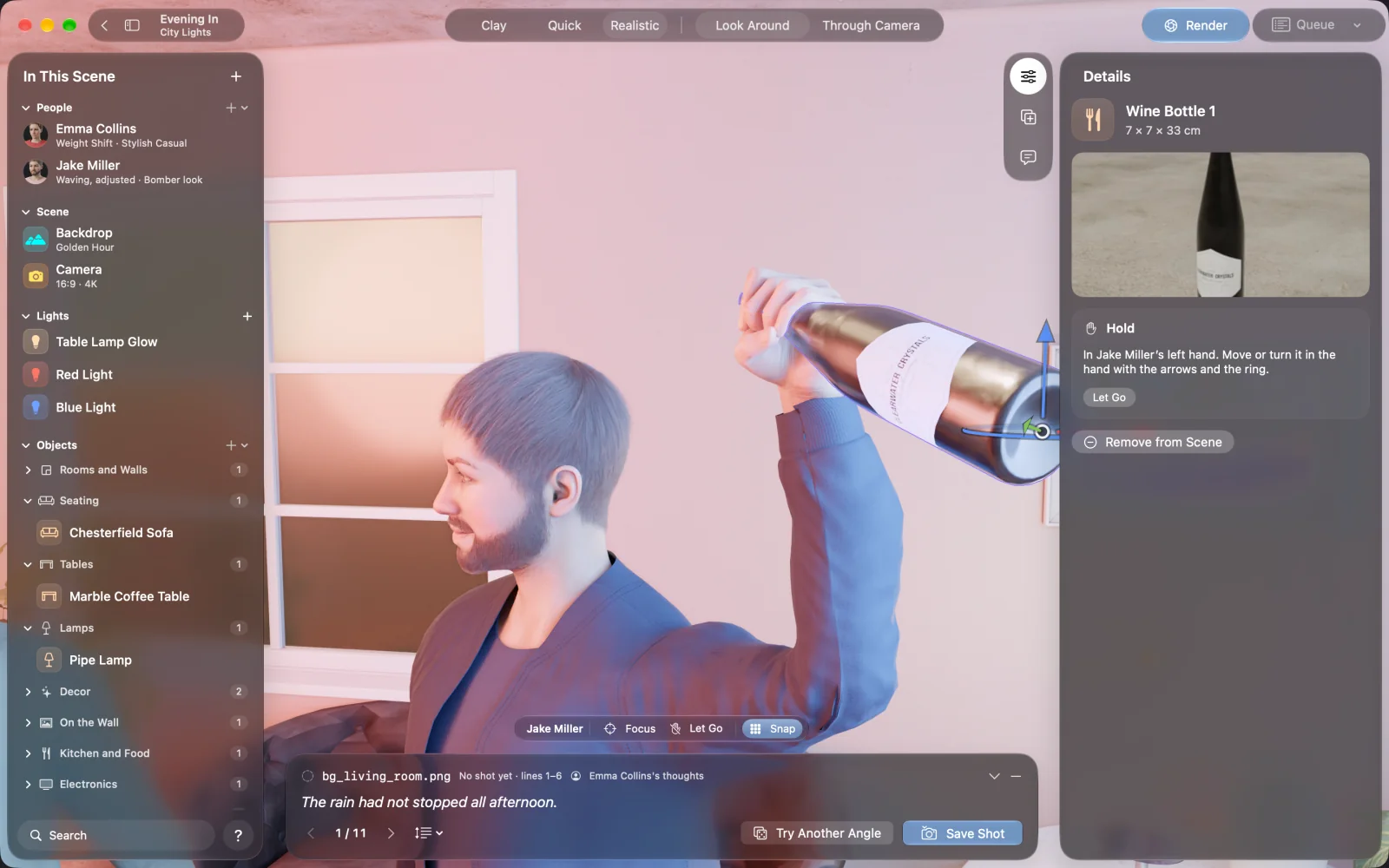
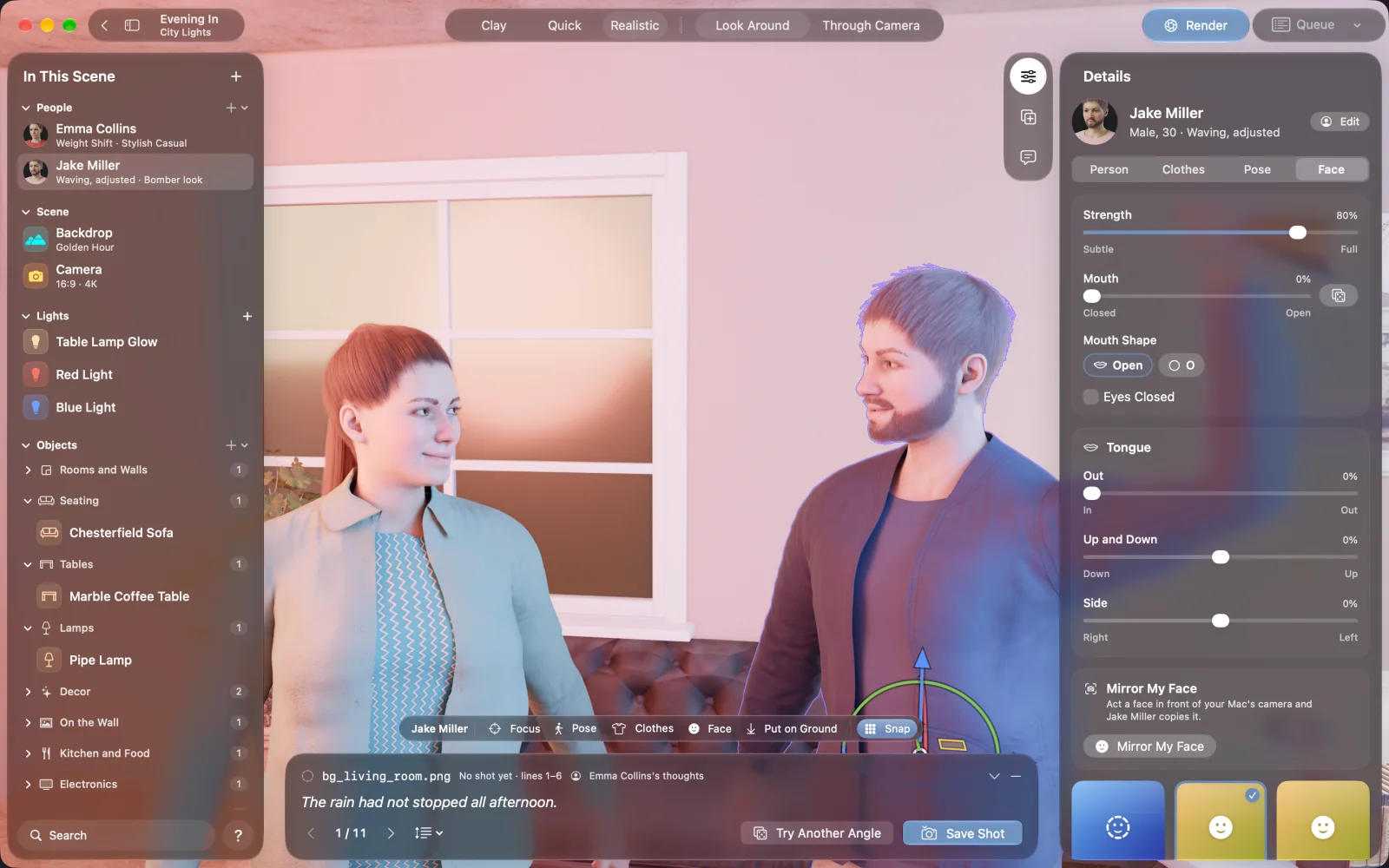
For a street or a beach that needs to feel lived in, add background people, one at a time or as a crowd of 6, 12 or 20. Each has their own face, body and hair. Dress them for the place, then have them wait, chat, walk or sit.
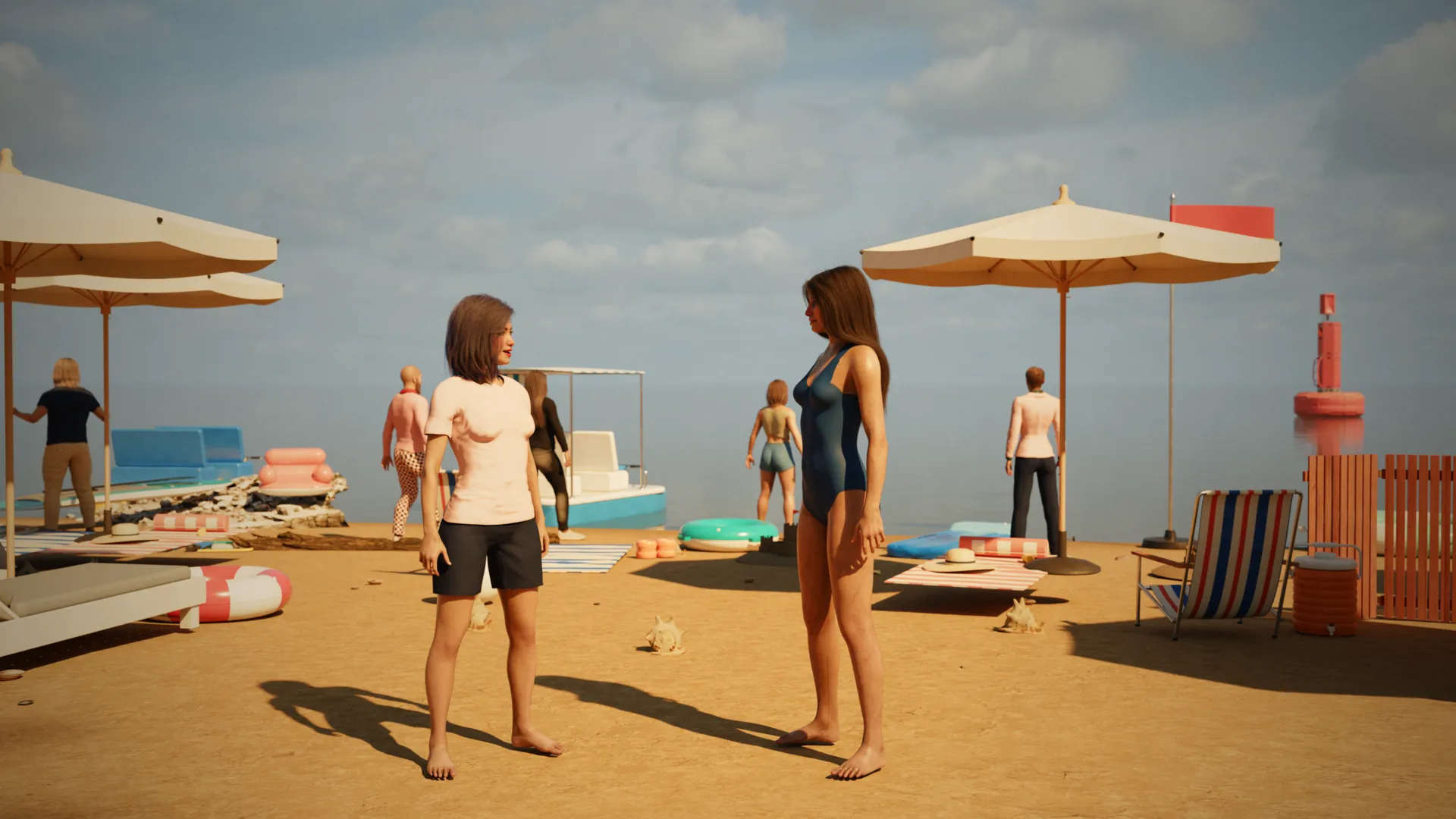
See the real light as you work
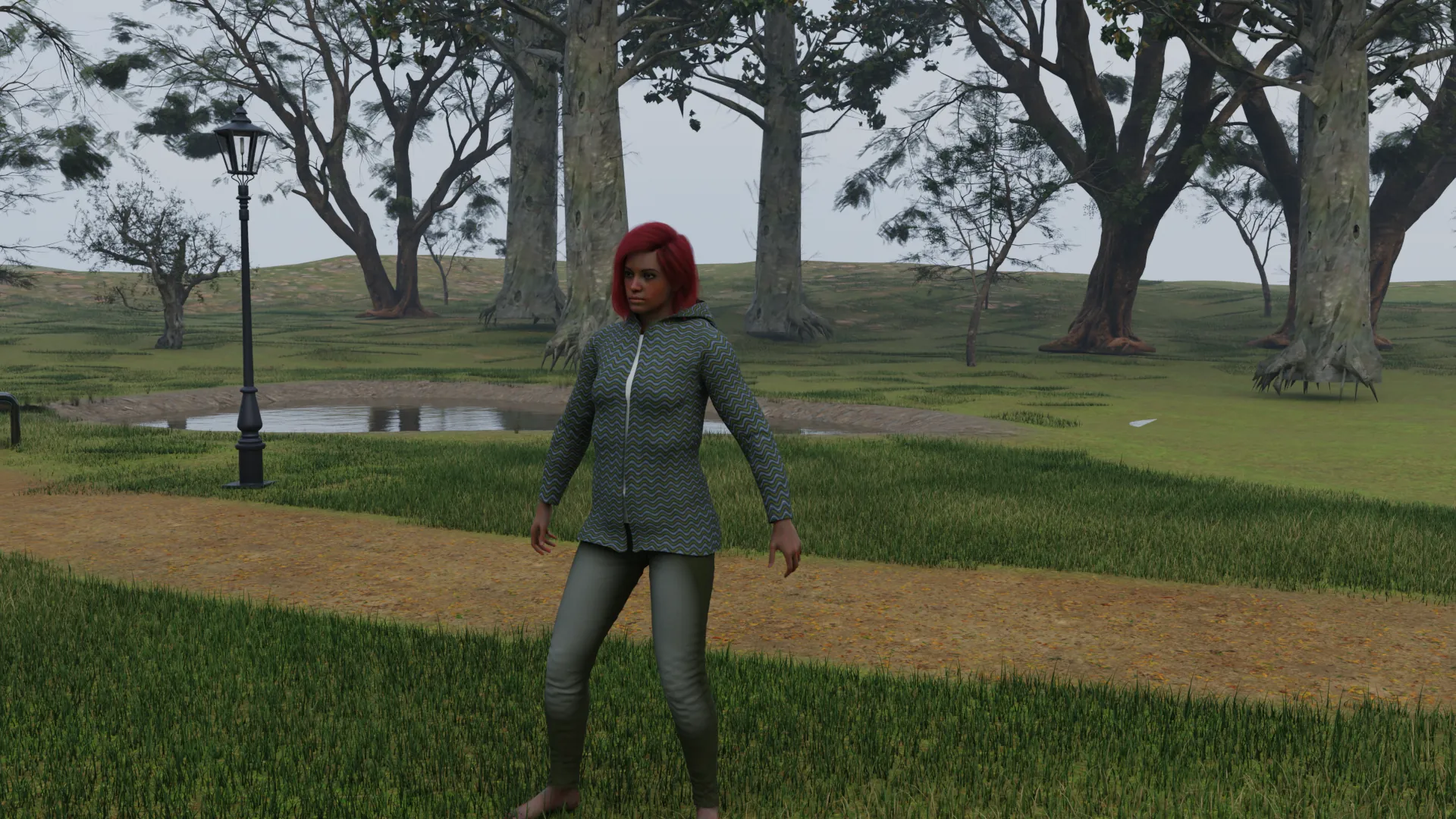
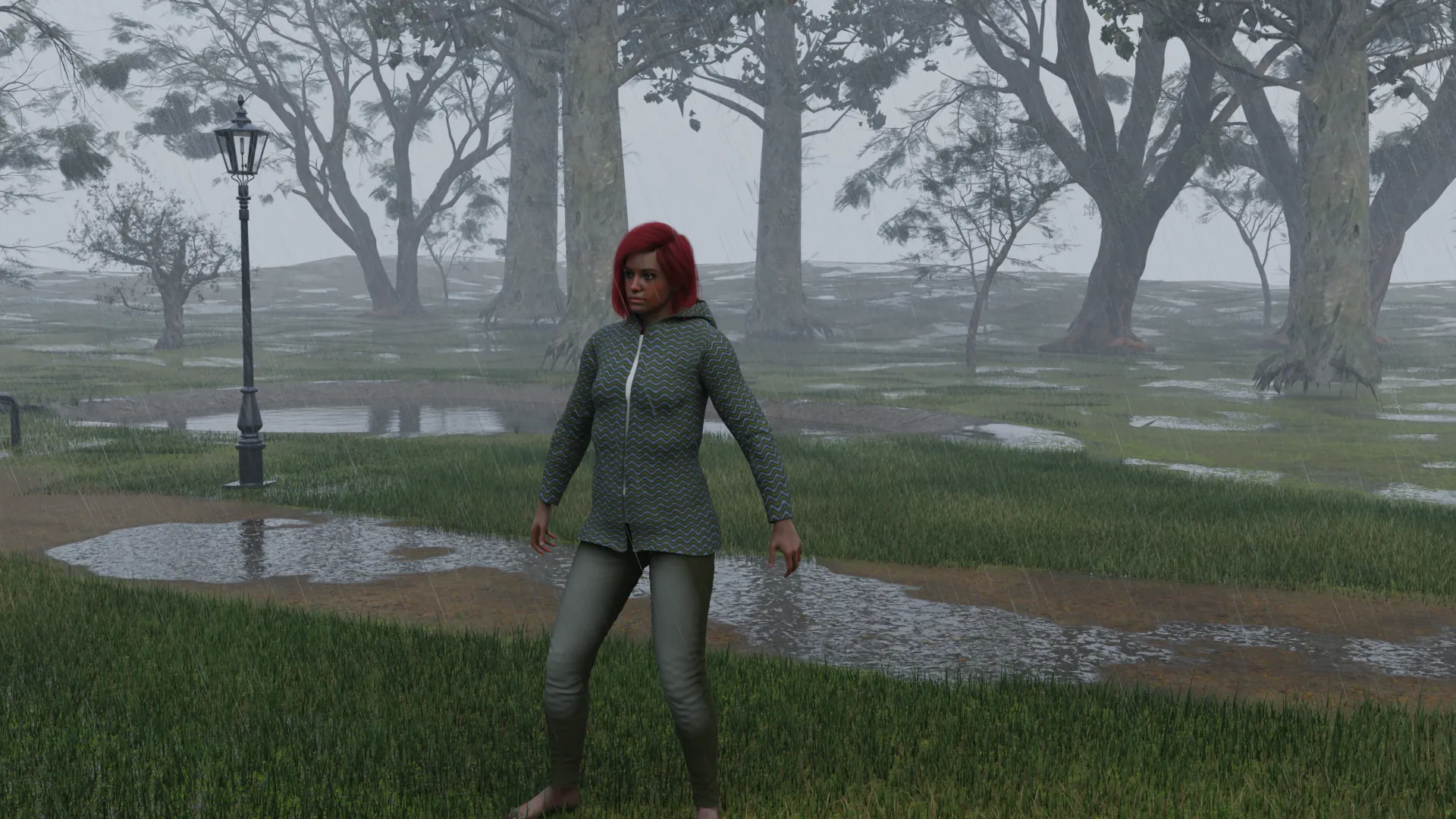
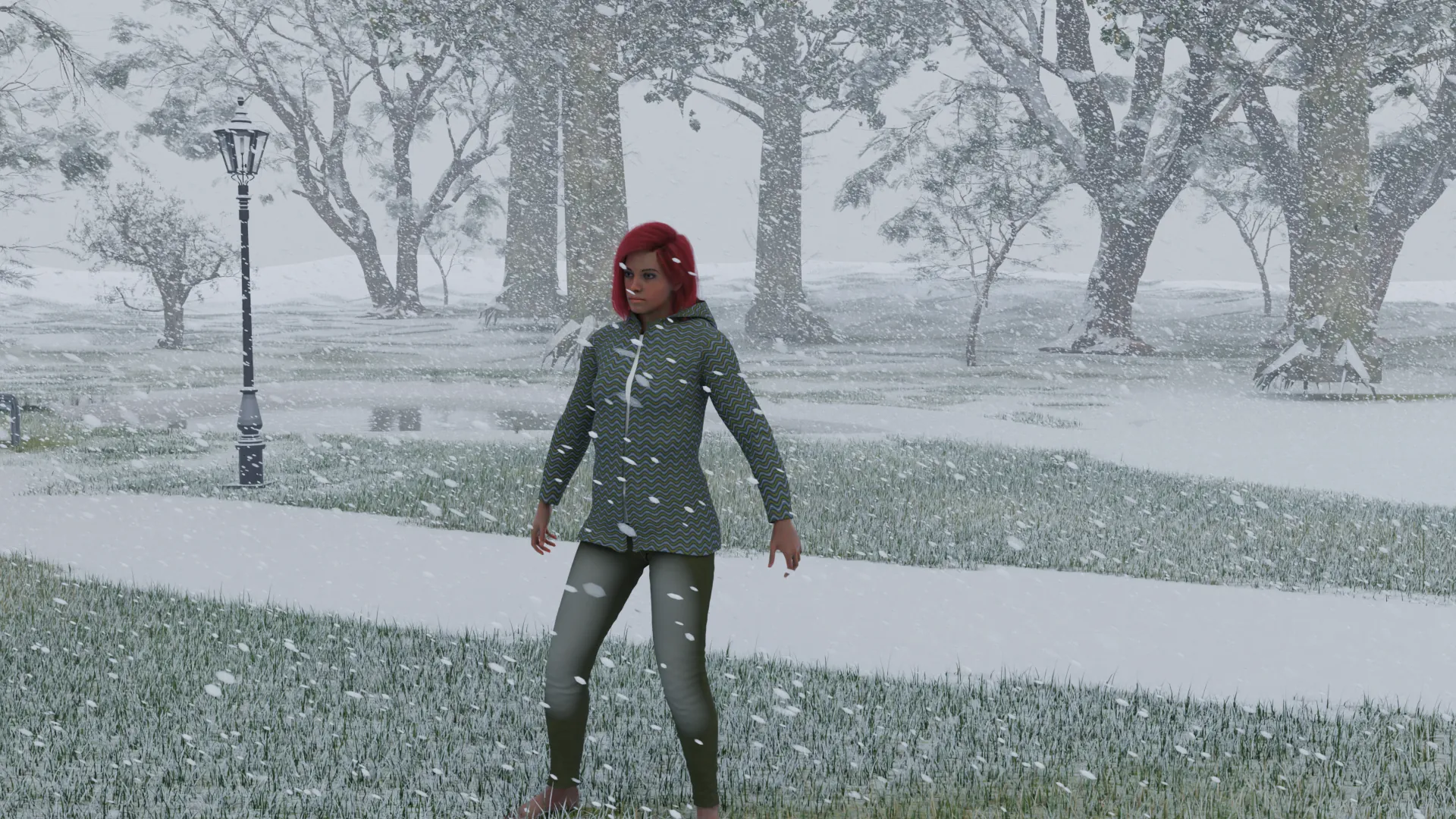
Three views sit at the top of the window. Work in Clay or Quick when a scene gets big, then switch to Realistic, which runs the renderer itself in the view.
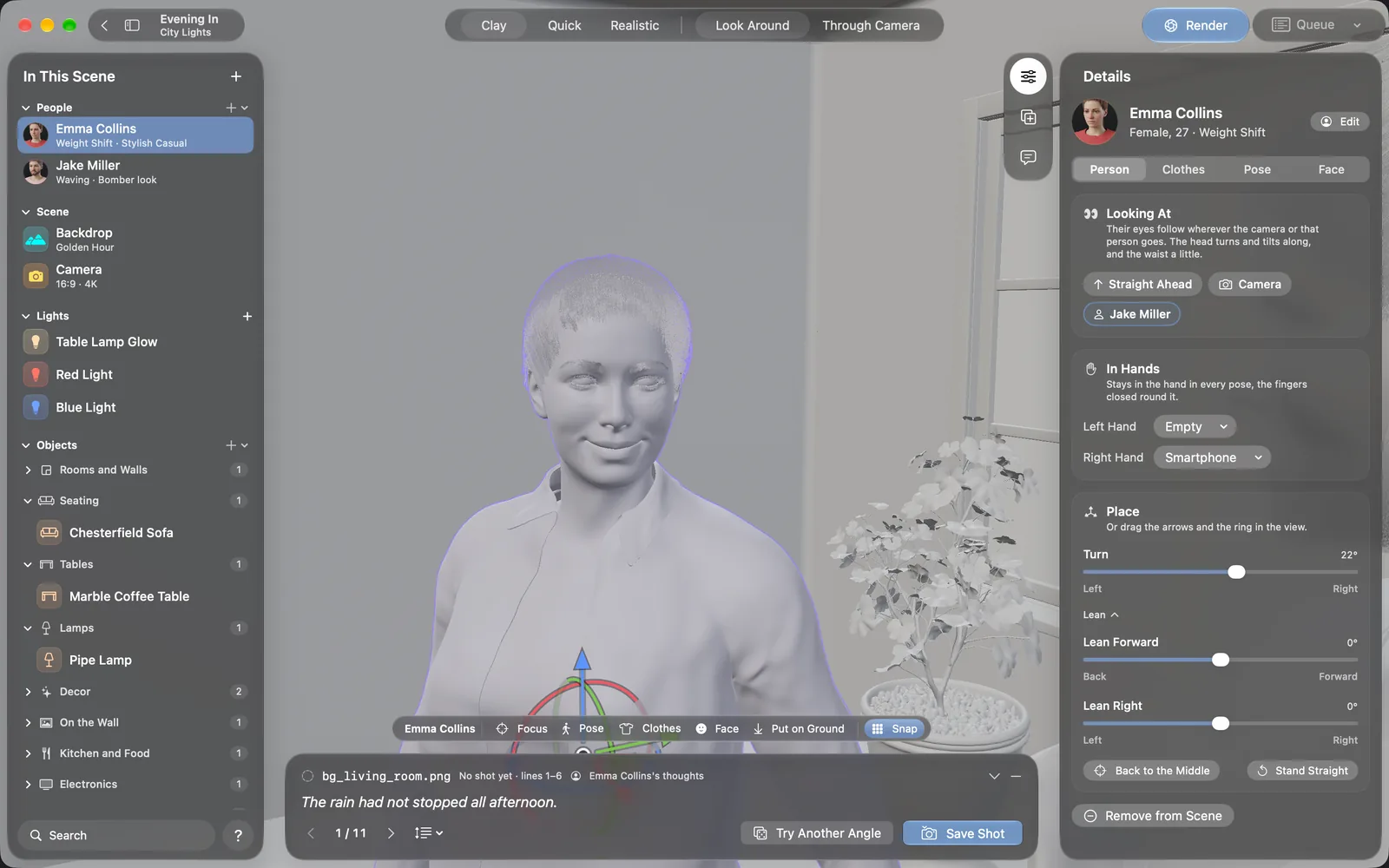
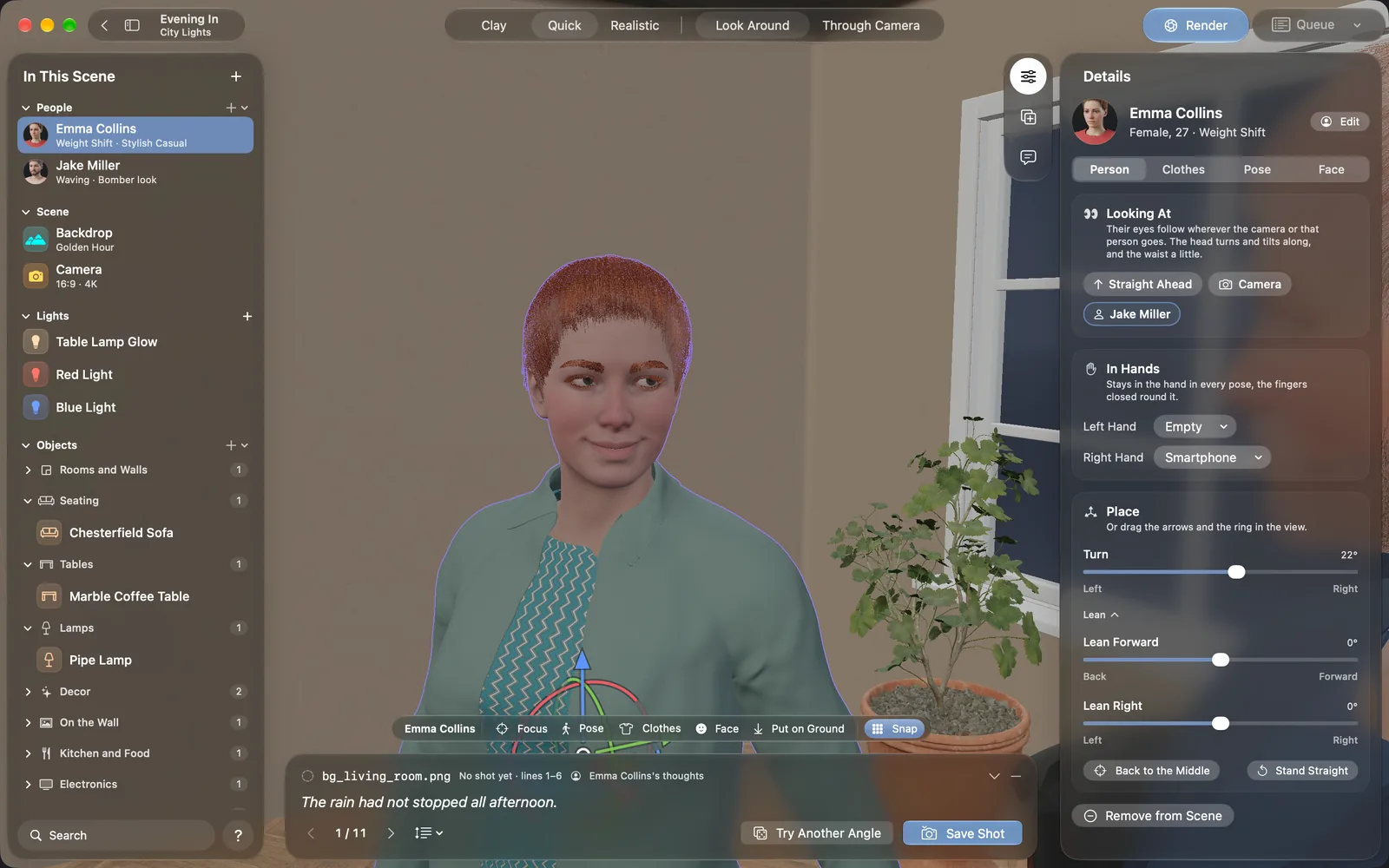
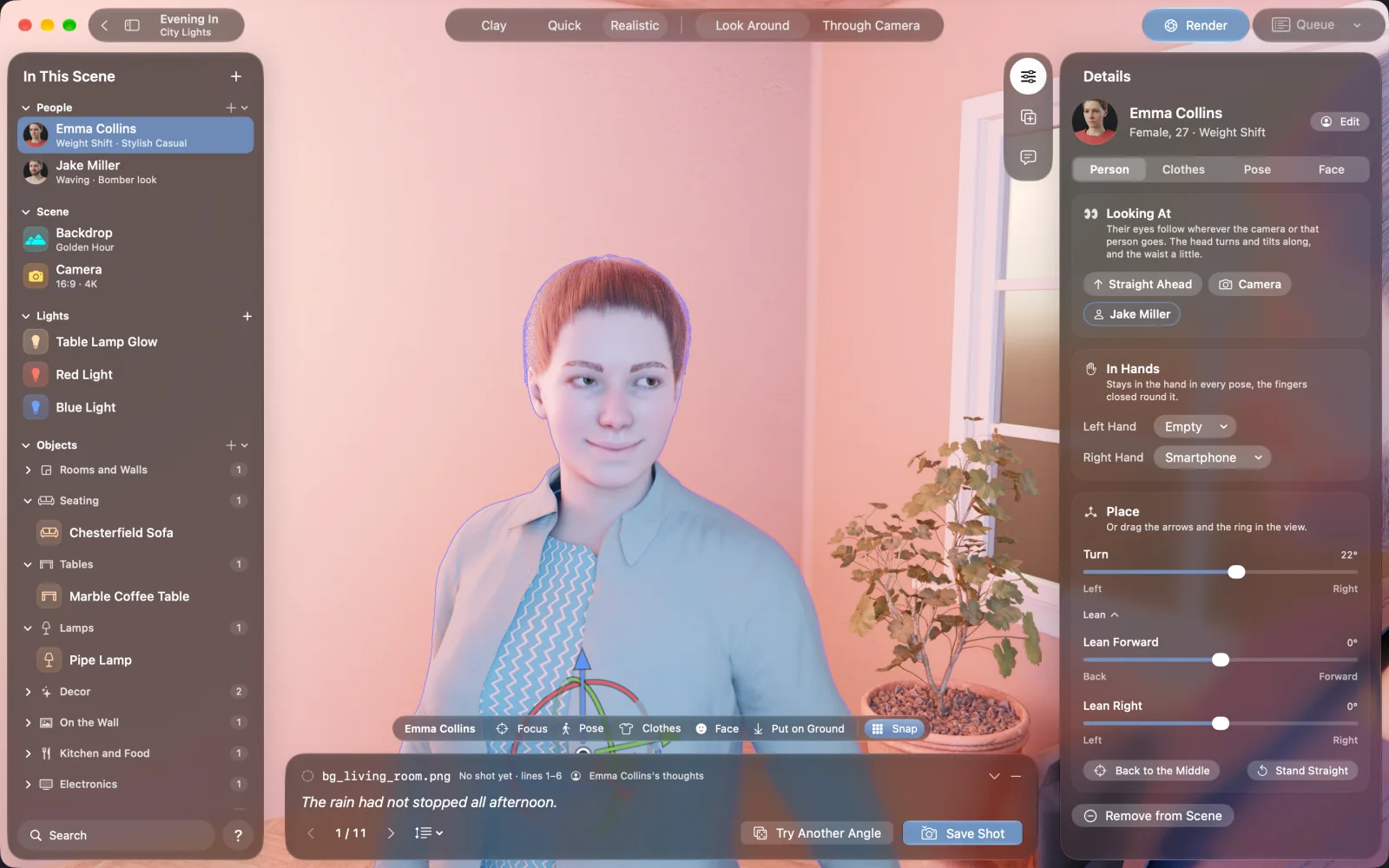
Set the hour and the sun moves. Add rain or snow, and the ground turns wet or white. Rain never falls indoors, and snow leaves the spots under cover clear.
NovelStage or Blender?
Blender is free, excellent and can do far more than NovelStage. If you want to learn 3D, it is the place to start. If you want a picture of two people in a kitchen by tonight, a full 3D suite is a lot to take on.
| Item | NovelStage | Blender |
|---|---|---|
| Made for | Pictures of people in places | Nearly everything in 3D |
| Modeling | None. You can import .glb and .gltf models with Pro. | Full modeling, sculpting and more |
| Animation | No | Yes |
| People | Built in, with clothes, hair and poses | You add them with your own models or add-ons |
| Platforms | Apple silicon Macs | Mac, Windows and Linux |
| Learning time | An afternoon to a first scene | Weeks to months |
Learning times are rough estimates and depend on you.
Questions
Do I need to model anything?
No. Everything in a scene comes from the app's libraries. With Pro you can also import your own .glb and .gltf models.
Can I export the scene to another 3D app?
No. NovelStage saves pictures: PNG, JPEG, HEIC and TIFF, plus 32-bit OpenEXR with Pro. Scenes stay in your project folder.
Which Macs does it run on?
Any Mac with Apple silicon (M1 or later) and macOS 26 or later, including models with 8 GB of memory. Renders are fastest on M3 or later, and 16 GB or more is better for large outdoor scenes.
Does it work offline?
Yes. There is no account and rendering happens on your Mac. The app goes online only when you buy or restore Pro, or if its 3D content has to be downloaded again.