
3D posing software for Mac
Pose real-looking people in a lit room, with hands that hold things and bodies that sit on furniture.
Coming to the Mac App Store in November or December 2026. Free, with an optional Pro upgrade.
Email me when it is out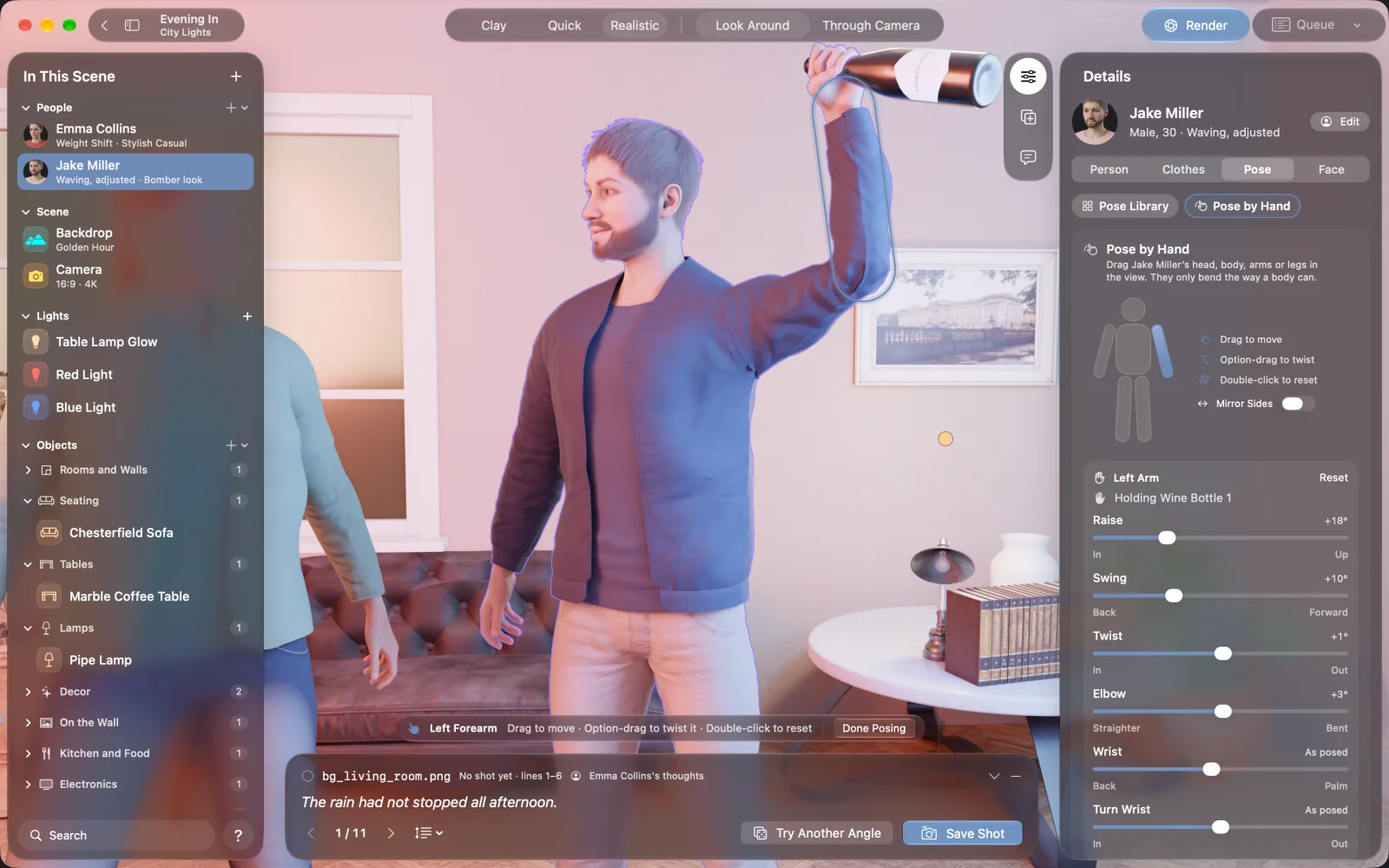
NovelStage is 3D posing software for Mac aimed at finished scenes. You start from 51 poses, drag joints by hand or copy a pose from a photo. Then people sit on furniture, hold props and touch each other without passing through. Artists can use the renders as reference with real light. For quick pose dolls, a lighter tool may suit you better.
Three ways to pose someone
Pick from 51 ready poses, and each is fitted to the body it is used on. Or grab an arm, a leg or the head and drag it. Joints only bend the way a body bends. The third way is to drop in a photo: NovelStage reads the body in it and saves the pose to My Poses, for any character.
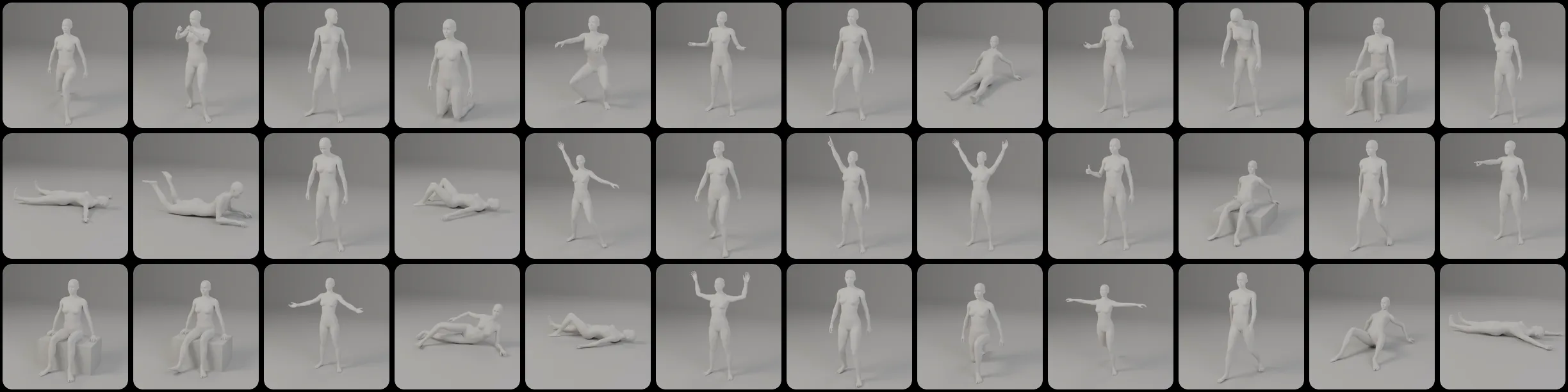
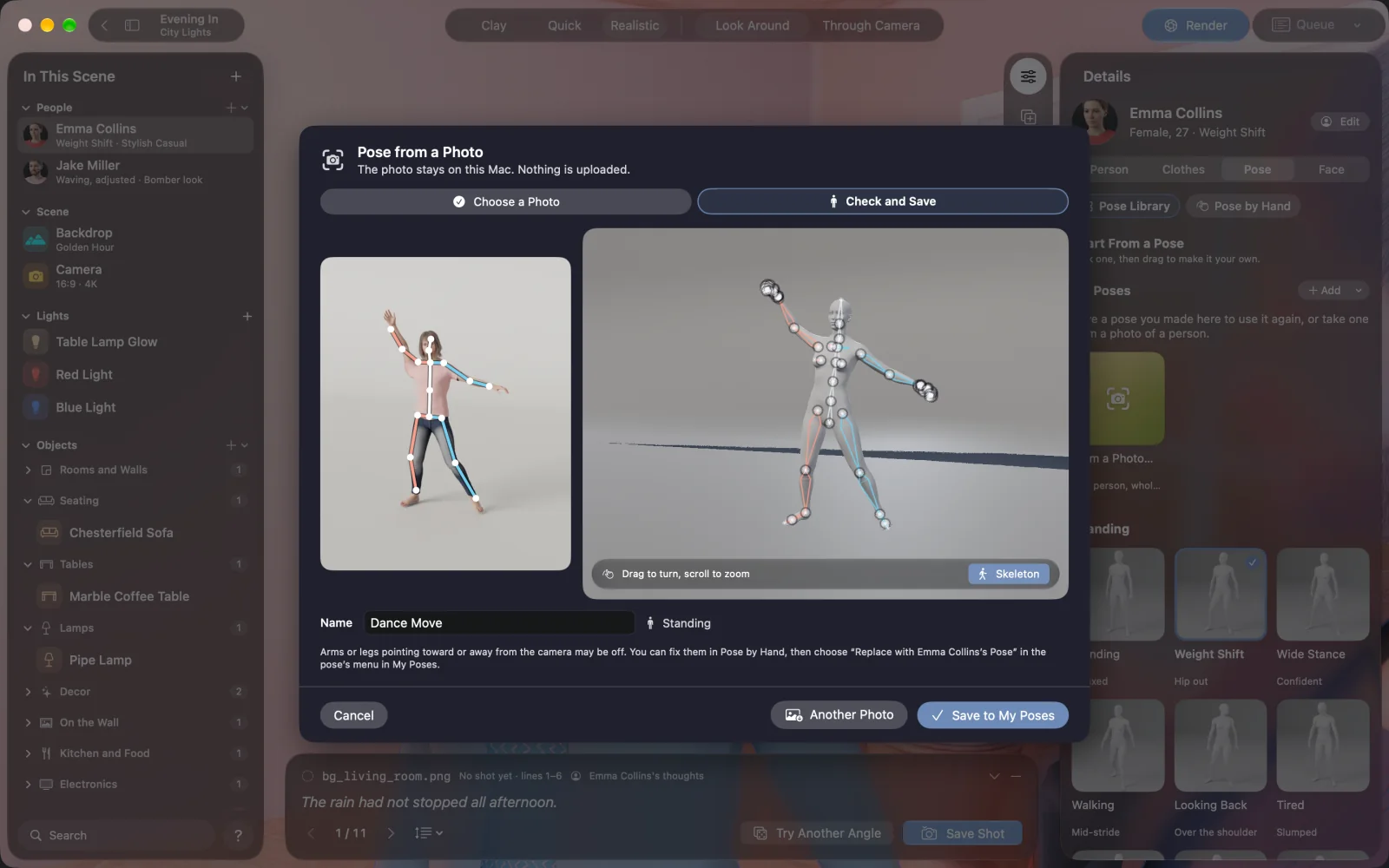
Save any pose you make and reuse it across your cast, whatever their build.
Hands, seats and other people
The hard part of posing is contact. Most tools let you get close and leave you to fix the rest. In NovelStage a pose knows about the things around it.
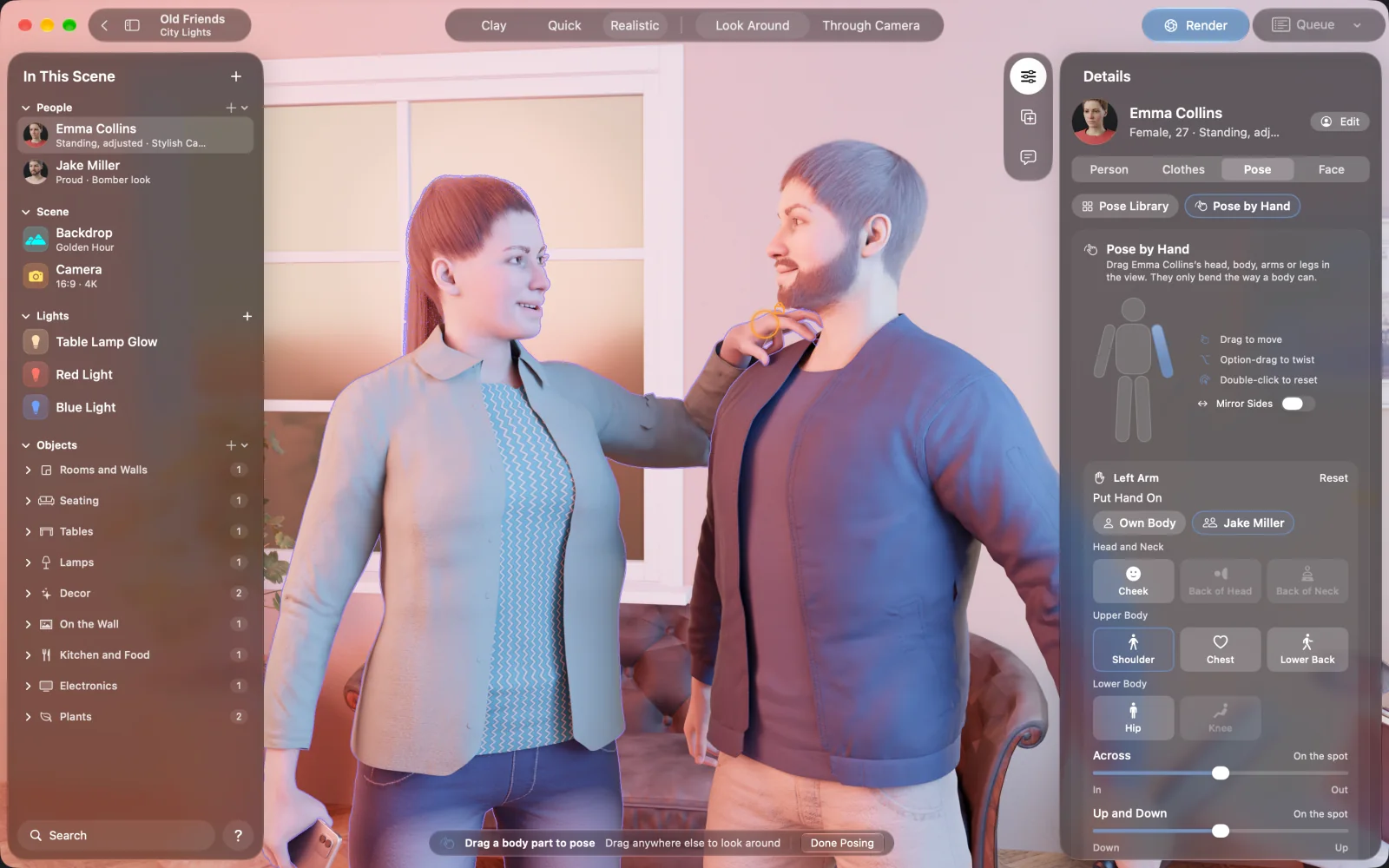
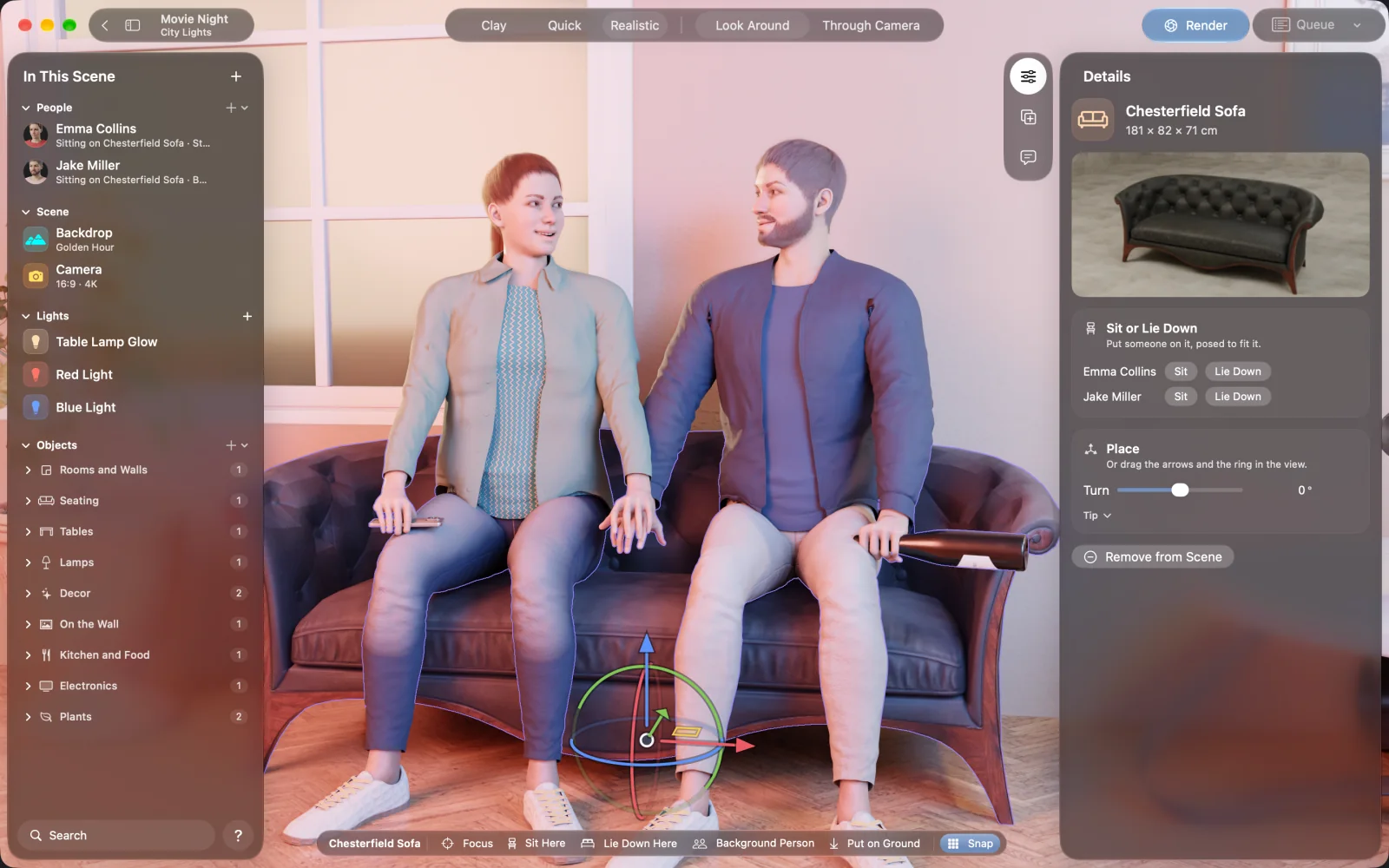
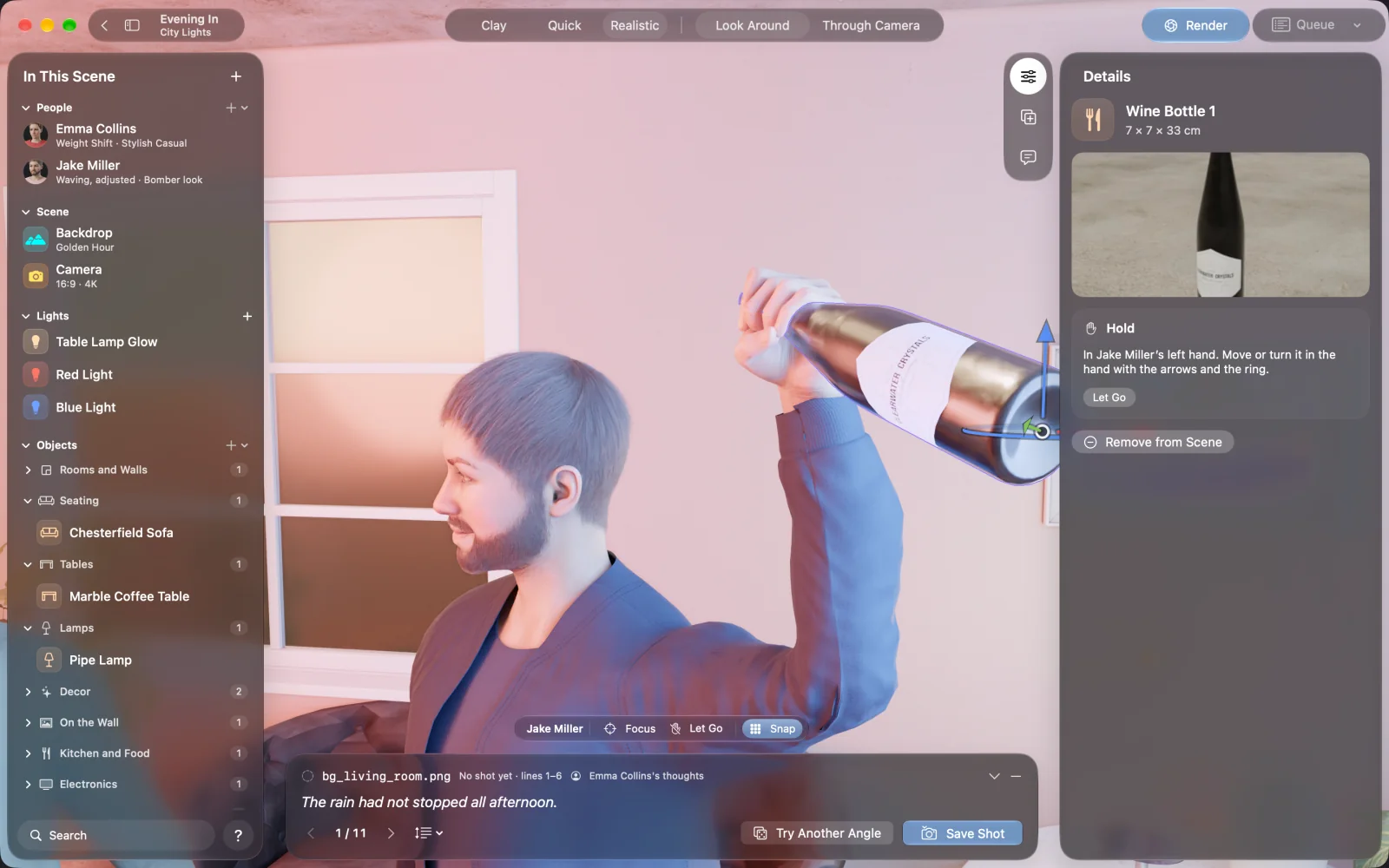
- Fingers close around phones, bottles, cups and books, and stay there in every pose.
- Sit Here reads the shape of the seat, so people sit on the cushion, not in it.
- Hands rest on a cheek, a hip or someone else's shoulder, and stay put when that person moves.
- Arms stay out of the body on any build.
Faces are part of the pose
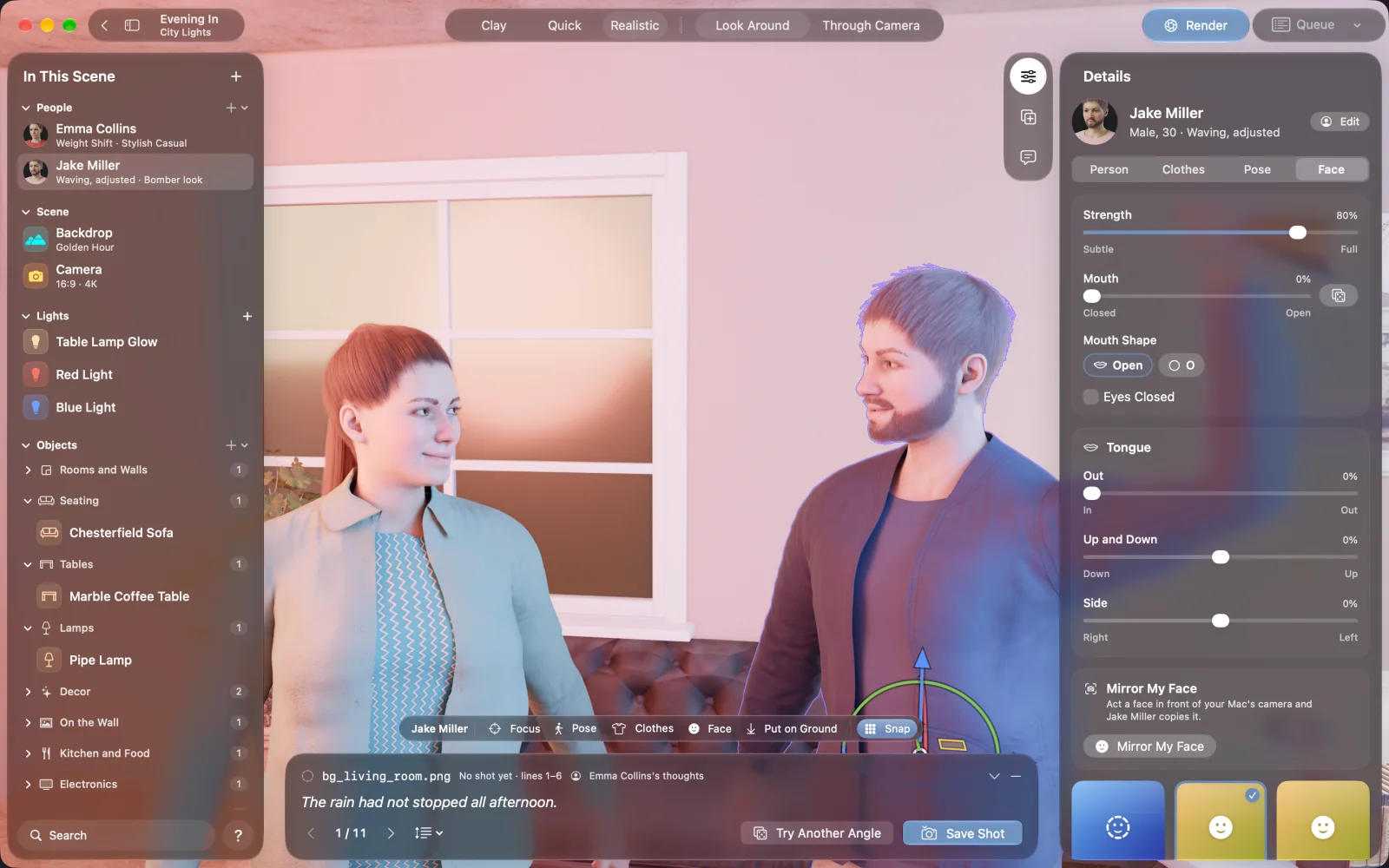
There are 15 expressions, with an O mouth, closed eyes and the tongue. Looking At turns the eyes, head and back toward someone or the camera. Mirror My Face goes a step further: the person copies your face through your Mac's camera, and Capture keeps it. The camera is on only while that small window is open, and nothing is saved or sent.
Using it as drawing reference
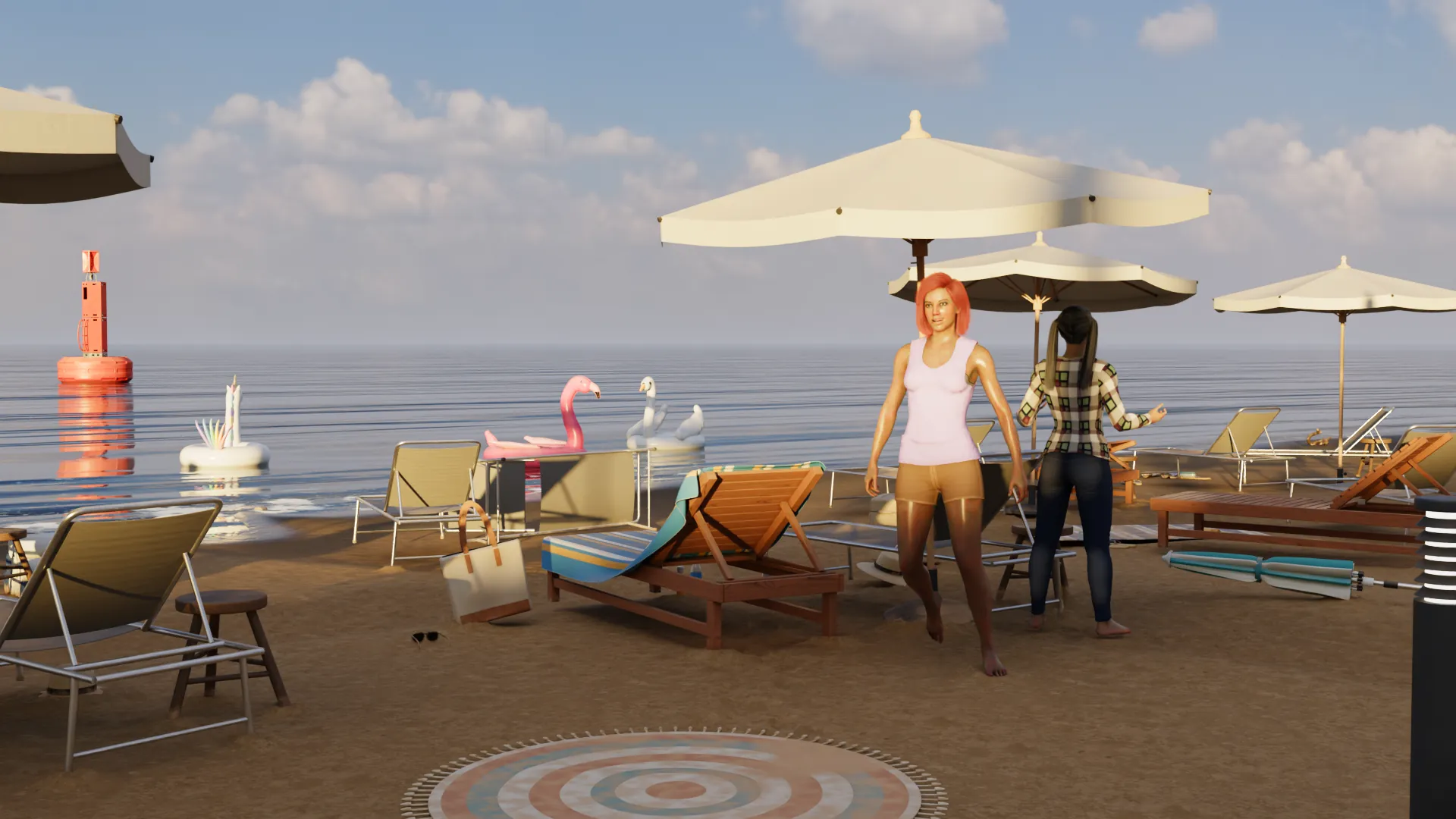
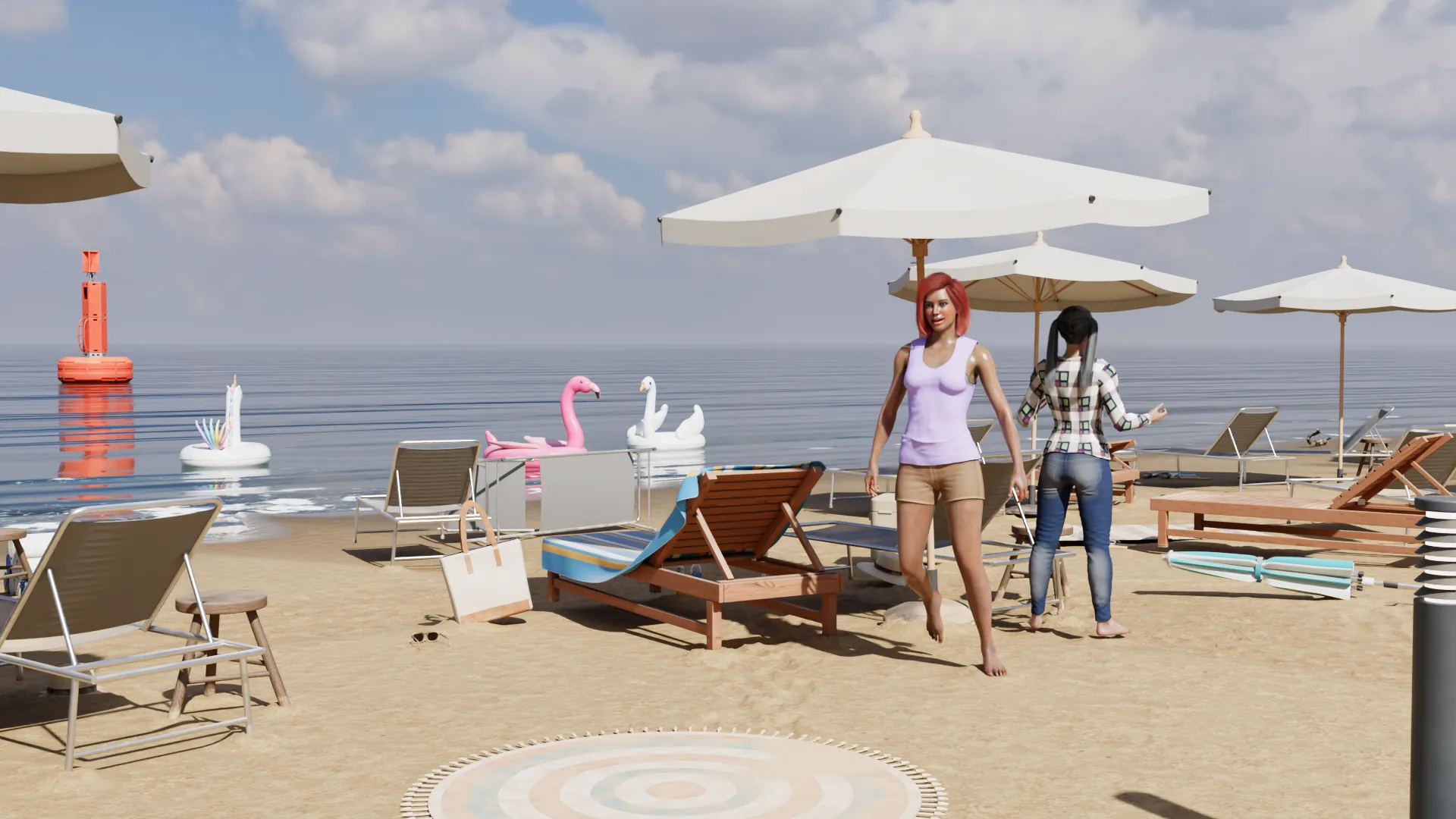
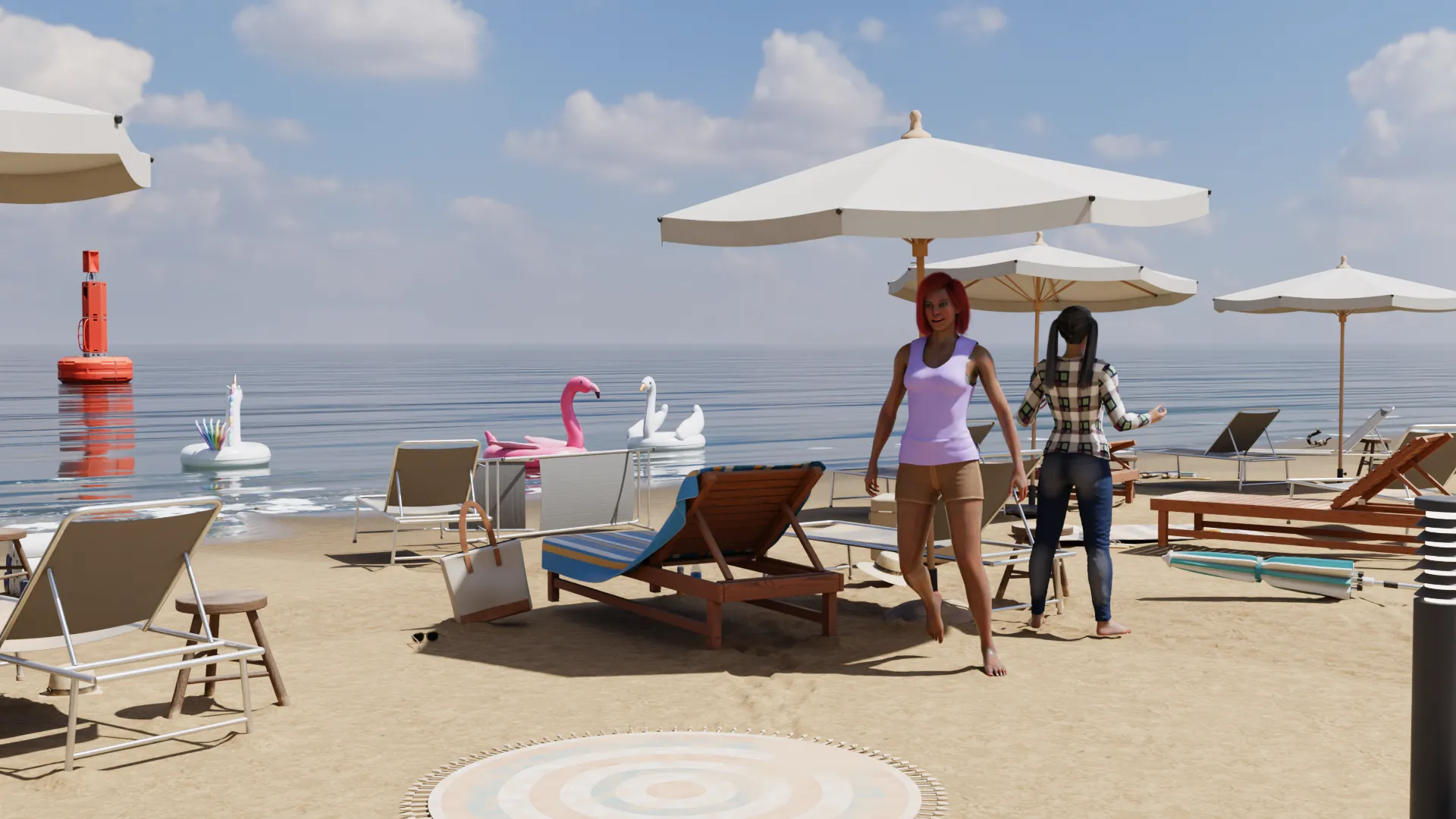
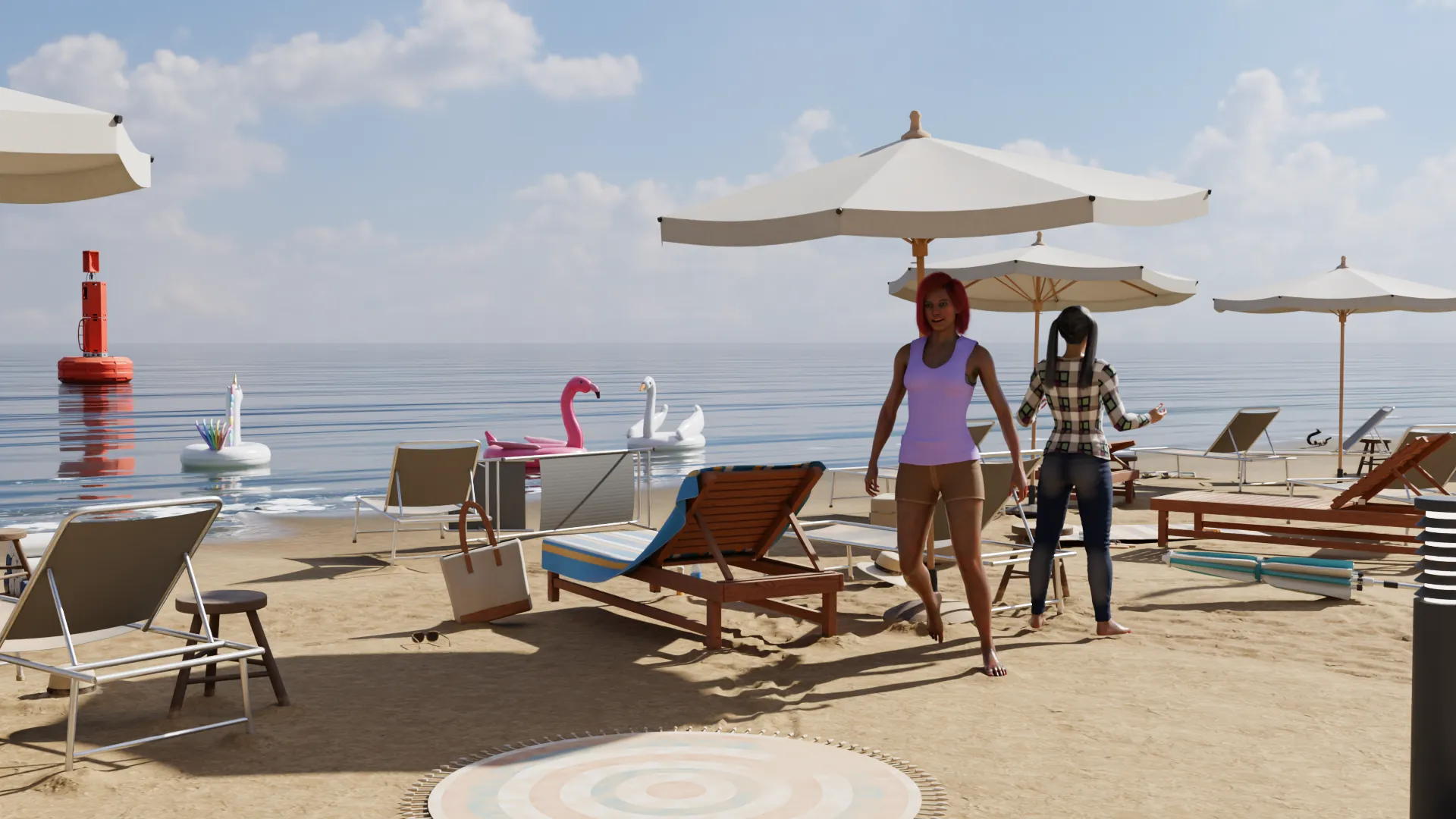
Some artists will want reference for a figure in real light. Pose someone, put them in a room, set one window or lamp, and render. You get a true read on shadows, folds in clothing and how light wraps a face. Move the camera and you can see the same pose from any side.


Other tools, and when they fit better
| Tool | Fits when you want | Runs on |
|---|---|---|
| JustSketchMe | A quick figure to sketch over | Browser, Mac, Windows, phones |
| Easy Poser | A simple pose reference app | iPad, and Apple silicon Macs |
| Clip Studio Paint | Pose figures right inside your drawing app | Mac, Windows, tablets |
| NovelStage | Dressed people in a lit, furnished scene | Apple silicon Macs |
If all you need is a figure to trace, those tools are lighter and quicker. NovelStage is the larger download and suits people who want the whole picture.
Questions
Can I pose from a photo?
Yes. Drop a photo into Pose from a Photo, and the app reads the body with Apple's tracking on your Mac. The pose goes into My Poses, and you can use it on any character.
Can two characters interact?
Yes. Hands can rest on another person and stay there when they move, and Looking At makes people face each other. Sitting side by side on a sofa works too.
Can I save the poses to use in another app?
You can export a saved pose as a pose file, to use on another Mac. Renders are ordinary pictures, so they work as reference in any drawing app.
Does it work with a drawing tablet?
NovelStage is not a drawing app. You pose with a mouse or trackpad, render a picture, and take it into your drawing app.
Sources
Daz Studio, Poser, Character Creator, Blender, Clip Studio Paint and other names here belong to their owners. NovelStage is not affiliated with any of them.